
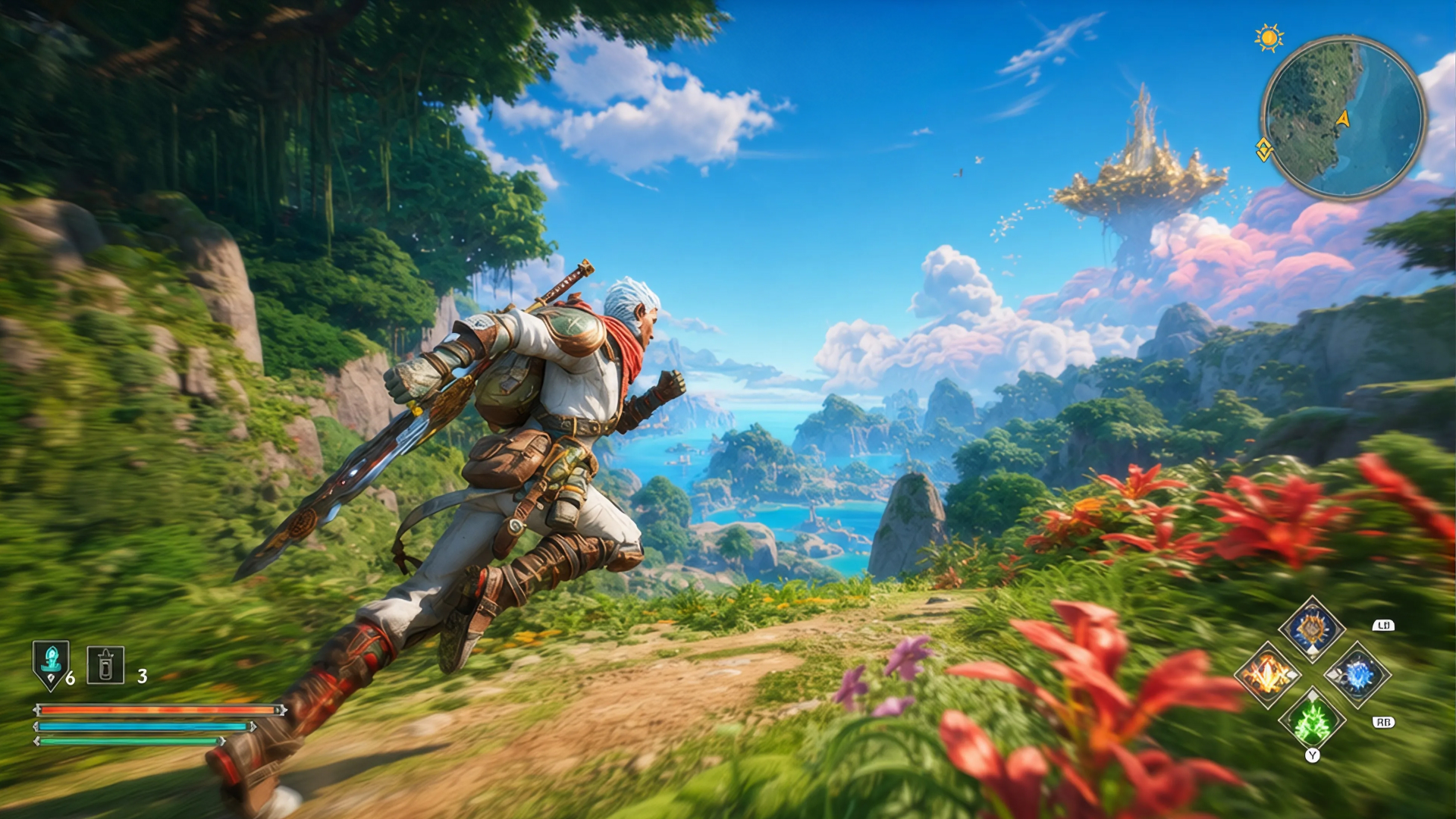
- LTX is an open world model built for fine-tuning; game worlds come from base model plus fine-tune.
- Map look, continuity, layout and ambience to T2V, I2V, extension, IC-LoRA and V2A training modes.
- Turn engine captures into data, train a greybox-to-final IC-LoRA, and render long windowed traversals.
You do not need a dedicated model to build world models for game environment generation. LTX-2.5 is, in the words of its model card, "an open world model with open weights, built for local execution and fine-tuning." For a game team the path is the base model plus a fine-tune on your own engine footage, trained with the open-source LTX trainer. This guide maps each thing a game world model has to do to a documented training mode, then covers the dataset, a working config and long traversals.
What does a game world model need?
A game world model for environment work has four jobs: render your world's art direction, keep a space coherent as the camera moves through it, follow a layout you control, and sound like the place it shows. Each job maps to a different training mode in the LTX trainer, so the first decision is which jobs you actually need. Most teams start with one, usually the look, and add control later.
Prerequisites for training
LTX-2.5 training runs through the ltx-trainer package, which needs Linux because it depends on triton, with CUDA 13+ recommended. The standard config is sized for an 80GB NVIDIA GPU; 32GB cards such as the RTX 5090 use configs/t2v_lora_low_vram.yaml, which combines an 8-bit optimizer, INT8 quantization and a reduced LoRA rank. The model card states that the dev transformer is fully trainable. Two version rules matter: LTX-2.5 needs its LTX-specific Gemma 4 text encoder, and a LoRA only works with the model it was trained on, so train against the same checkpoint you will run.
Which training mode fits which goal?
World model training on LTX-2.5 uses the trainer's flexible strategy, where each mode is a config, not separate code. Match the job to the mode:
• Your world's look → text-to-video LoRA (t2v_lora.yaml). Train on captioned engine captures and the model learns the materials, palette and architecture of your world.
• Start from a level shot → image-to-video (i2v_lora.yaml). A first_frame condition makes the first latent frame clean, so a screenshot or concept painting anchors the generated move.
• Keep the world going → video extension (video_extend_lora.yaml). A prefix condition feeds existing frames as context; temporal_boundary: 8 is 8 latent frames, or 64 pixel frames with the default VAE.
• Follow your layout → IC-LoRA video-to-video (v2v_ic_lora.yaml). Reference latents are concatenated to the target, which the docs list for control adapters such as depth and pose.
• Sound like the place → video-to-audio (v2a_lora.yaml). Video stays frozen and only audio is denoised, for ambience matched to the picture.
The IC-LoRA route is the closest thing to AI level design control. If the reference is a greybox render of your level and the target is the finished render along the same camera path, the adapter learns to dress your blockout in your art style. That pairing is our suggestion built on the documented reference mechanism, not a pre-trained adapter, so treat the first run as an experiment.
How do you build the dataset?
Dataset preparation for a game world model starts in your engine, not on the web. Record camera moves through finished areas, then run the documented steps: split_scenes.py to cut long captures, caption_videos.py to write captions, and process_dataset.py to compute latents and text embeddings. Captions should describe both visuals and audio, and auto-generated captions can hallucinate, so review dataset.json before preprocessing.
For the IC-LoRA greybox route, render each camera path twice from the engine, once greybox and once final. Paired videos need the same frame count, and the reference_video column is detected automatically:
uv run python scripts/process_dataset.py dataset.json \
    --resolution-buckets "512x512x121" \
    --model-path /path/to/ltx-2.5-transformer.safetensors \
    --text-encoder-path /path/to/text_encoders/gemma4-12b-with-proj-ltx-2.5-bf16.safetensors \
    --video-vae-path /path/to/vae/ltx-2.5-video-vae-bf16.safetensors \
    --audio-vae-path /path/to/vae/ltx-2.5-audio-vae-bf16.safetensors \
    --reference-downscale-factor 2 \
    --lora-trigger "MYWORLD"
Bucket choice follows the docs: larger spatial size with fewer frames (for example 768x448x89) for detail, smaller spatial size with more frames (512x512x121) for motion-focused footage, which suits traversal. Frame counts must satisfy (frames - 1) % 8 == 0 and dimensions must be multiples of 32. A downscaled reference (--reference-downscale-factor 2) cuts conditioning tokens, which the docs note speeds both training and inference. The trigger word is prepended to every caption automatically.
An environment IC-LoRA config
An environment IC-LoRA config combines the reference condition with occasional first-frame conditioning, as in the documented V2V example:
training_strategy:
  name: "flexible"
  video:
    is_generated: true
    latents_dir: "latents"
    conditions:
      - type: reference
        latents_dir: "reference_latents"
        probability: 1.0
      - type: first_frame
        probability: 0.2
lora:
  rank: 32
  alpha: 32
  target_modules: ["attn1.to_k", "attn1.to_q", "attn1.to_v", "attn1.to_out.0",
                   "attn2.to_k", "attn2.to_q", "attn2.to_v", "attn2.to_out.0"]
optimization:
  learning_rate: 1e-4
  steps: 2000
  enable_gradient_checkpointing: true
Point model_path at the distilled transformer (ltx-2.5-22b-distilled-transformer-bf16.safetensors) for this adapter. The ICLoraPipeline you will run it in is documented as distilled-only, and a LoRA works only with the model it was trained on. For a distilled checkpoint, the trainer's documented validation starting point is 8 steps, CFG scales of 1.0 and STG scales of 0.0. The target modules are the documented video-only set, which fits a video-only IC-LoRA. For validation, add a reference sample with downscale_factor: 2 to match preprocessing, because validation media is encoded on the fly and cannot infer the factor. Rank sits in the documented 8 to 128 range; raise it to 64 or 128 if the dressed environments lack detail. Watch validation samples for overfitting: a world model that only reproduces your capture paths has memorized, not generalized.
Running long world traversals
World traversals longer than one clip use the windowing built into the inference pipelines. The ICLoraPipeline, which runs on the distilled checkpoint in two stages, takes your adapter with --lora and the greybox guide with --video-conditioning. For long clips, --chunk-pixel-frames (default 97) and --chunk-carry-frames (default 25) split the clip into overlapping windows, and --chunk-blend-frames sets the crossfade at each seam. For scale, a single 121-frame clip at 24 fps runs about 5.04 seconds.
Two more pipelines fill the gaps. The RetakePipeline regenerates a chosen time region of an existing video and preserves the rest, so one bad corridor does not cost the whole traversal. Keyframe interpolation with the TI2VidTwoStagesPipeline takes keyframe images at chosen frame indices, which lets two concept paintings bracket a transition between areas. Learn more about the extension side in the guide to longer AI videos.
What a fine-tune cannot do yet

A fine-tuned LTX-2.5 generates video of your world; it is not a playable engine. The model card is direct about scope: the established use is generating synchronized video and audio from text, image and video inputs, and applicability to emerging domains such as robotics and physical AI is developing. The training modes documented today condition on text, images, video and audio, not on controller input, so treat interactivity and strict physical consistency as goals for your fine-tune to aim at, not capabilities to promise.
Licensing is the other check before production. For organizations under $10M in annual revenue, LTX-2.5 allows commercial and production use at no cost under the LTX-2.x Community License; above that threshold a paid commercial agreement applies. The model card also notes that transferring fine-tunes may require a paid license, so read the terms before shipping a trained world model to a partner.
Summary
World models for game environment generation can be built on LTX-2.5, an open world model with open weights built for local execution and fine-tuning. The LTX trainer maps each job to a documented mode: text-to-video LoRA for look, image-to-video for anchored starts, video extension for continuity, IC-LoRA for layout control and video-to-audio for ambience. Engine captures become training data through split, caption and preprocess steps, with frame counts that satisfy (frames - 1) % 8 == 0. Long traversals run through ICLoraPipeline windowing, with RetakePipeline for fixes.
Ready to train your world? Start with the LTX Trainer, read the IC-LoRA guide before the greybox run, see the training data guide for capture planning, and explore LTX world model capabilities and the wider game development picture.
