Multi-shot prompting for LTX-2.5: name each cut in prose, re-establish framing, carry identity and audio across cuts, and keep 2–4 shots per generation.

How LTX API pricing works: the per-second cost by model tier and resolution, the SKU system, prepaid vs postpaid billing, and how to estimate your spend.
Adding water to a shot no longer needs a fluid solver. Here is how to pick a pipeline, write the prompt, fix a bad take, and get the element into comp.
A practical guide to fine-tuning LTX-2.5. Learn LoRA versus full fine-tuning, hardware needs, dataset prep, config, and running your own trained model.
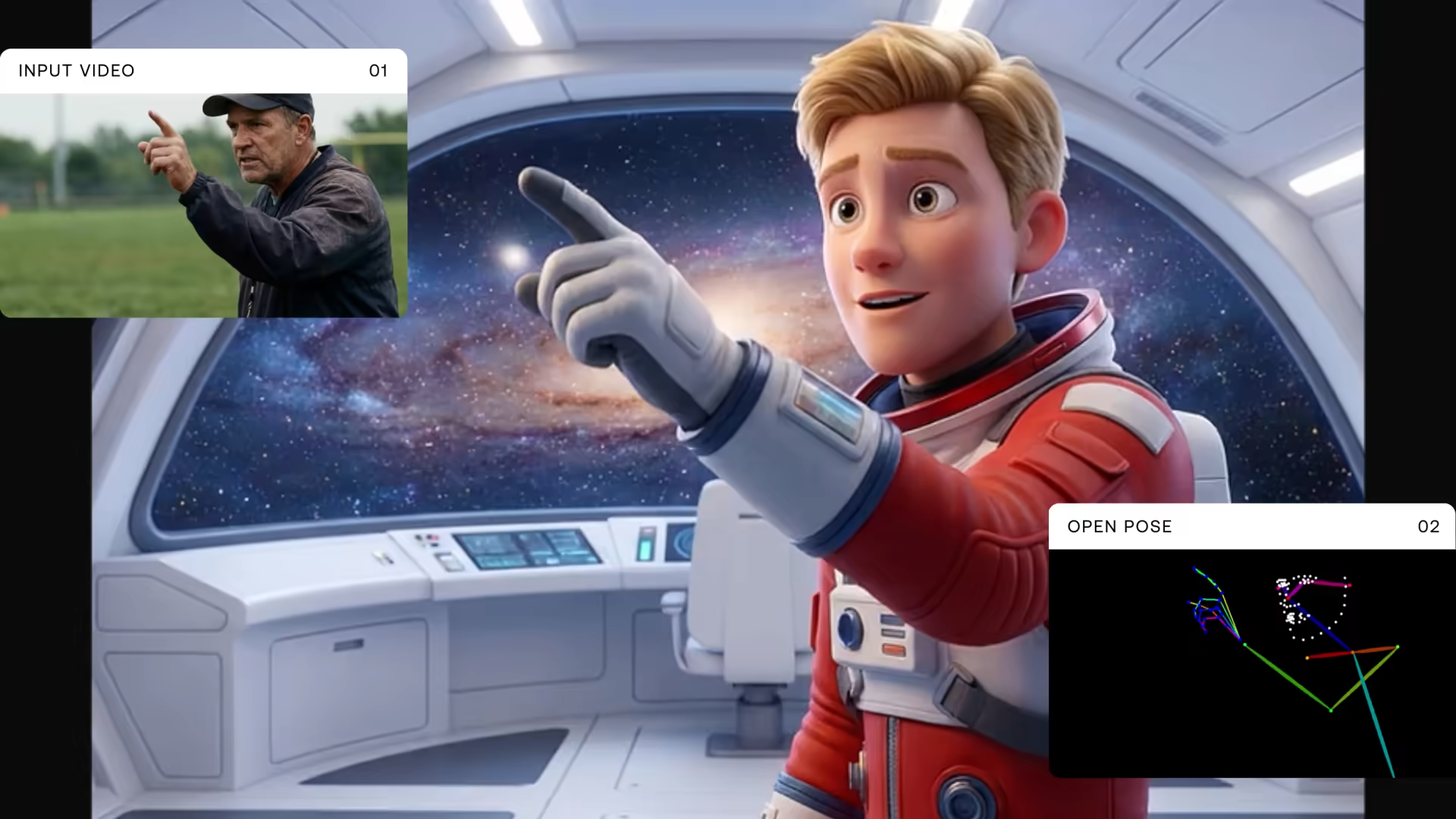
How AI motion synthesis fits an animation pipeline from blocking to final render, using LTX-2.5 keyframe interpolation, IC-LoRA motion transfer, and STG.
An AI video resolution guide to 4K vs 1080p in AI video generation, native vs upscaled output, and how LTX-2.3 reaches higher resolution with upsampling.
Clean audio in AI video means sync, signal, and intent. Learn what LTX-2.5's unified audio-video model actually requires to produce publish-quality sound.
Open source vs closed source AI video models compared: control, cost, IP, and deployment, plus where an open source ai video generator like LTX-2.5 fits.
A practical guide to integrating AI video generation into a VFX pipeline with LTX-2.5: where it fits, which pipeline to use, and how to move the frames.
LTX Explore is a self-service platform that provides instant access to LTX's video generation capabilities. One prompt, one click. No API integration, no technical setup, no knowledge required.
LTX-2.5 is here: open weights video AI with Pixel Diffusion, native multishot generation, sharper prompts, and full HDR ACES support for filmmaking teams.
LTX-2.5 turns any SDR video into true HDR, restoring clipped highlights and flat shadows and returning scene linear EXR ready for professional grading.
Generate AI stock footage and b-roll with LTX-2.3. A guide for agencies and producers covering workflow, prompt templates, licensing, and cost at scale.
Before you collect a single clip, you need to decide exactly what you want the LoRA to do at inference. Every later choice you make flows from this one.
Foley LoRA for LTX-2.3-22B generates synchronized, realistic sound effects directly from silent video — footsteps, impacts, weather, machines. No speech or music.
Relight IC-LoRA for LTX-2.3 rewrites sunlight in exterior footage to any direction and look using a light-direction sphere. Full relight in a single pass.
Clean Plate LoRA for LTX-2.3 removes people, vehicles, and their shadows from video, then inpaints a seamless background in a single pass. No manual roto.
Cinemagraph LoRA for LTX-2.3: animate a single element while everything else stays perfectly frozen. Generate seamless loops from one image and prompt.

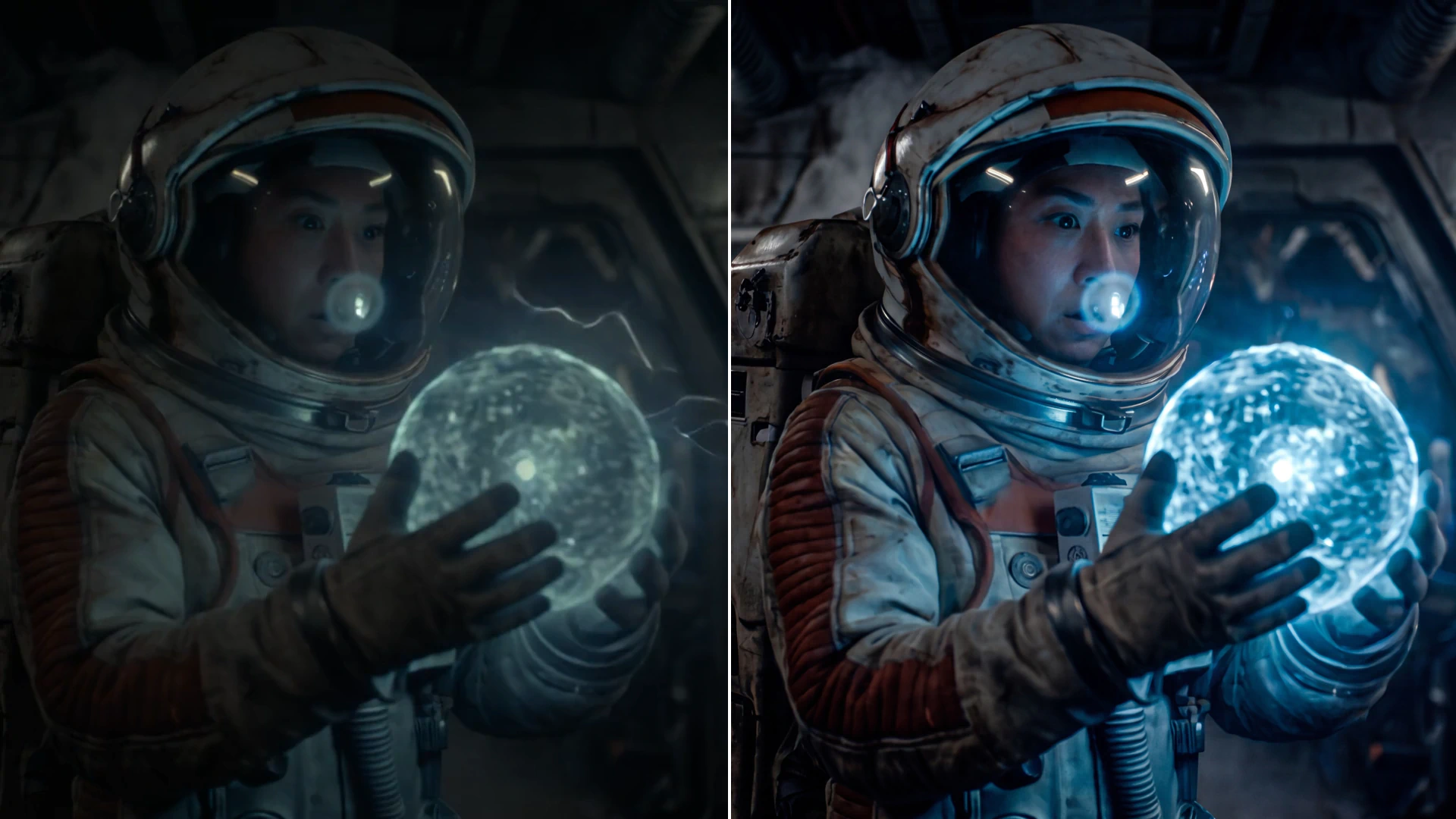
Compare the top open source video generation models in 2026. LTX-2.5, WAN 2.2, HunyuanVideo, and CogVideoX. Covers VRAM requirements, licensing, and how to choose for your workflow.
A step-by-step guide to installing an open-source AI video model in ComfyUI locally, covering setup, model downloads, prompting, and your first render.
A new IC-LoRA brings native 16-bit HDR EXR output to AI-generated video, finally closing a real gap between AI clips and true VFX production pipelines.
From AI pre-viz to audio-driven video, discover the 7 trends reshaping creative production in 2026. See how studios and agencies are already moving faster.
The best Sora alternatives in 2026, compared on output quality, local inference, open-source access, pricing, and creative control for professional creators.
Why train your own AI video model with LTX Trainer: control over the weights, local training data, custom pipelines, and no per-generation API billing.
Video generation models in 2026: native audio, open-weights parity with closed SaaS, and IC-LoRA control replace a 5-stage pipeline with one model call.