Use AI To Edit Any Video
Take an existing video and transform it. Apply VFX, outpainting, restoration, or a new style. Open weights, self-hosted or through the API.














Key Capabilities

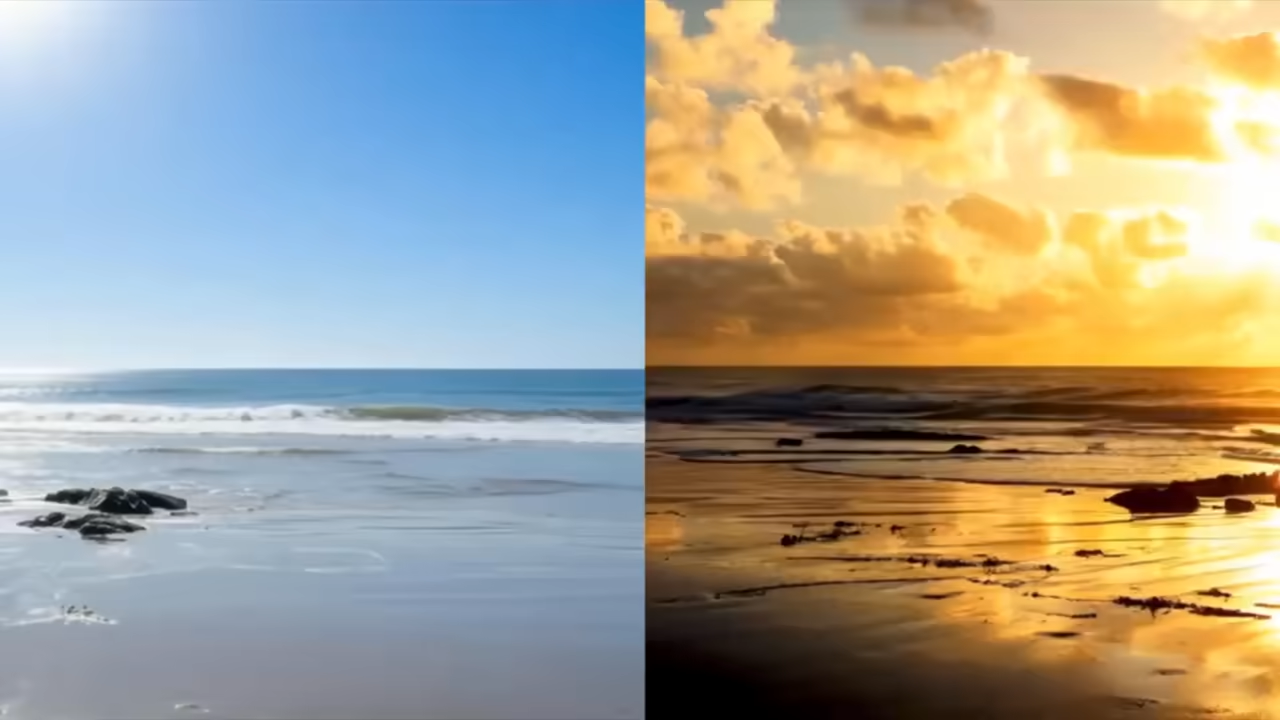
Transform the Look of Existing Footage
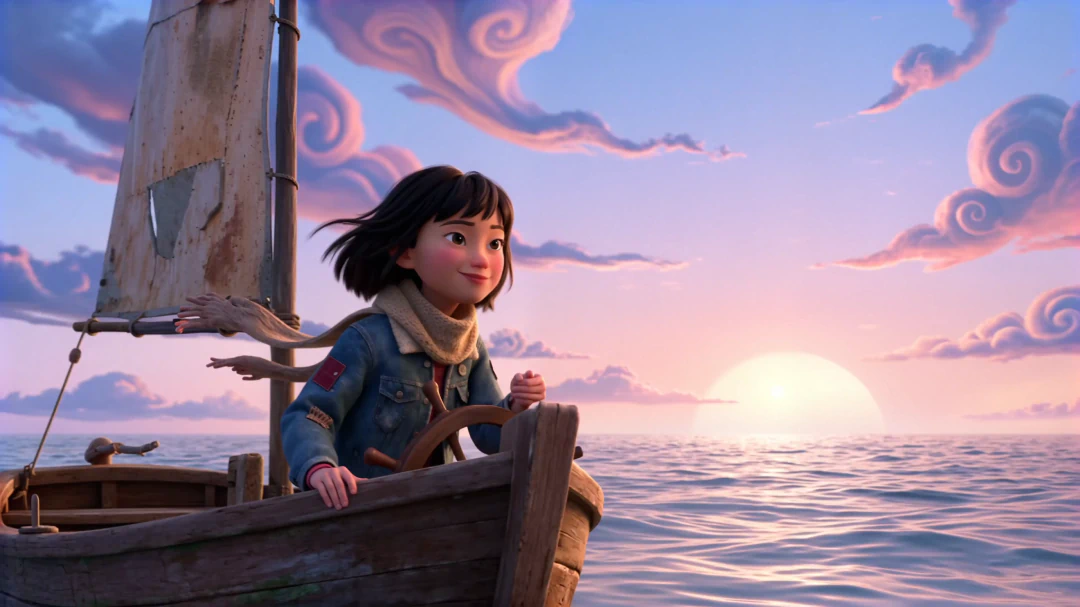
Apply a new style, relight a scene, or add environmental effects to an existing clip through IC-LoRA video-to-video.

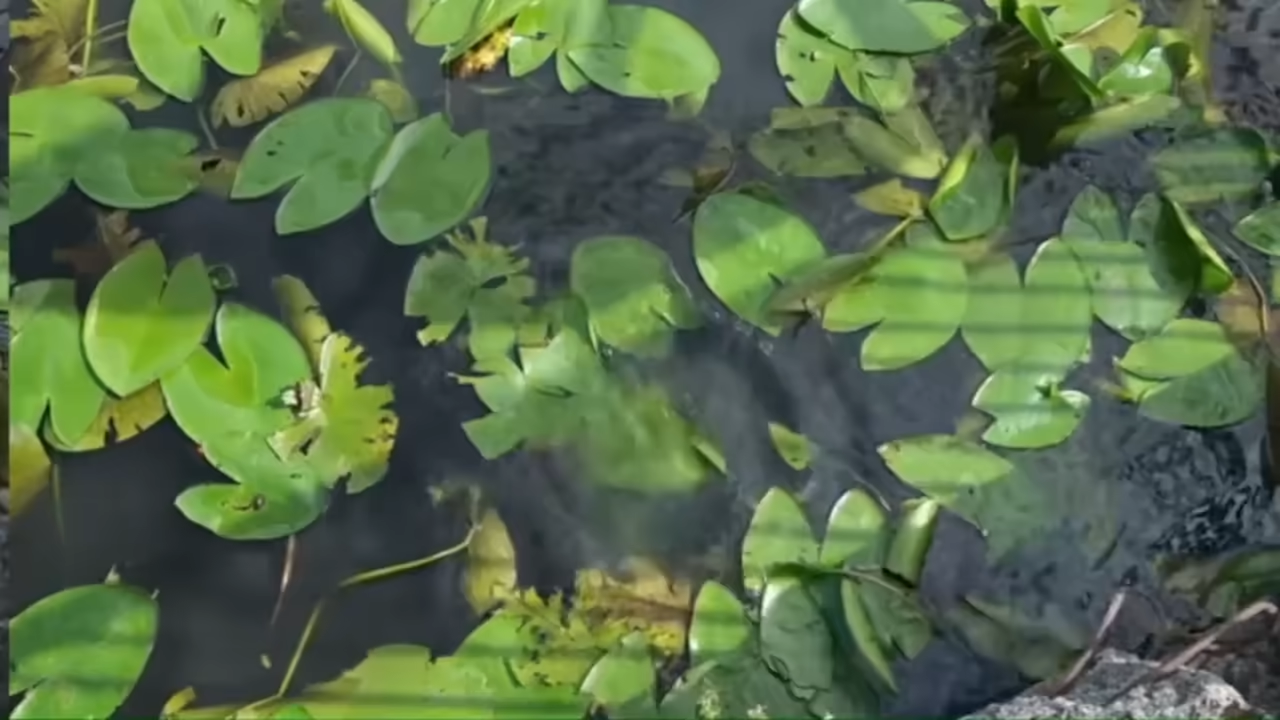
Restore and Clean Up Damaged Footage
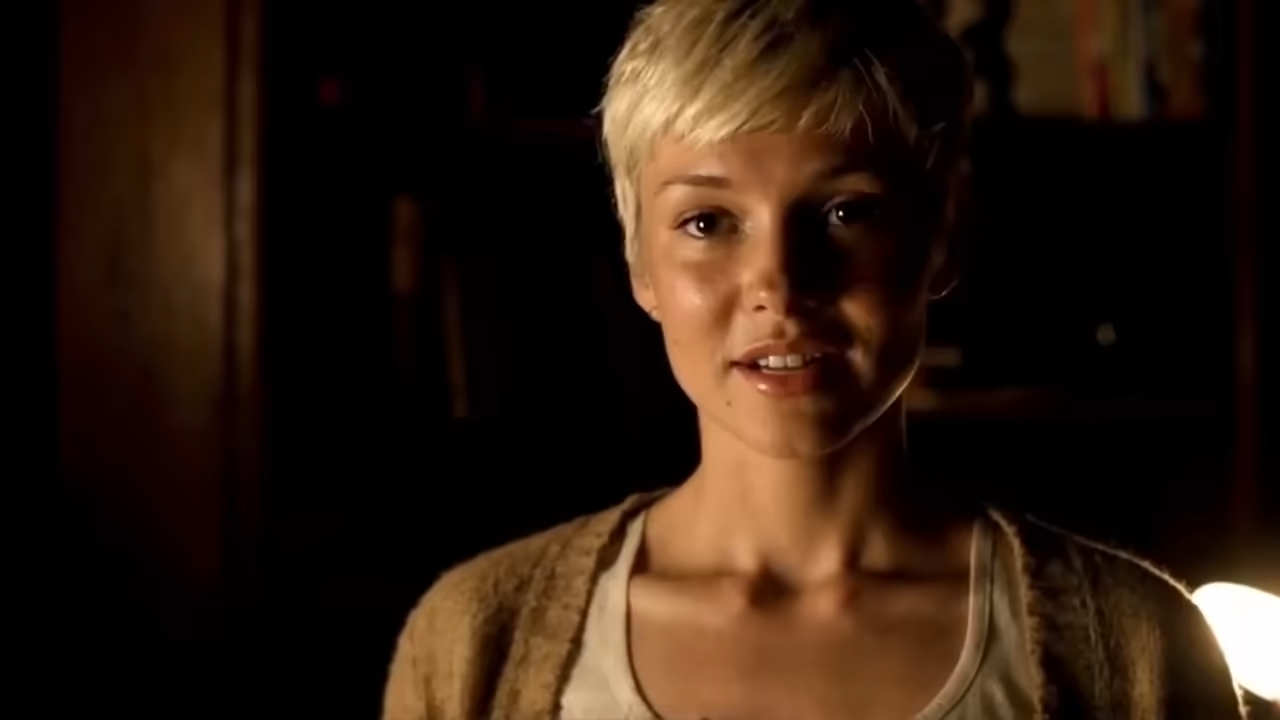
Remove compression artifacts and sharpen blurred footage, while keeping the original identity and framing.

Extend the Frame or the Clip
Widen the frame beyond the original edges, or extend a clip's duration from the start or end.
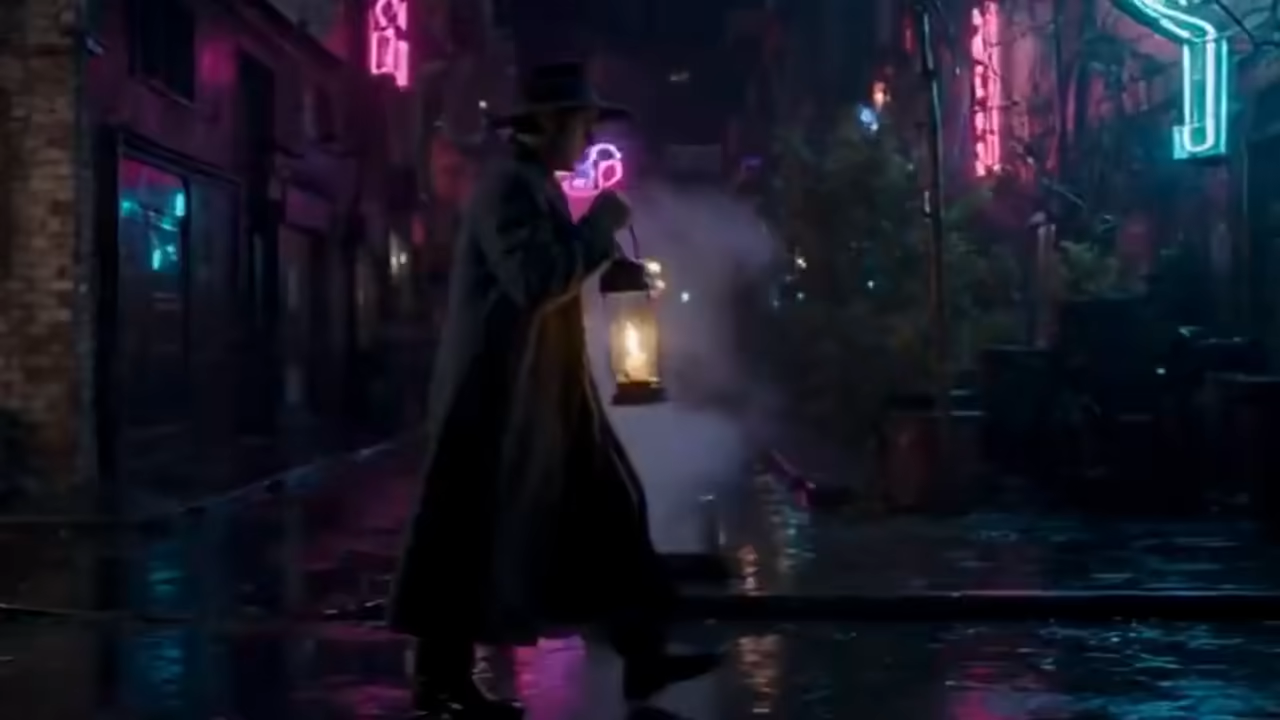
Add VFX to Real Footage
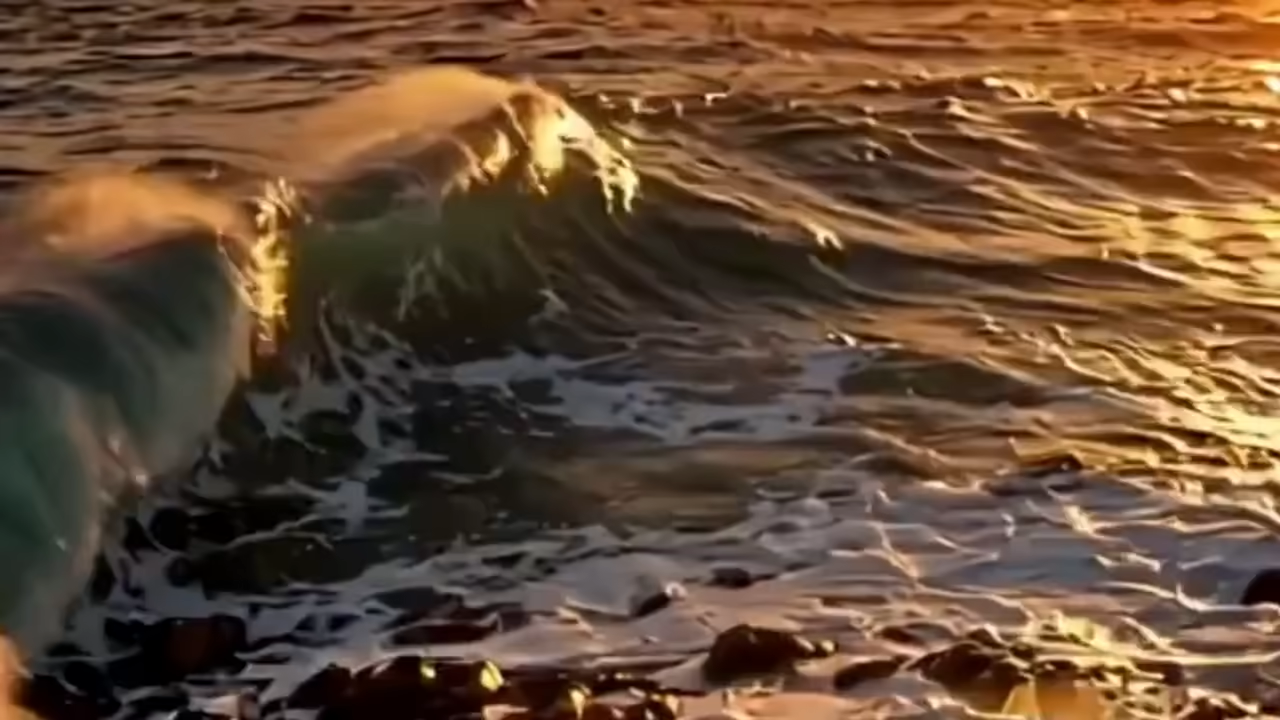
Apply a VFX transform, like adding water, smoke, or weather, to footage you already shot. No reshoot needed.

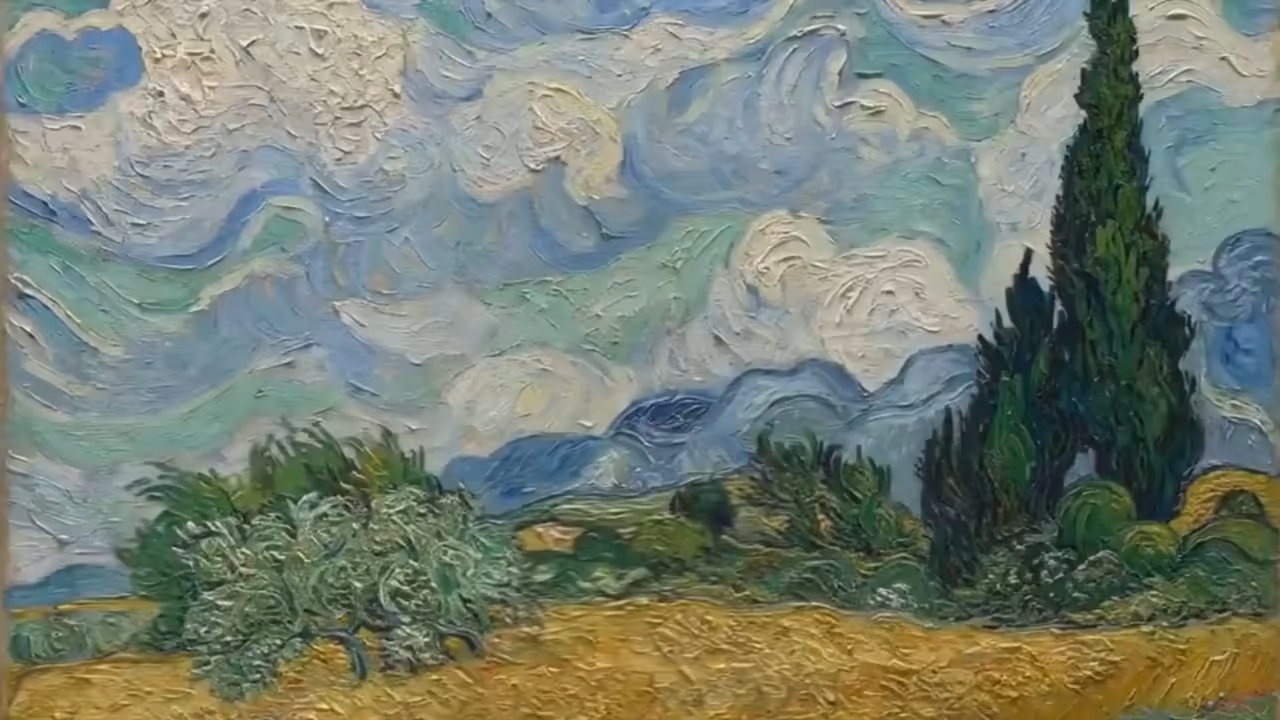
Restyle an Existing Clip
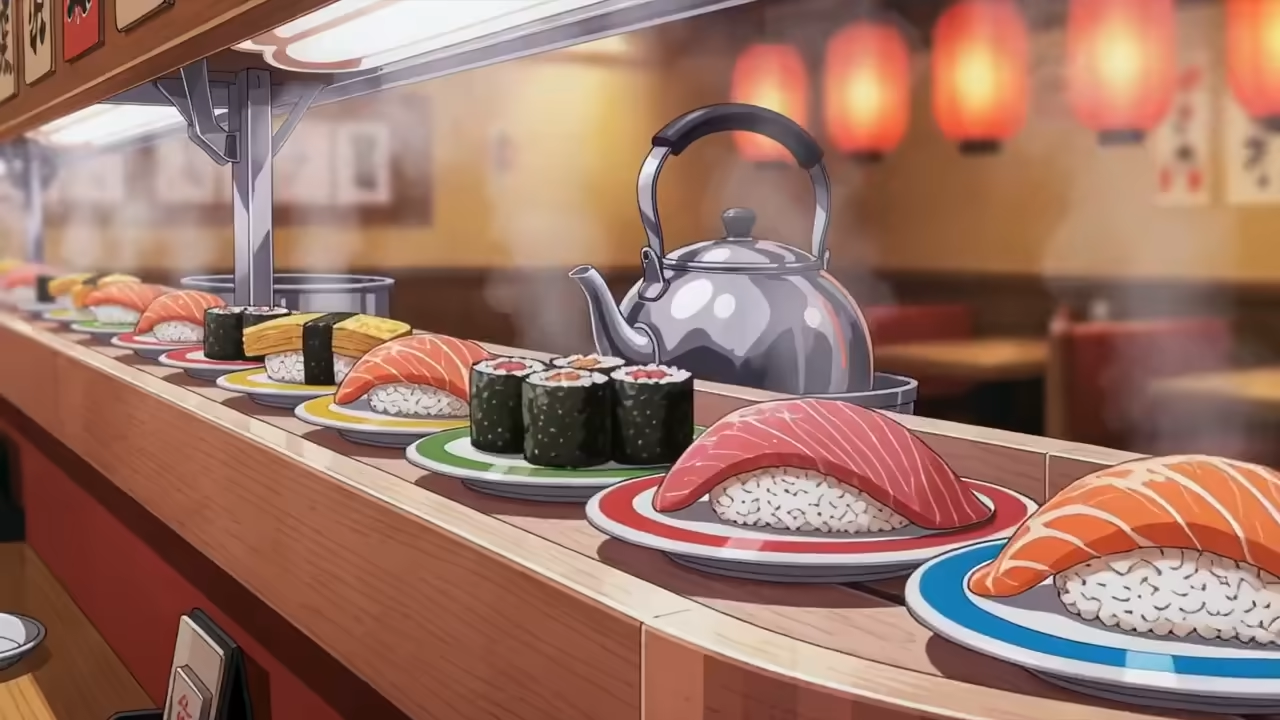
Change the visual style of an existing clip, like cel-shaded or cinematic, while keeping the original motion and composition.

Reframe Instead of Crop
Reframe a clip shot in the wrong aspect ratio by outpainting beyond the original edges, instead of cropping in.

Clean Up Old or Low-Quality Footage
Remove artifacts and sharpen old, compressed, or low-quality footage, while keeping the original identity and framing intact.

How It Works
Input
Technical characteristics:
- An existing video clip, plus a prompt describing the transform. A style trigger, a restoration pass, or an outpainting target.
- Most video-to-video transforms run through IC-LoRA on the distilled checkpoint.
- Base model: LTX-2.5-22B.
Output
Technical characteristics:
- A transformed version of the input video. A new style, restored quality, an extended frame, or an added effect.
- The original motion and structure stay intact, unless the transform itself changes them.
- Self-host on your own GPU infrastructure, or generate through the hosted API.
What users are building with LTX

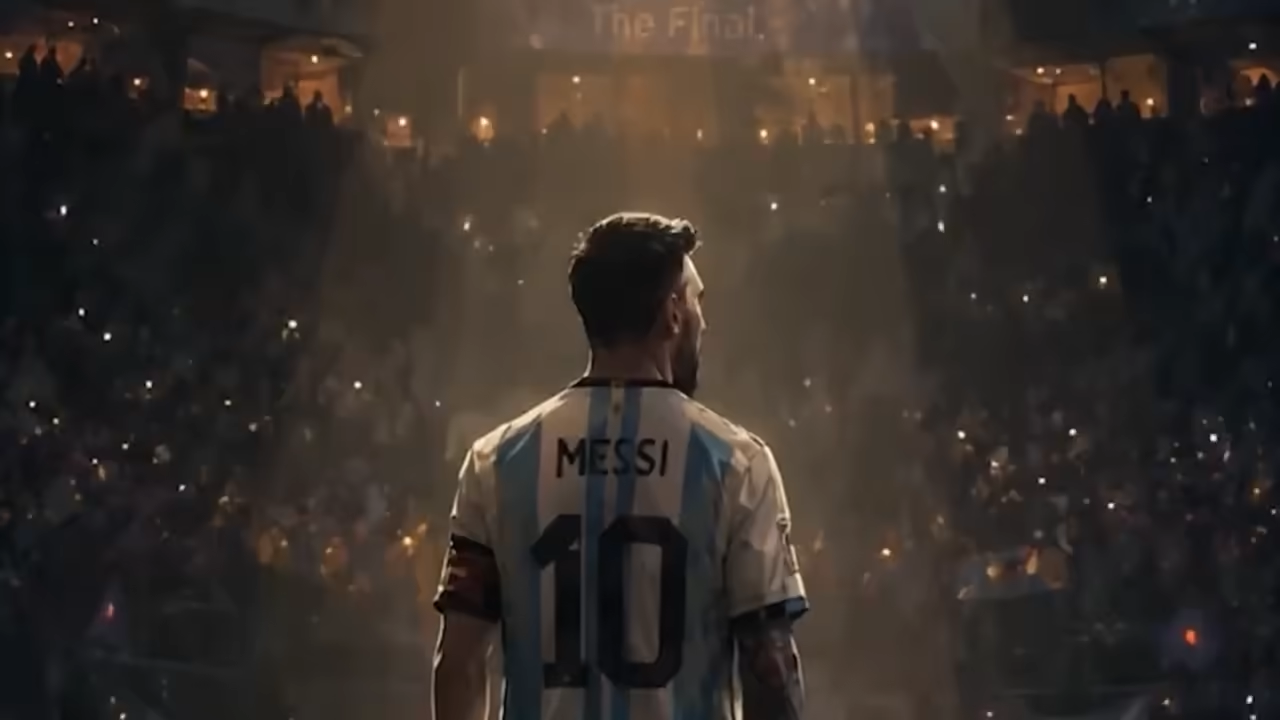
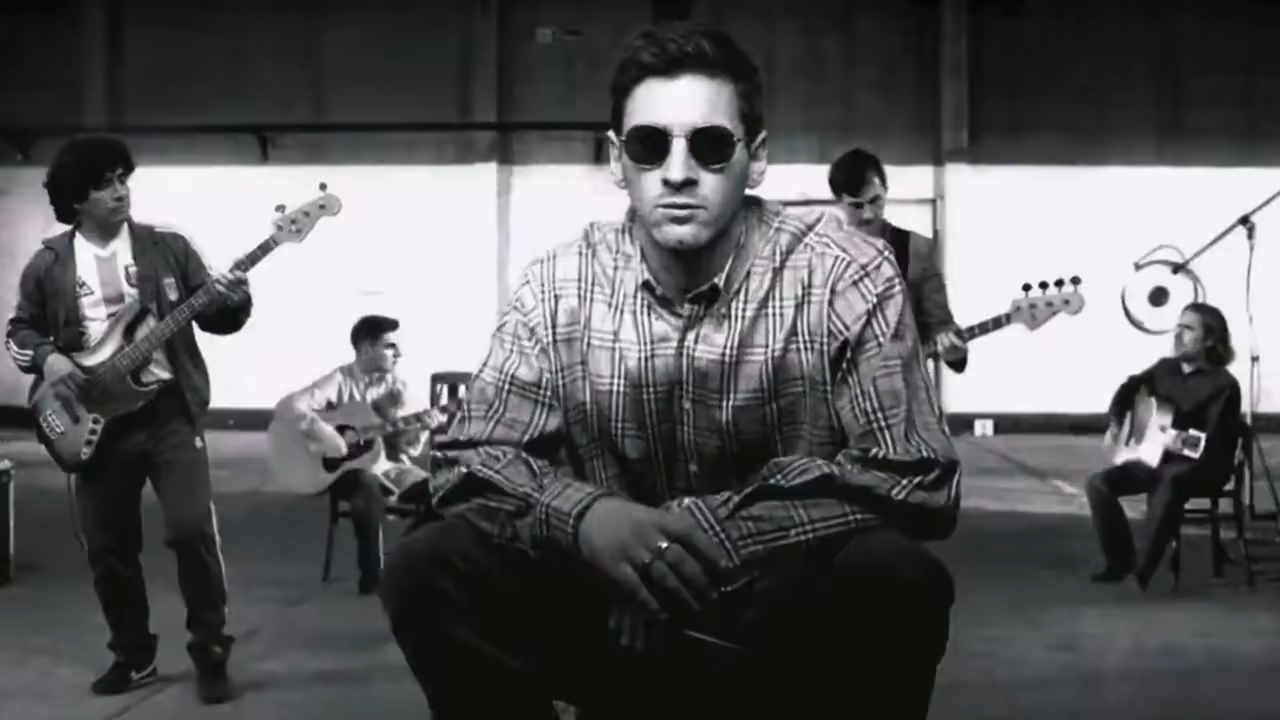
FAQs
Can I upload and edit my own video?
Yes. These are video-to-video transforms that take an existing clip as input, not a text-to-video generation tool.
What kinds of edits can I make to an existing video?
Style transfer, VFX additions, restoration, outpainting beyond the original frame, extending duration, and colorization.
Does this replace a traditional video editor, like cutting or timeline editing?
No. This is generative transformation of the footage itself, the style, the quality, the frame, not a timeline or cutting tool.
Is this self-hosted or a hosted web app?
Open weights, self-hosted on your own infrastructure, or through the hosted LTX API.
Does editing preserve the original motion and structure?
Yes, for most transforms. These are reference-conditioned edits. The source drives structure and motion. Only the targeted aspect changes.
