Extend any video from its last frame
LTX-2.3 Extend continues a video from its final frame, guided by a new text prompt. Add a new scene, extend the duration, or chain multiple extend calls to build a complete multi-scene sequence. The transition flows naturally from the last frame. Available via live API endpoint and open-source pipeline.






Key capabilities

Last-frame continuation with a new prompt
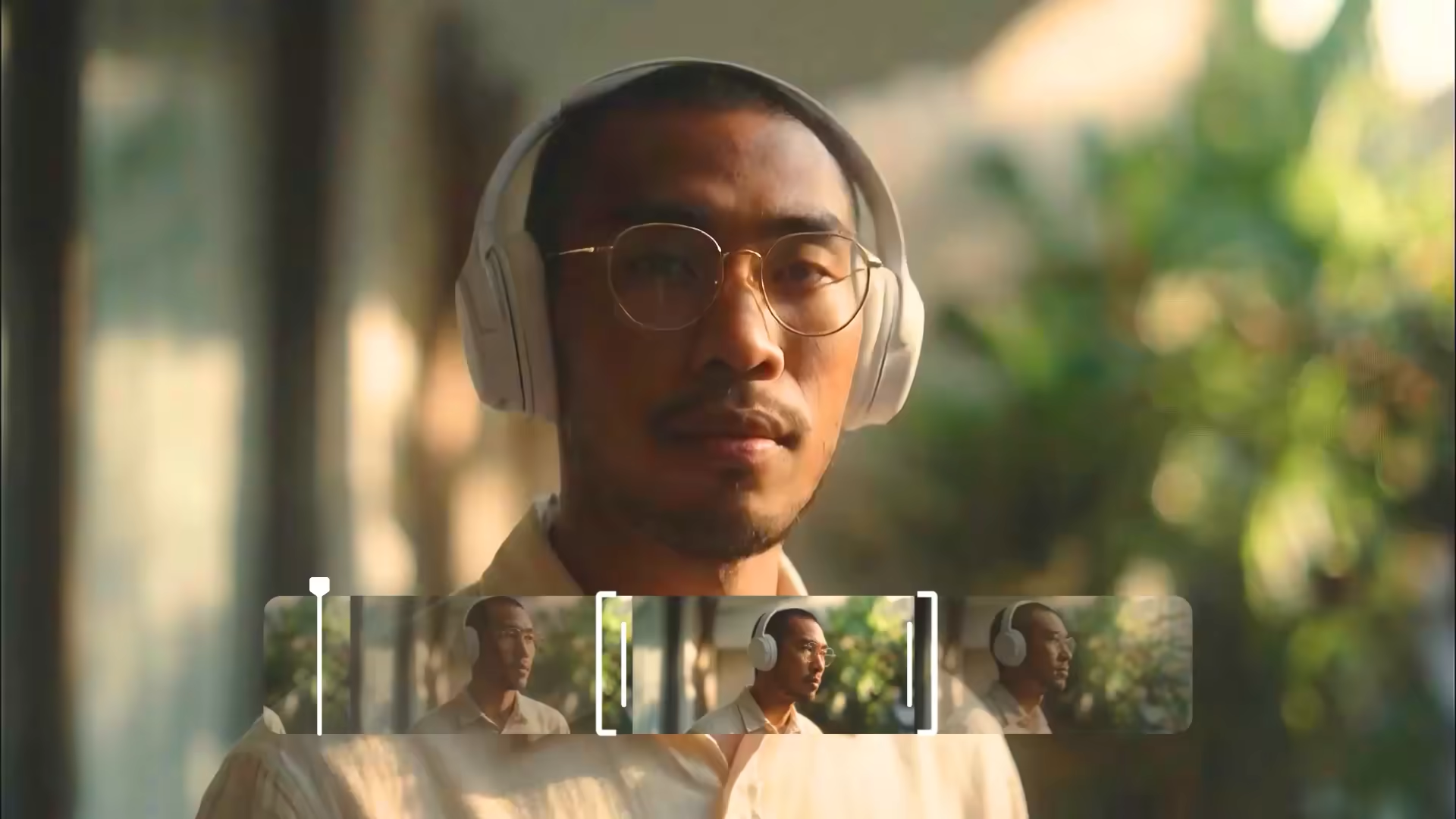
/v1/extend takes any video and a new text prompt, then generates a continuation starting from the final frame. Give it a new direction, continue the same action, or introduce a new scene.

Build multi-scene sequences clip by clip
Chain multiple extend calls to build longer sequences. Each call extends from the last frame of the previous clip with a new prompt. Build a complete narrative scene by scene, each with inde

Live /v1/extend API endpoint
The /v1/extend endpoint is live. Pass a source video and a new text prompt. Available with ltx-2-fast (up to 20s output) and ltx-2-pro (up to 10s output, highest quality). Per-second pricing
Extend a generated clip that ended too soon
A generated clip is strong but the moment needs more time. Pass it to /v1/extend with a continuation prompt. The generation picks up naturally from the final frame, no seam, no hard cut.

Add a new scene flowing from an existing clip
A product shot ends at a close-up. Extend it with a new prompt to add a shot that flows naturally from the last frame. No compositing, no stitching. The prompt does the work.

Build a full narrative sequence in chained segments
Build a 30 to 60 second sequence as a chain of extend calls. Each segment gets its own prompt. Generate segment 1, extend to segment 2, extend again to segment 3. Control the pacing, scene changes, and narrative direction prompt by prompt. No editing timeline needed.

Generate multiple alternative endings from the same midpoint
A clip has a strong first half but an unsatisfying ending. Use Extend from the same midpoint to generate several different endings, each with a different prompt. The source clip is unchanged across every variation.




Designed for real-world deployment
Production-ready AI video extender for enterprise teams building scalable, controllable video generation workflows.
Product teams, AI startups, and developers building AI-powered video features. Add production-grade video generation as a product capability, not a research project. One API, production-ready results, and no custom orchestration.
Brands, agencies, and creative teams producing high volumes of content. Turn existing assets into video at scale. Faster iteration, lower production cost, and more output from what you already have.
Teams that require full control over deployment and data. Run video generation in your own environment. On-premises, no cloud dependency, and full infrastructure ownership.
Platforms powering creative tools with multiple AI models. Upgrade your video output with a best-in-class engine. Improve generation quality, retain users, and differentiate with a model built for production, not prototypes.
How LTX-2.3 Extend works
Input
Technical characteristics:
- Source video file (the clip to continue from)
- Text prompt describing the continuation segment
- Model: ltx-2-fast (up to 20s output, higher throughput) or ltx-2-pro (up to 10s output, highest quality)
- API endpoint: POST /v1/extend
Output
Technical characteristics:
- Continued video generated from the last frame of the source
- New segment at the same resolution as the source
- Temporal continuity maintained from the source's final frame through the new segment
- API returns the extension segment in the same format as the source video
Extend
Extend a video by generating additional frames at the beginning or end.
- 1920×1080 — $0.10/sec
- Billed frames = extended portion + context frames from input video, capped at 505 total.
- Billed seconds depend on the input video’s frame rate (~21 seconds at 24fps).
- Full-length videos can be created by chaining multiple requests.
- Currently available in 1080p only.
What users are building with LTX






FAQs
Is the extension seamless with the original clip?
Yes. /v1/extend generates from the last frame of the source, so the new segment flows naturally from where the original ended. No hard cut, no compositing.
Does the extension match the resolution of the original clip?
Yes. Output resolution matches the source video.
Can I change the visual direction with the extension prompt?
Yes. The new prompt can introduce different scenes, camera angles, lighting, or subjects, or continue the existing visual style. The only constraint is that the extension begins from the literal last frame of the source video.
