Auto captions that actually understand context
Our AI handles industry jargon, accents, and background noise for highly accurate, ADA-compliant subtitles that enhance your professional credibility.

You're losing 85% of viewers who watch without sound. Our AI subtitle generator automatically adds captions to videos with perfect timing that keeps every viewer engaged.


Our AI handles industry jargon, accents, and background noise for highly accurate, ADA-compliant subtitles that enhance your professional credibility.

Instantly translate captions into 25+ languages. Customize fonts, colors, and positioning to match your brand's visual style.
Export captions as SRT files or burn directly into video. Automatically adapt caption styles for Instagram, TikTok, YouTube, and every platform.


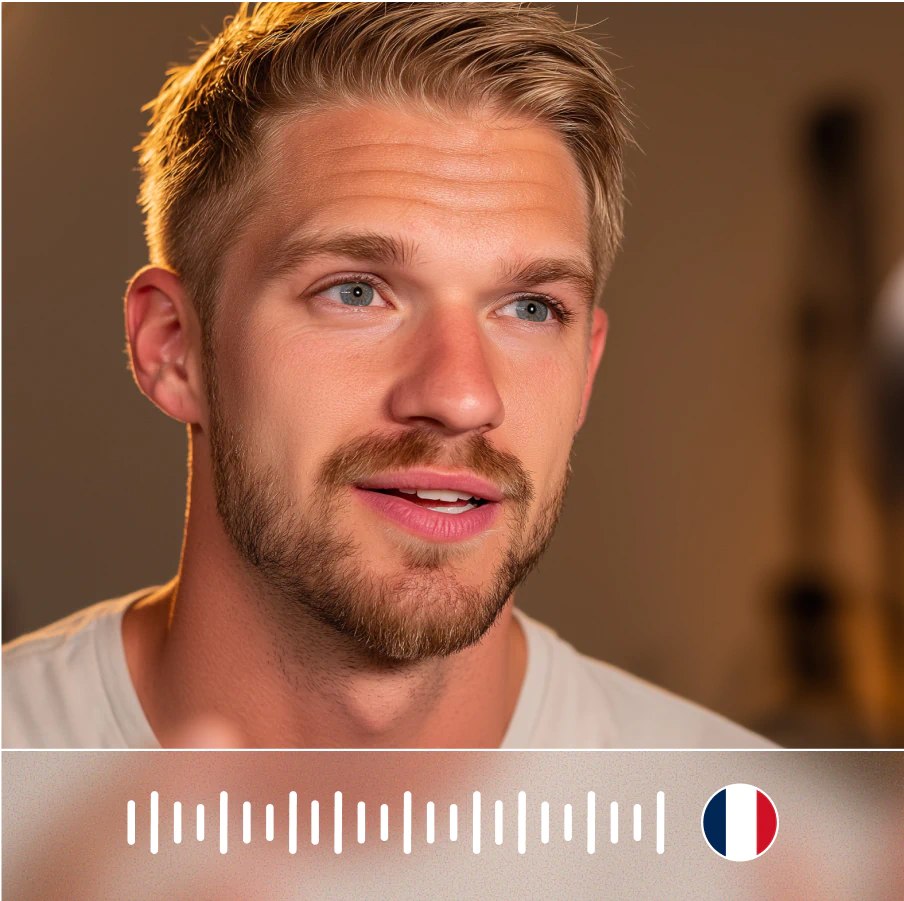
Dub videos in 175+ languages with authentic voice cloning and perfect lip sync.
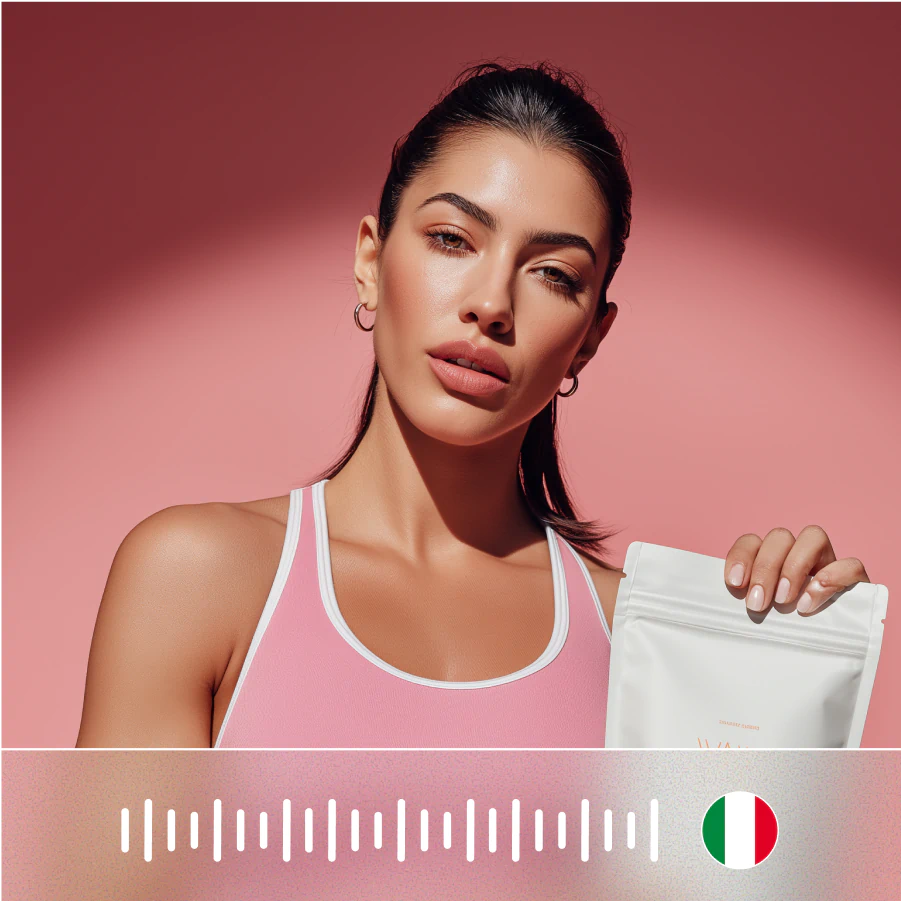
Translate videos instantly without voice actors or manual editing required.

Create scroll-stopping UGC ads without hiring creators.
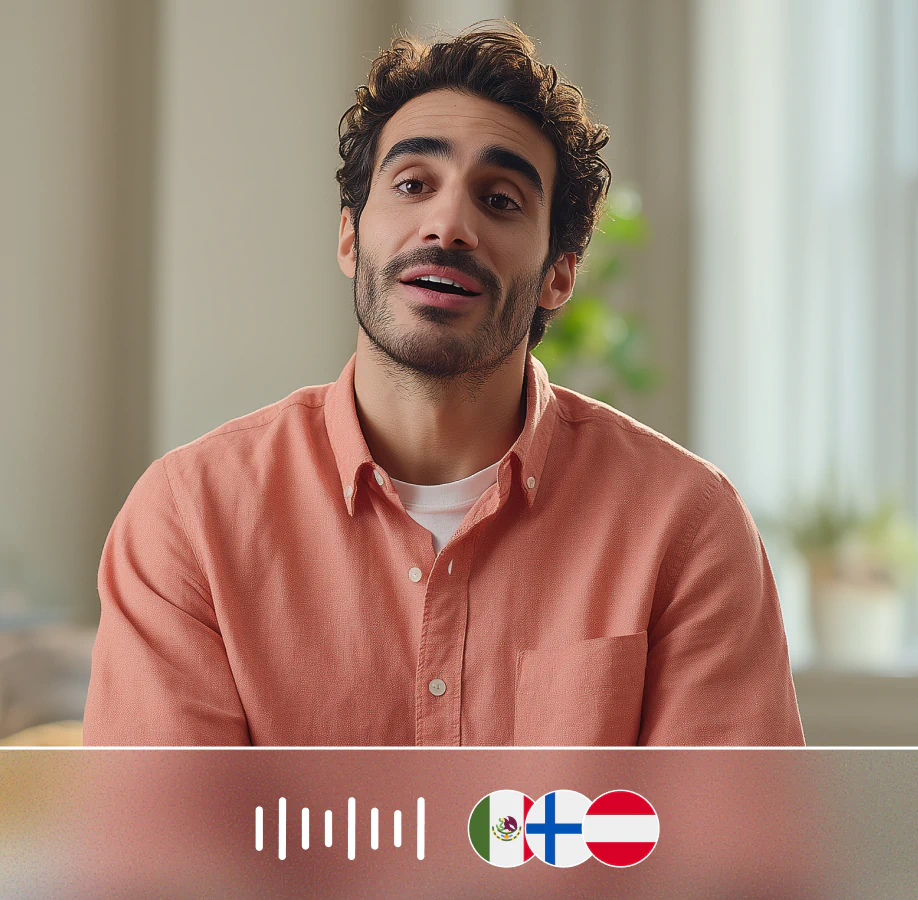
Transform dialog, translate languages, or update messaging with perfect lip sync

Create scroll-stopping YouTube content that grows your audience and your brand
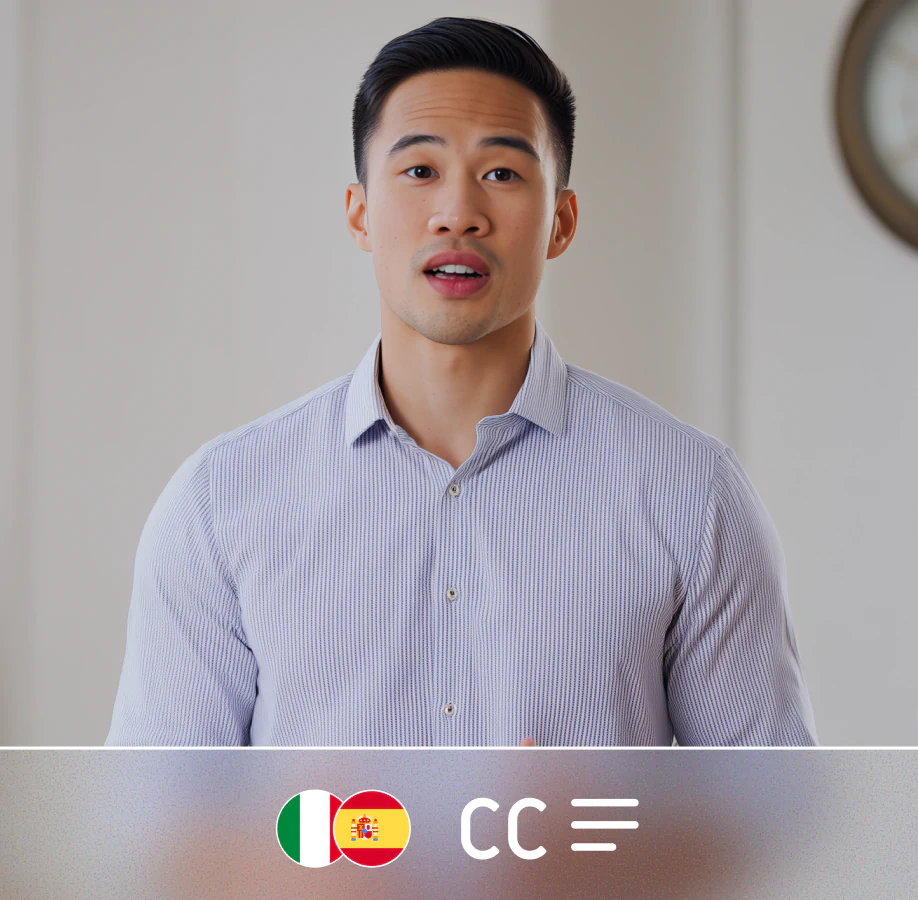
One video, global reach with AI dubbing, captions, and localization.

Edit timing, refine text, and enhance styling - all from your browser.

Resize video for any platform while keeping your subject perfectly framed.

Crop video content precisely while keeping your subject perfectly framed.

Expand video backgrounds with AI to add branding or fit any aspect ratio.
Convert text to speech with AI voices that sound natural and professional.
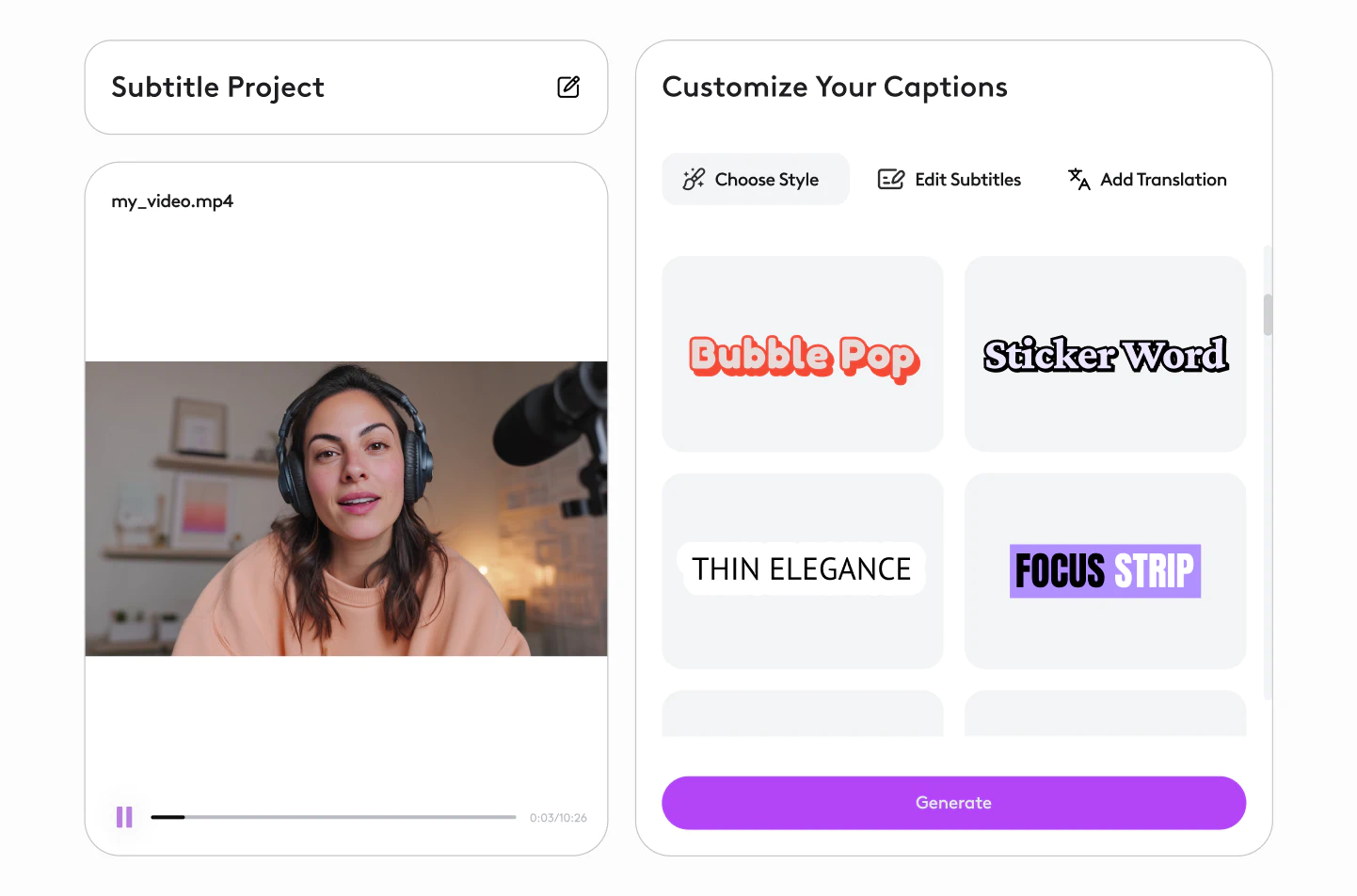
Our AI handles complex audio scenarios like background music and multiple speakers that break other tools.
Most videos are processed in under 2 minutes. Upload, generate, and download instantly.
Absolutely. Export as hardcoded captions or download separate files for any platform.
Yes. Adjust text, timing, and styling with our intuitive editor.
Everything happens in your browser. No downloads, no setups. Upload and export instantly.