Warble, flicker, and "AI-looking" patterns in LTX-2 videos stem from missing temporal constraints, misaligned inputs, or conflicting instructions—not random bugs. Most artifacts can be reduced by anchoring motion correctly, aligning inputs, and focusing prompts on visual style rather than movement.
Quick fixes:
- Use IC-LoRA to anchor motion and structure
- Align first frame closely with reference video in I2V workflows
- Describe visual style in prompts, not motion
- Use Dev pipeline (also called the full model in the official documentation) for final renders to improve temporal coherence
AI video generation is fundamentally a temporal problem, not just a visual one. Instead of producing a single image, the model must generate dozens of frames that remain consistent over time.
When that consistency breaks down, users see warbling motion, frame flicker, repeating textures, and synthetic-looking surfaces. In LTX-2, these issues appear more frequently in longer clips, complex motion scenarios, text-to-video runs without guidance, and image-to-video workflows with poor first-frame alignment.
Understanding these failure modes makes them significantly easier to fix.
What "Warble" and AI Pattern Artifacts Actually Mean
Warble: Temporal Instability Across Frames
When users describe "warble," they're identifying small frame-to-frame inconsistencies that accumulate over time. Objects may subtly deform, wobble, or drift even when they should remain rigid.
Root cause: Motion isn't sufficiently constrained across frames, allowing each frame too much independent variation.
AI Pattern Artifacts: Over-Generalization Over Time
Pattern artifacts manifest as:
- Repeating textures without variation
- Swirling or "crawling" surface details
- Overly uniform, synthetic-looking surfaces
- Plastic or artificial material appearance
Root cause: The model generates pixels entirely from scratch without strong structural anchors, relying on learned visual shortcuts that create synthetic patterns.
Why These Issues Are Actively Being Addressed
In a Reddit AMA announcing the open-source release of LTX-2, Zeev Farbman (Co-Founder & CEO of Lightricks) explained that LTX-2 was designed to run locally on consumer GPUs and power real creative products—not just idealized demos.
He noted that future releases, including incremental updates and larger architectural improvements, specifically target spatial and temporal detail improvements that directly address warble and frame instability. Importantly, LTX-2 already supports conditioning on previous frame latents, a key mechanism for maintaining consistency across video frames.
Context matters: Artifacts aren't being ignored—they're a known consequence of pushing advanced video generation onto local hardware. Temporal stability is an explicit focus of ongoing development.
Common Causes of Warble and Artifacts in LTX-2
How IC-LoRA Reduces Warble and Artifacts
IC-LoRA transfers motion and structure directly from a reference video, dramatically improving temporal consistency. Instead of the model guessing how objects should move, it follows a fixed motion blueprint extracted from real footage.
Start with Union IC-LoRA. The Union checkpoint handles all three control types — Canny, Depth, and Pose — in a single model file.
It's the recommended starting point: no swapping between separate models, lower VRAM footprint, and a simpler ComfyUI workflow. Try Union first before reaching for the individual models.
Choosing A Specific IC-LoRA Mode
If you need tighter control over a particular aspect, the individual models let you fine-tune further:
Canny IC-LoRA – Stabilizes edges and outlines
- Best for maintaining compositional structure
- Prevents objects from deforming or shifting
- Reduces warble in scenes with clear boundaries
Depth IC-LoRA – Stabilizes camera movement and spatial layout
- Locks 3D scene geometry and camera paths
- Prevents spatial drift and perspective shifts
- Essential for scenes with camera motion
Pose IC-LoRA – Stabilizes human motion
- Anchors skeletal movement and body positions
- Prevents wobble in character animation
- Critical for videos featuring people
Using the wrong IC-LoRA type — or none at all — leaves key aspects unconstrained and increases artifact likelihood. Note that the "one IC-LoRA group at a time" guidance applies to the separate models.
Union handles all three control types internally.
Prompting Strategy to Reduce Artifacts
What to Include in Prompts
Focus exclusively on visual characteristics:
- Visual style and aesthetic (cinematic, watercolor, photorealistic)
- Subject appearance and details
- Textures and materials (rough, smooth, metallic)
- Lighting and atmosphere
- Environment and background elements
What NOT to Include
When using IC-LoRA, avoid motion descriptions in your prompt — the reference video handles motion.
"Camera pans left slowly"
"Character walks forward"
"Smooth dolly zoom"
For text-to-video without IC-LoRA, camera movement and action descriptions improve output quality.
When IC-LoRA provides motion from the reference video, motion descriptions in the prompt create conflicting instructions. This tension produces:
- Temporal instability
- Visual artifacts
- Synthetic-looking surfaces
- Reduced overall quality
Key principle: Let IC-LoRA handle motion. Use prompts for style.
For comprehensive prompting strategies, see the LTX-2 Prompting Guide.
Image-to-Video vs Text-to-Video: Artifact Trade-Offs
For detailed workflow guidance, see the LTX-2 Image-to-Video & Text-to-Video Workflow Guide.
Why the Dev Pipeline Reduces Artifacts
The Dev pipeline (also called the full model in the documentation) uses multi-stage sampling, which improves temporal coherence and refinement across frames.
Dev advantages:
- Progressive refinement reduces frame-to-frame inconsistency
- Multi-stage sampling improves temporal stability
- Better motion coherence in complex scenes
- Fewer pattern artifacts in final output
Trade-off: Dev is heavier, slower, and requires more VRAM than Distilled.
Recommendation: Use Distilled for iteration and testing, then switch to Dev for final production renders where artifact reduction matters most.
Practical Workflow to Minimize Artifacts
Follow this systematic approach to reduce warble and artifacts:
Step 1: Choose the Right Workflow Mode
For maximum stability:
- Use image-to-video with IC-LoRA
- Generate first frame from reference using ControlNet
- Select appropriate IC-LoRA mode (Canny, Depth, or Pose)
For creative flexibility:
- Use text-to-video with IC-LoRA guidance
- Start with shorter clips (60-90 frames)
- Test with Distilled before Dev
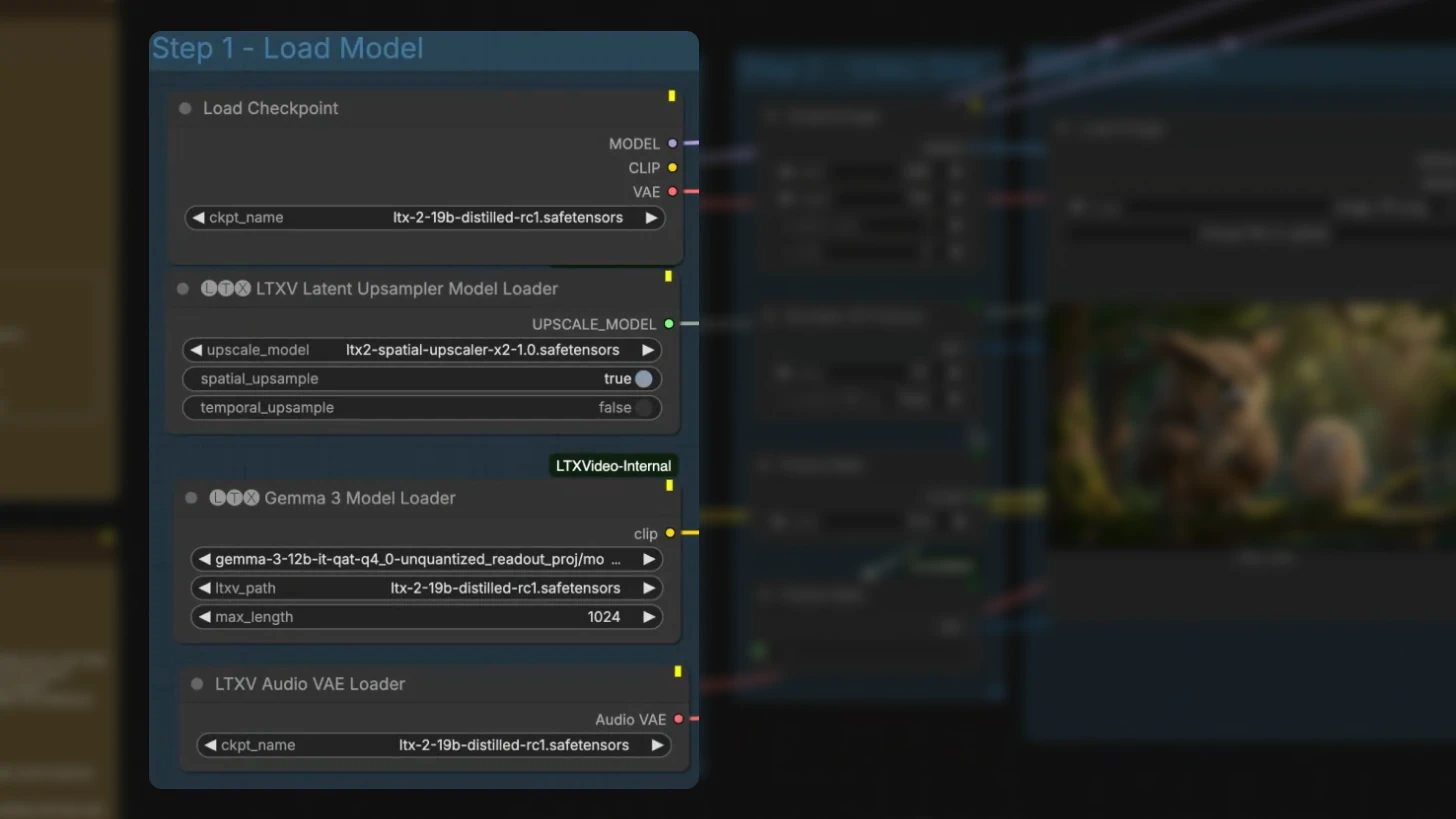
Step 2: Configure IC-LoRA Correctly
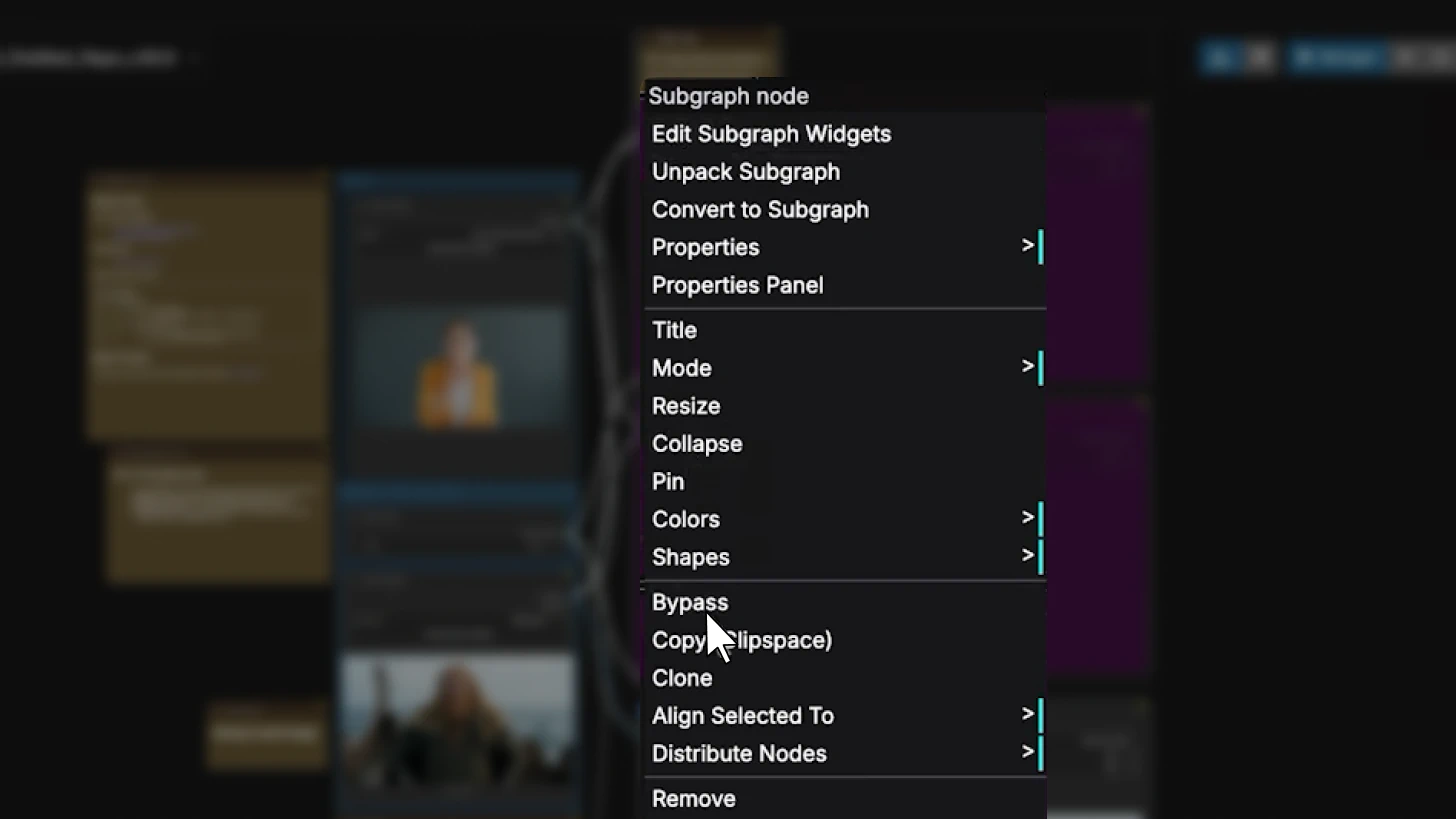
- Start with Union IC-LoRA — it handles all three control types in a single model, no swapping requiredIf using separate models, enable only one at a time and choose based on your primary stability need:
- Canny for compositional structure
- Depth for camera/spatial stability
- Pose for human motion
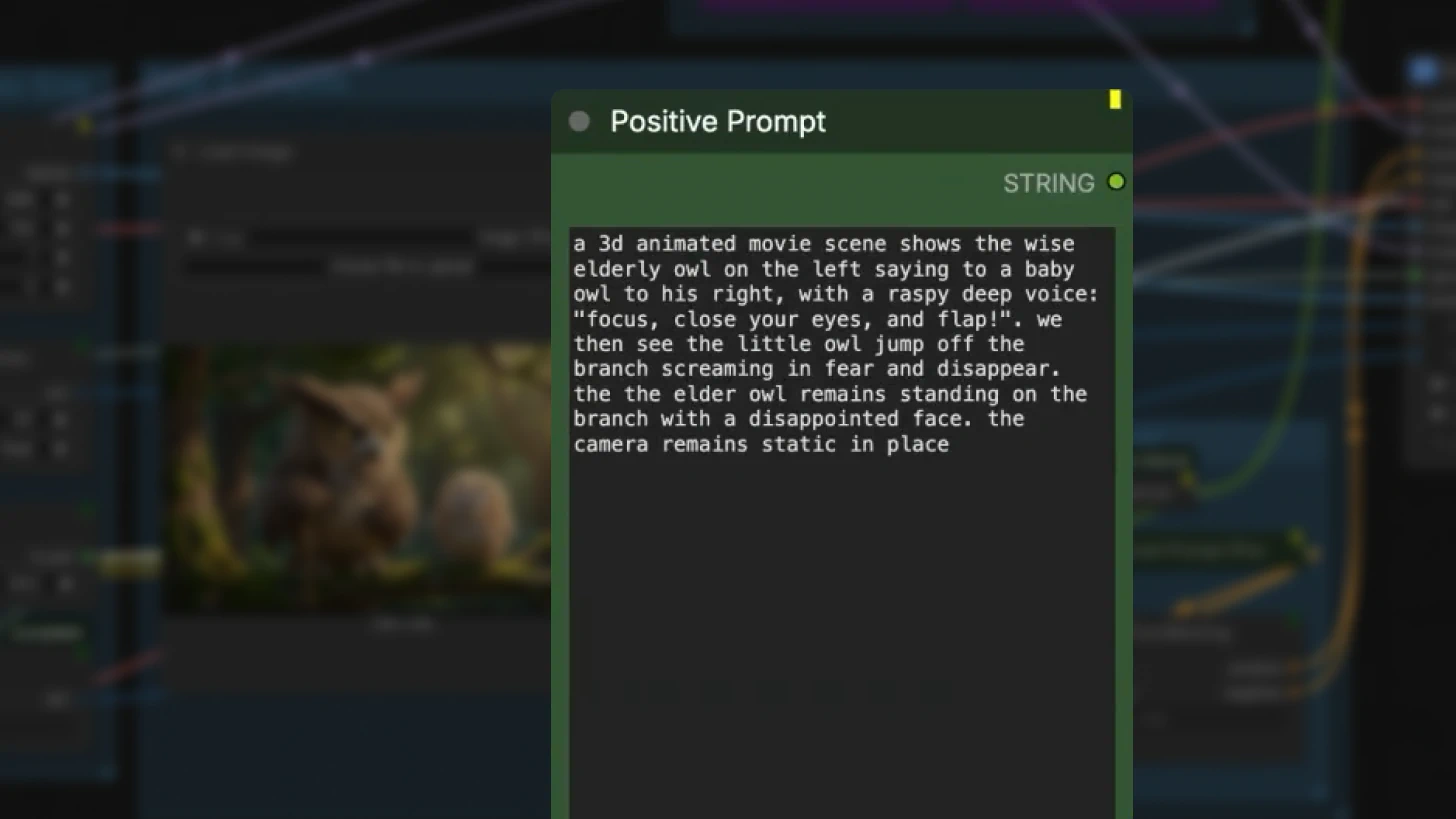
Step 3: Write Style-Focused Prompts
Do describe:
- Visual aesthetic and style
- Lighting and color grading
- Textures and materials
- Subject appearance
Don't describe:
- Camera movements
- Character actions or motion
- Motion timing or speed
Step 4: Test and Iterate
- Generate low-resolution preview (720p, 60 frames)
- Check for warble and artifacts
- Adjust IC-LoRA mode if needed
- Refine prompt if artifacts persist
- Scale to target resolution only after stability
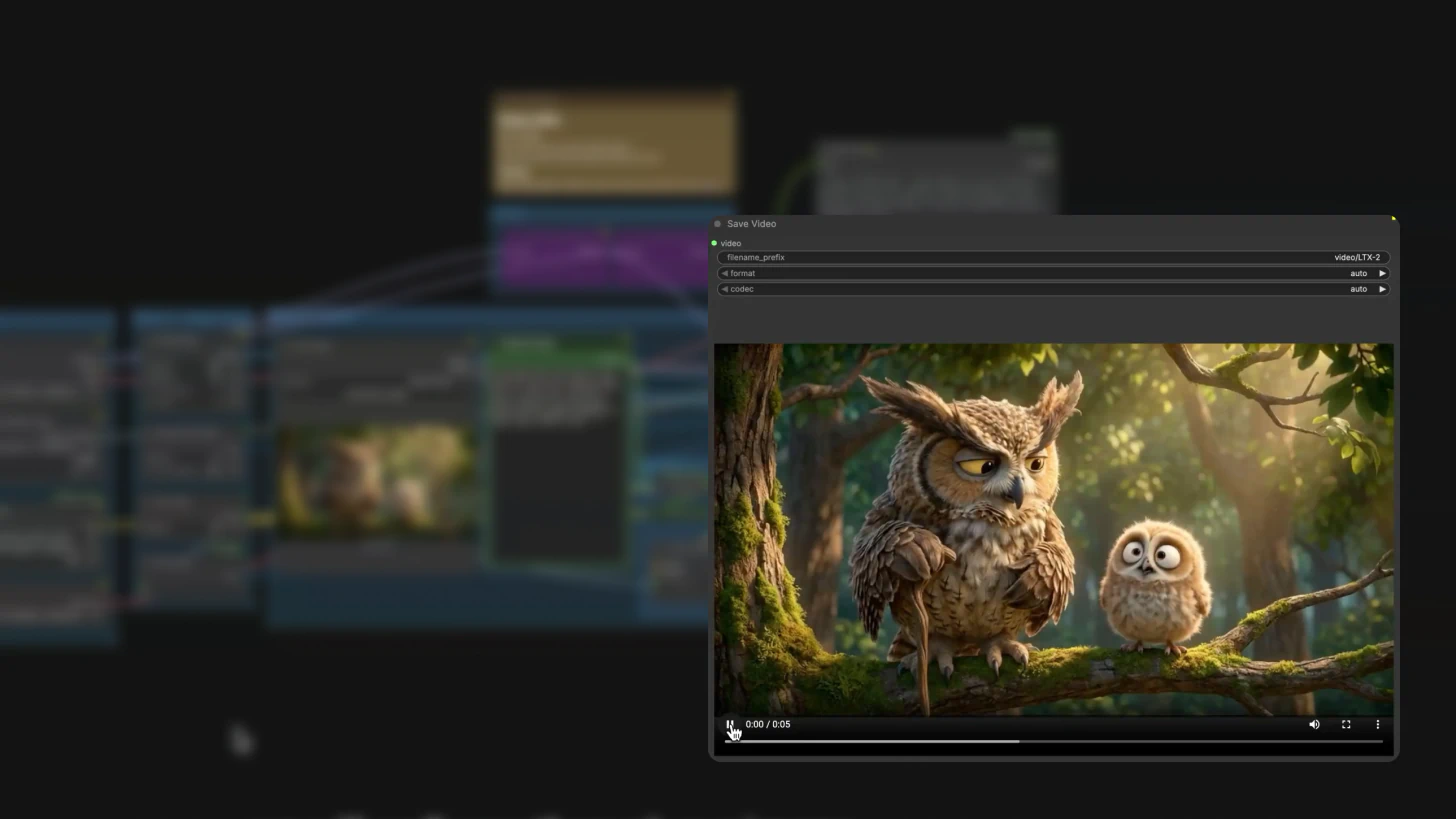
Step 5: Use Dev for Final Render
Once the workflow is stable:
- Switch from Distilled to Dev
- Keep all other parameters constant
- Render at full resolution and frame count
Additional Artifact Reduction Techniques
Shorten Clip Length During Testing
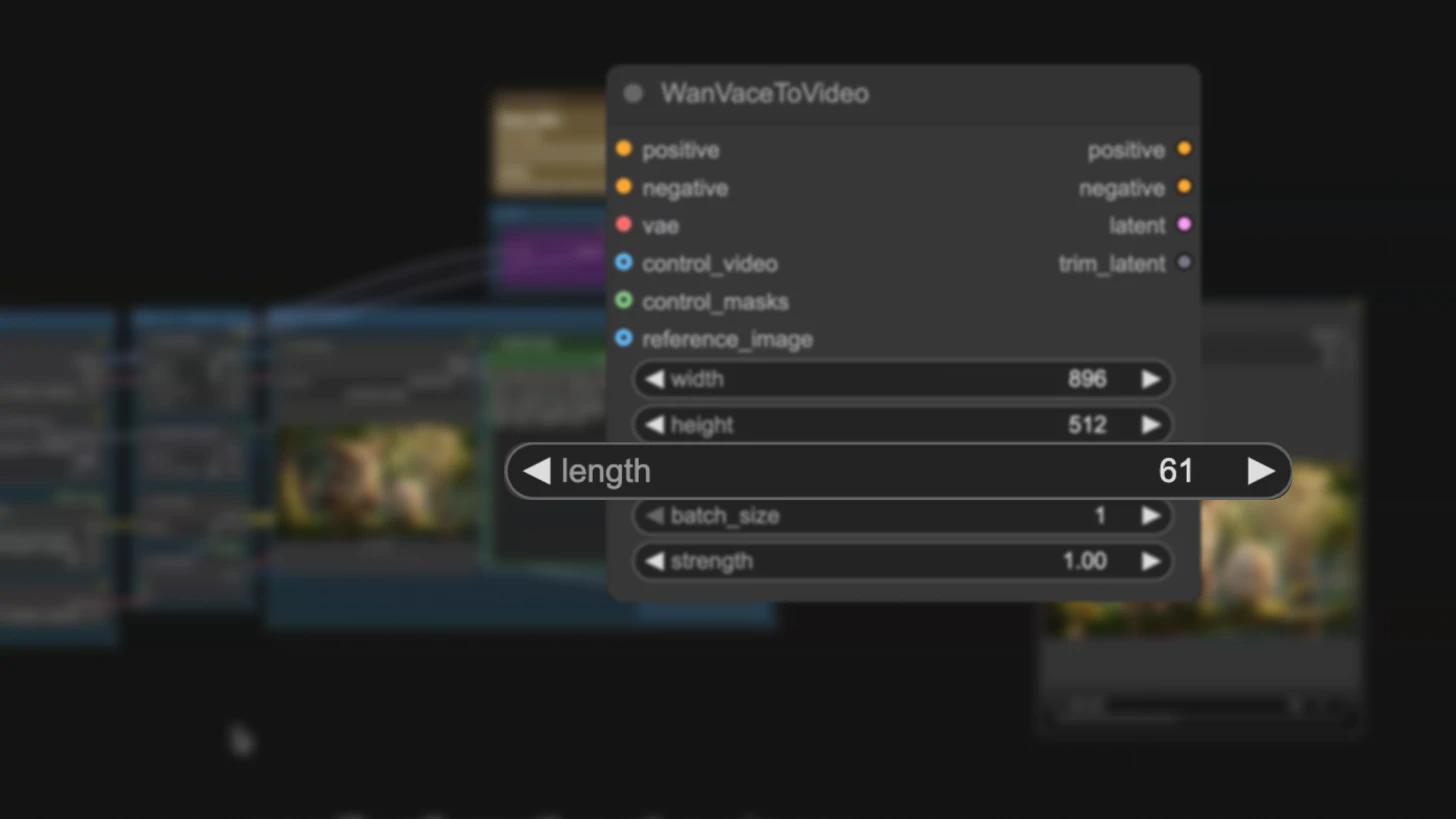
Artifacts accumulate over time. Testing with shorter clips (60-90 frames) helps identify issues before they compound in longer sequences.
Progressive scaling:
- Test at 60 frames first
- Increase to 90 frames if stable
- Scale to 121+ frames only after validation
Fix Random Seeds for Debugging
When comparing different settings to reduce artifacts:
- Keep the random seed constant
- Change only one variable at a time
- Document which changes improve stability
This isolates the impact of each configuration change.
Use Conservative Motion in Reference Videos
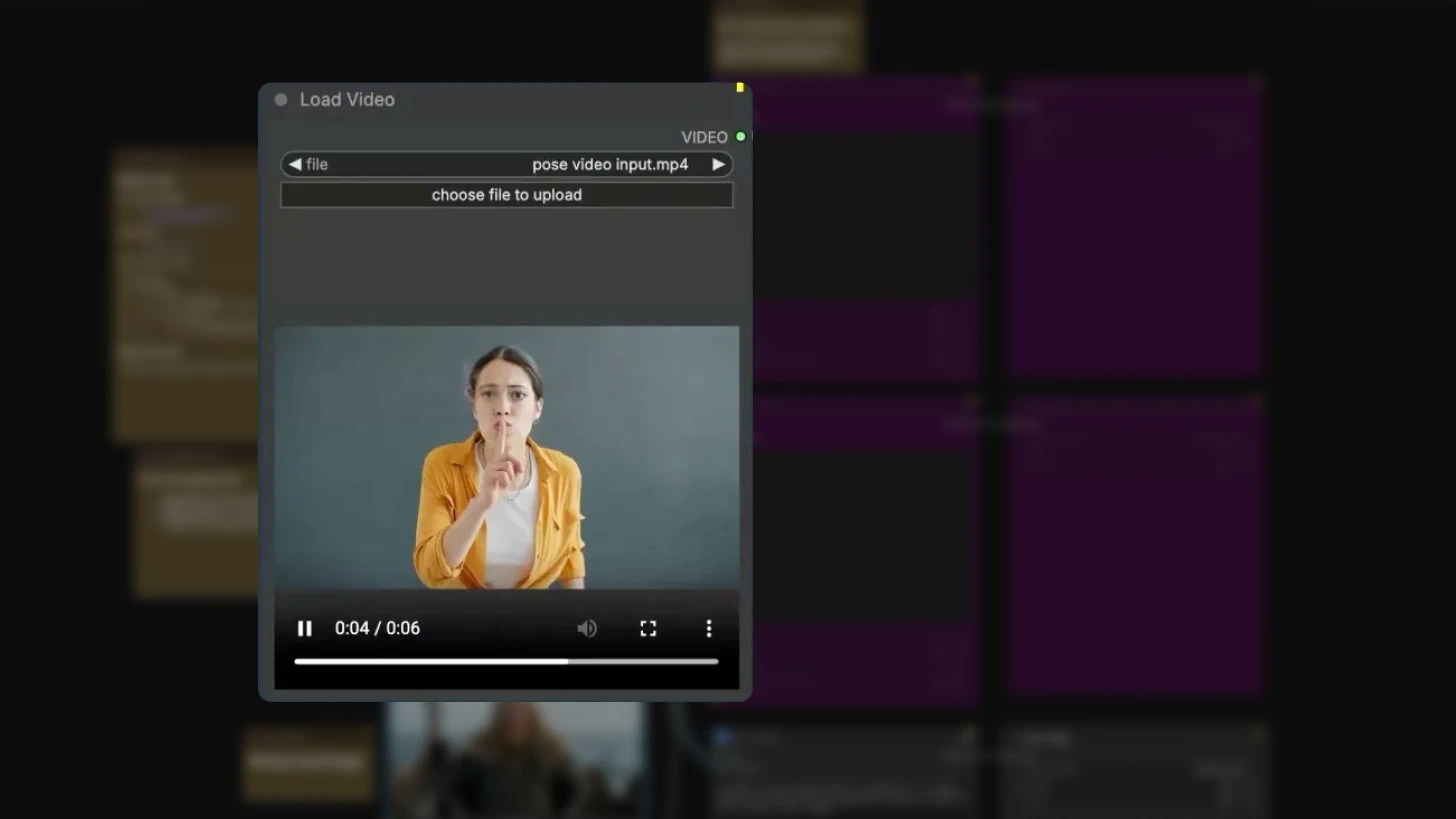
Reference videos with extreme motion, rapid camera movements, or complex deformations are harder for IC-LoRA to track accurately.
For best results:
- Use stable, smooth camera movements
- Avoid extreme motion blur
- Choose clean, well-lit reference footage
Conclusion
Warble and AI pattern artifacts in LTX-2 are rarely random failures. They signal that motion isn't properly anchored, inputs aren't aligned, or the workflow is being pushed beyond its current constraints.
By using IC-LoRA to constrain motion, aligning inputs carefully, focusing prompts on visual style rather than movement, and choosing the appropriate model variant for your workflow stage, LTX-2 can produce stable, high-quality video even on consumer hardware.
Temporal stability improvements are an active focus of LTX-2 development, and the tools to minimize artifacts—IC-LoRA, Dev pipeline, and proper workflow configuration—are already available.
Related posts


