AI Image To Video Model
Generate high-quality video from a single image or multiple keyframes, built for control, consistency, and scale.






.svg)







Key Capabilities

Consistent motion from a single image
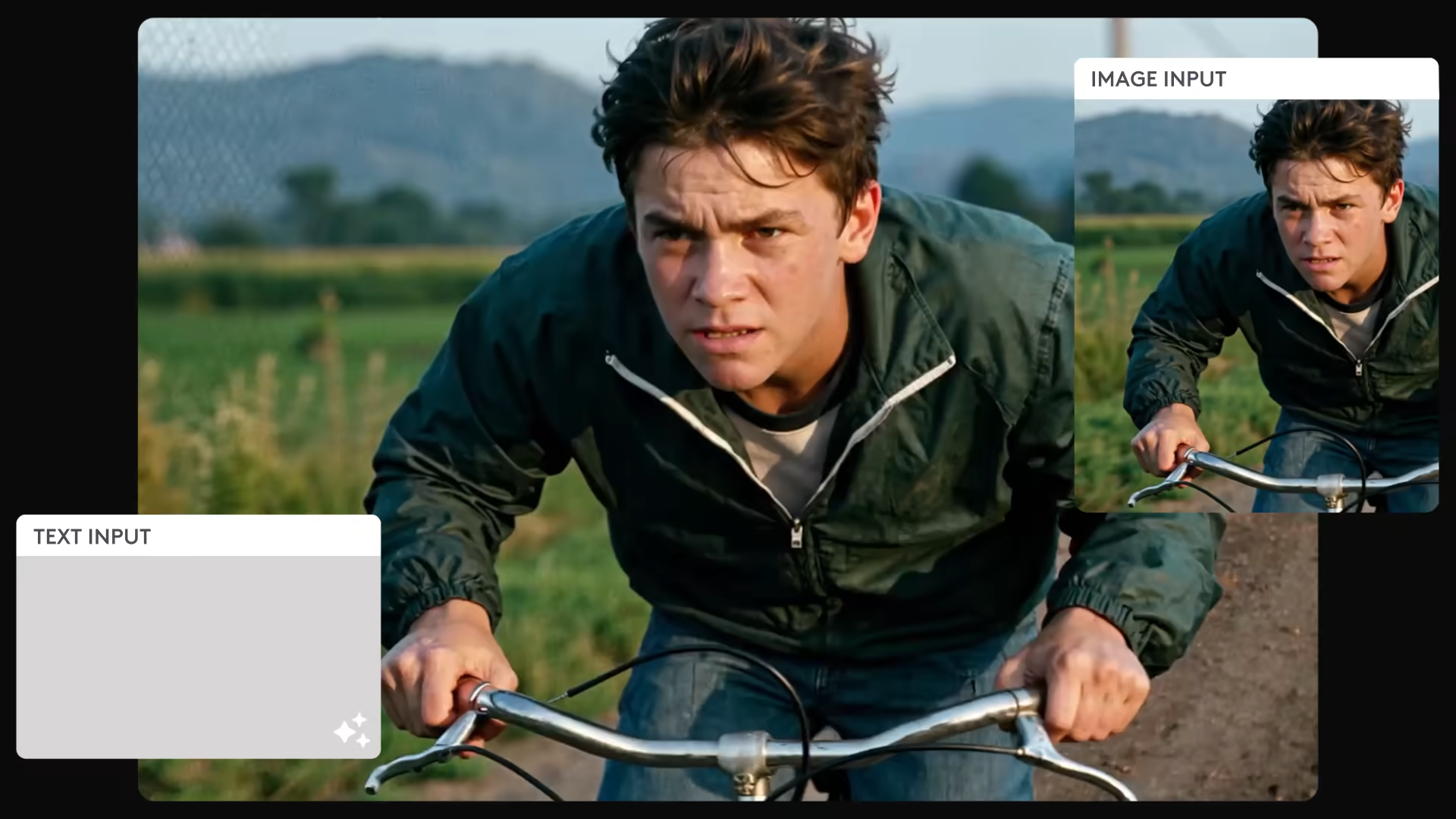
Turn a still image into a smooth, natural video while keeping the subject stable and visually consistent across frames.
Multi-keyframe control
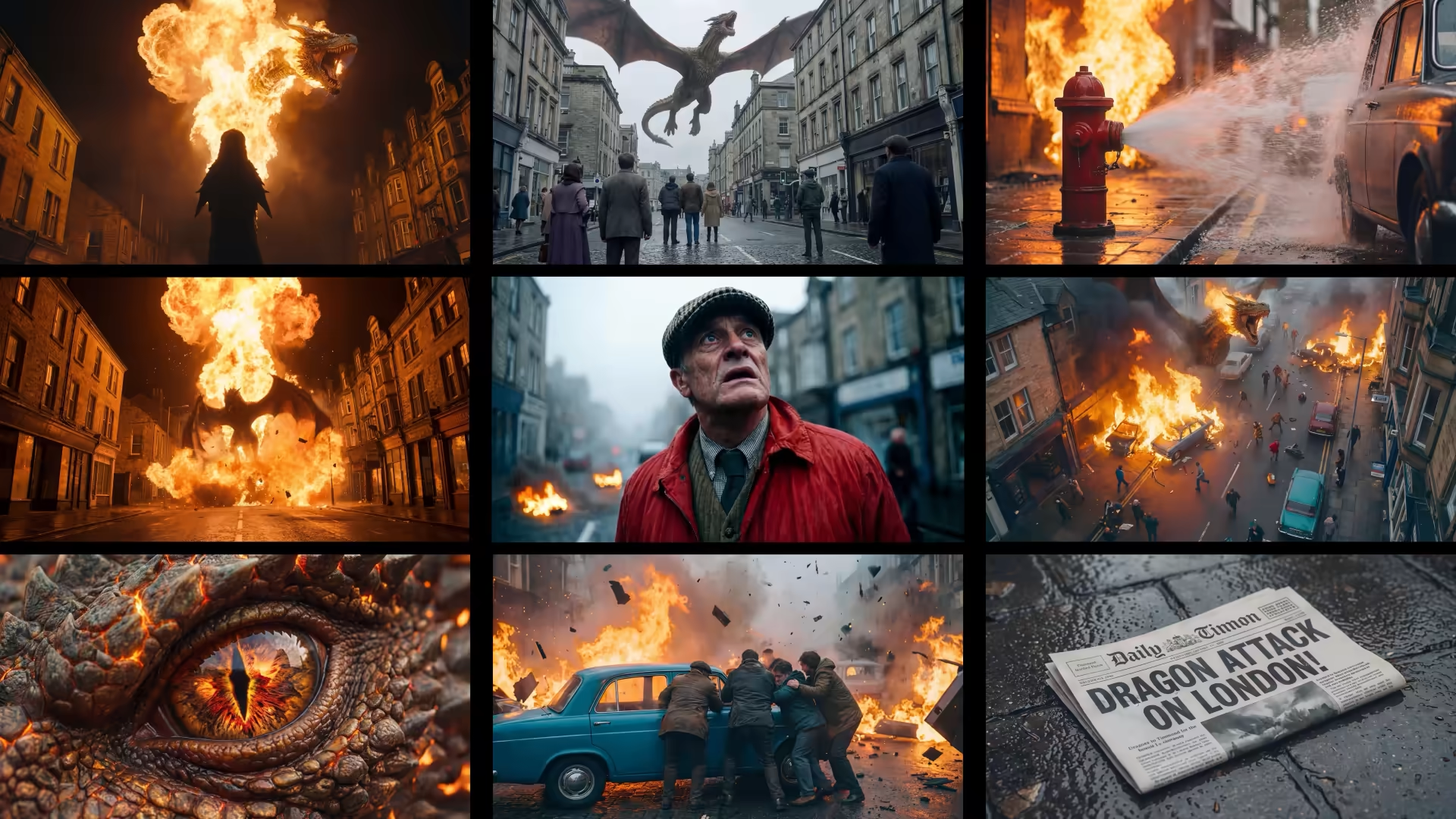
Define key moments using multiple images to guide motion, transitions, and scene structure with precision.
Production-ready API
Integrate at scale with a developer-first API and optimized inference pipelines built for real-world deployment.
Animate still images
Turn a single image into dynamic video with natural motion and camera movement, ideal for artwork, photography, and product visuals.
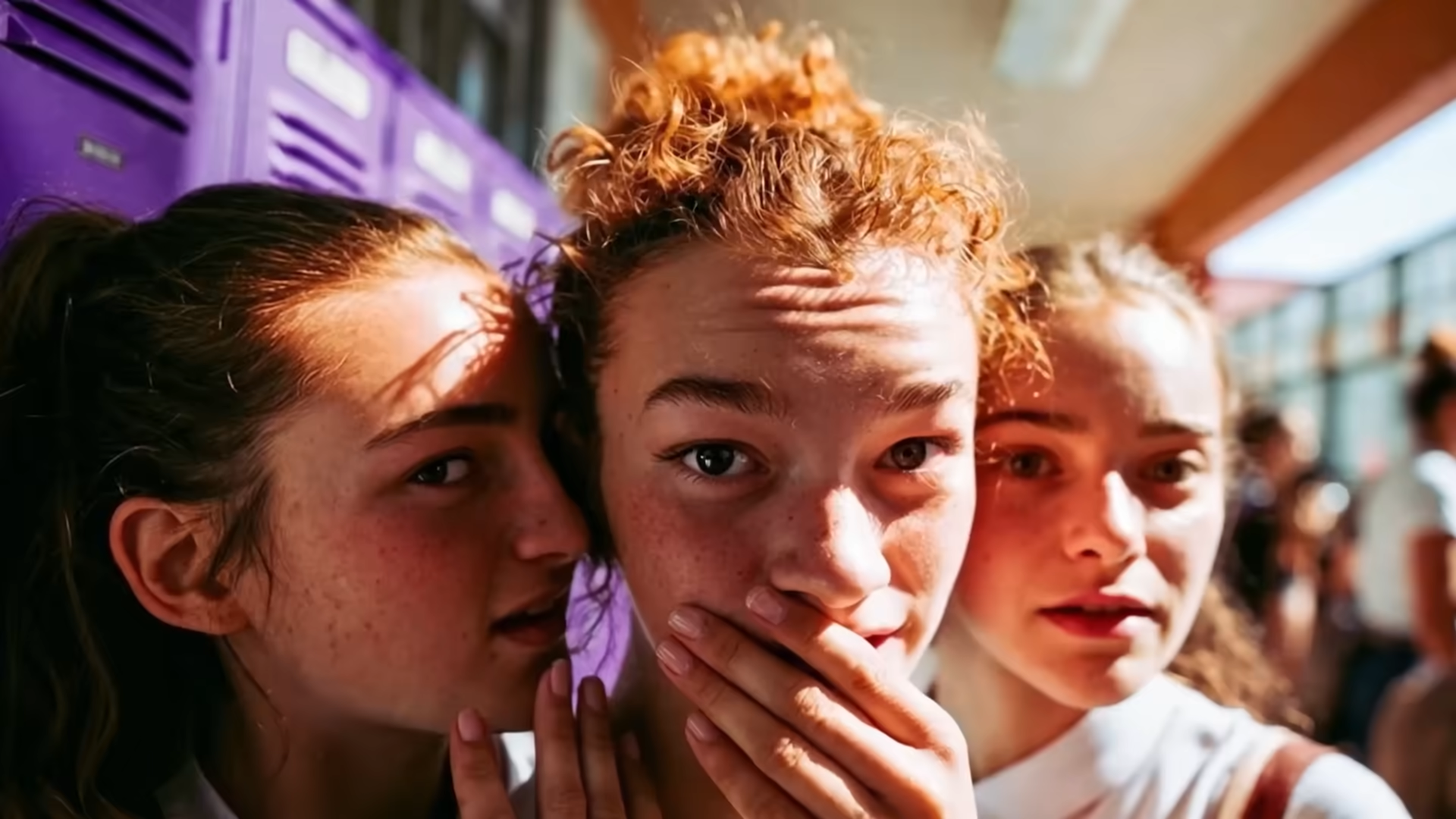
Marketing & product visuals
Create short videos from static product images for ads, social content, and brand storytelling at scale.

Character & scene animation
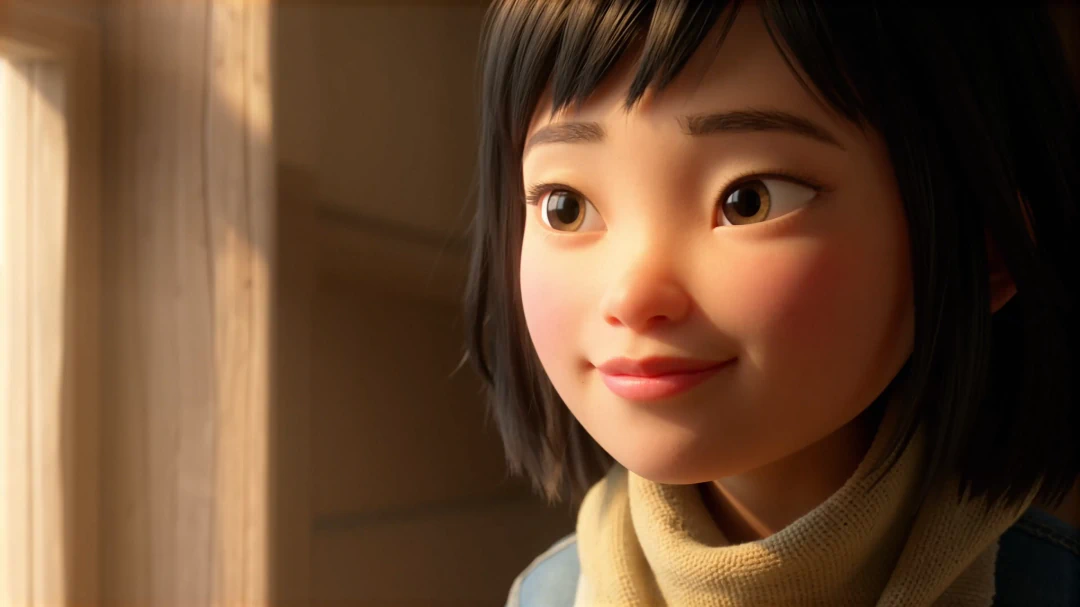
Animate illustrated characters or environments while preserving identity, style, and composition across frames.

Storyboarding & visual ideation
Explore motion, pacing, and framing by animating concept art or reference images before full production.

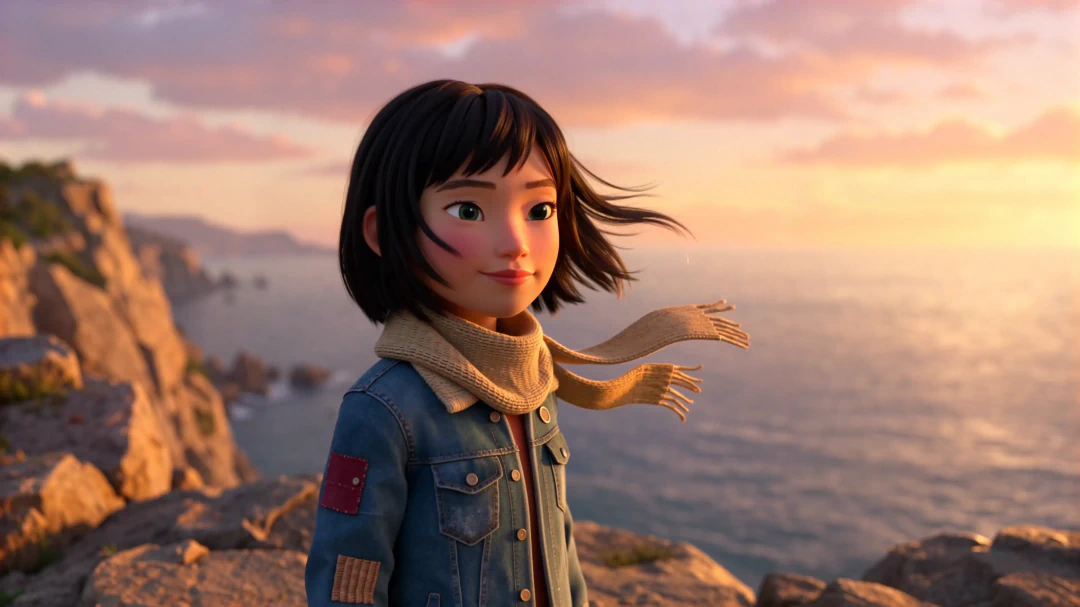

How the Image to Video model works
Input:
- Image (required): Single image or multiple images used as keyframes
- Optional text prompt: Guides motion, camera behavior, and visual style
- Optional parameters: Resolution, FPS, duration, seed, inference steps
- Supported formats: PNG, JPEG/JPG, WEBP
Output:
- Image (required): Single image or multiple images used as keyframes
- Optional text prompt: Guides motion, camera behavior, and visual style
- Optional parameters: Resolution, FPS, duration, seed, inference steps
- Supported formats: PNG, JPEG/JPG, WEBP
How the Image to Video model works
Input
Explore motion, pacing, and framing by animating concept art or reference images before full production.
Technical characteristics:
- Image (required): Single image or multiple images used as keyframes
- Optional text prompt: Guides motion, camera behavior, and visual style
- Optional parameters: Resolution, FPS, duration, seed, inference steps
- Supported formats: PNG, JPEG/JPG, WEBP
Output
Provide a source image as your visual anchor. Optionally add a text prompt to guide motion, camera behavior, and style.
Technical characteristics:
- Image (required): Single image or multiple images used as keyframes
- Optional text prompt: Guides motion, camera behavior, and visual style
- Optional parameters: Resolution, FPS, duration, seed, inference steps
- Supported formats: PNG, JPEG/JPG, WEBP
Image-to-Video
For detailed, stable motion derived from a still image. Best for high-quality sequences, storytelling, and production use.
- Uses the Pro rendering path for maximum fidelity.
- Ideal when visual consistency is critical.
Image-to-Video
For detailed, stable motion derived from a still image. Best for high-quality sequences, storytelling, and production use.
- Uses the Pro rendering path for maximum fidelity.
- Ideal when visual consistency is critical.
Personas
Subtext goes here enables true audio-to-video AI generation without relying on text-first pipelines.

Product integrators
Embed video generation into existing platforms with minimal engineering overhead. Reliable API, predictable performance, easy integration.
Visionaries & custom builders
Build and fine-tune video products on a stable foundation. High-fidelity outputs and long-term model stability for vertical AI solutions.
.webp)
Enterprise Content Platforms
Transform voice, music, and sound into high-quality video for campaigns, education, and distribution pipelines.
.jpeg)
Research & Academia
Experiment with audio-driven animation, timing alignment, and audio-visual generation using a controllable video model.

Persona 5
Experiment with audio-driven animation, timing alignment, and audio-visual generation using a controllable video model.
Persona 6
Experiment with audio-driven animation, timing alignment, and audio-visual generation using a controllable video model.

Persona 7
Experiment with audio-driven animation, timing alignment, and audio-visual generation using a controllable video model.
Persona 8
Experiment with audio-driven animation, timing alignment, and audio-visual generation using a controllable video model.
FAQs
What is the Image to Video model in LTX?
The LTX Image to Video model is an AI video generation model that creates video from static images, using visual input as the primary conditioning signal to generate motion, structure, and temporal continuity.
How does the LTX Image to Video model work?
The LTX Image to Video model generates video by conditioning on one or more images, optionally guided by text prompts. Images define composition and identity, while the model synthesizes coherent motion across frames.
Is the LTX Image to Video model open source?
Yes. The LTX Image to Video model is open source, with code and model weights available on GitHub and Hugging Face. This allows developers and researchers to run the model locally, inspect the implementation, fine-tune it, and integrate it deeply into custom pipelines.
How can I improve motion quality when generating video from images?
Motion quality can be improved by:
- Using detailed prompts that describe movement and camera behavior
- Adjusting conditioning strength
- Using preprocessing and control workflows
- Leveraging official ComfyUI pipelines and examples
These approaches help avoid static motion or simple zoom effects.
Can I use multiple images or keyframes?
Yes. The LTX Image to Video model supports multi-image and keyframe conditioning, allowing you to guide structure, transitions, and scene evolution using multiple visual references.
Does the Image to Video model support pose, depth, or edge control?
Yes. Image to Video workflows can be guided using control LoRAs (such as pose, depth, and canny), enabling more structured and controllable motion from static images.
Is the LTX Image to Video model available via API?
Yes. The LTX Image to Video model is available via a production-ready API as part of LTX Models, enabling scalable integration into products and platforms.
