AI Video to Video model
Transform existing footage with precise control over structure, motion, and continuity. Reimagine scenes while preserving lighting, camera behavior, and temporal flow.






.svg)






Key Capabilities

Edit without starting over
Modify existing footage with surgical precision. Use Retake to rewrite a specific segment with a new prompt, or Extend Scene to lengthen existing clips while preserving motion and continuity
Restore and enhance video quality
Improve output quality from footage you already have. Detail Upscaling enhances resolution and recovers fine detail without regenerating the clip.
Precise control over motion, structure, and camera
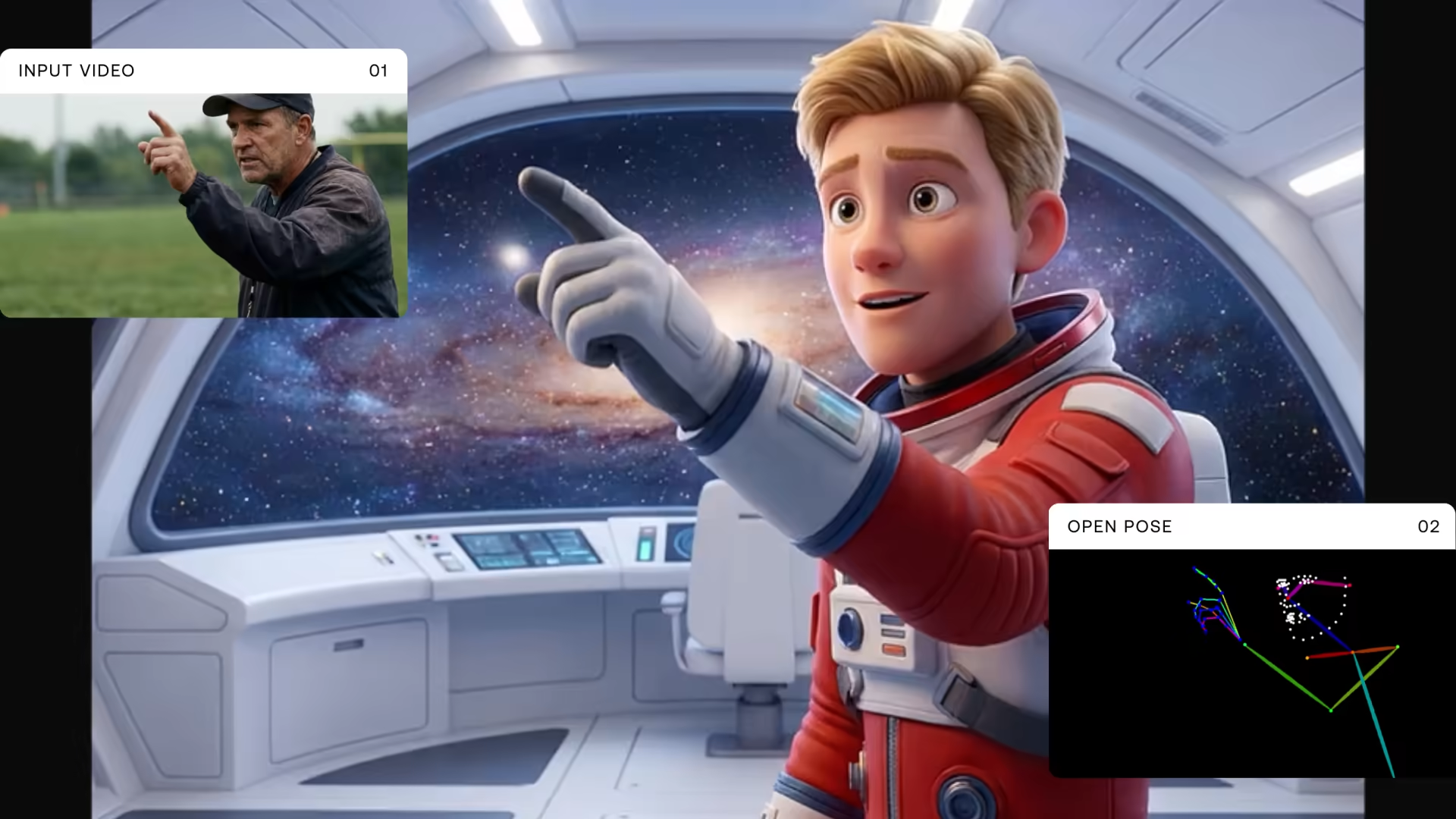
Direct every element of the transformation with intention, not guesswork. From body pose-driven motion and depth-aware spatial structure to explicit camera behavior like static, dolly, and l
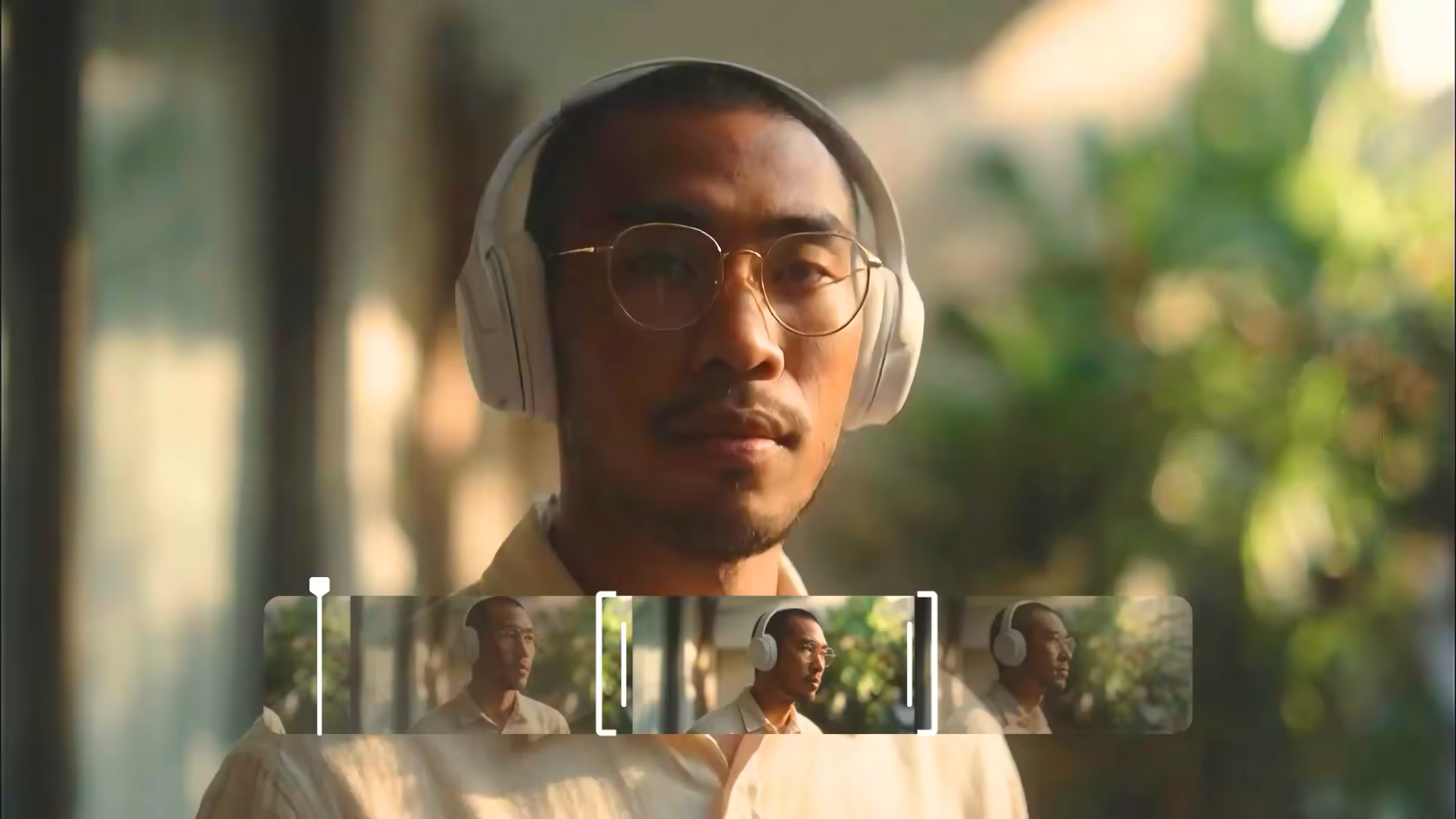
AI video retakes & revisions
Regenerate specific moments, fix dialogue delivery, adjust emotion, or change action without re-rendering the entire video. Define a start time and duration, update the prompt, and only the targeted segment is regenerated while surrounding content stays intact.
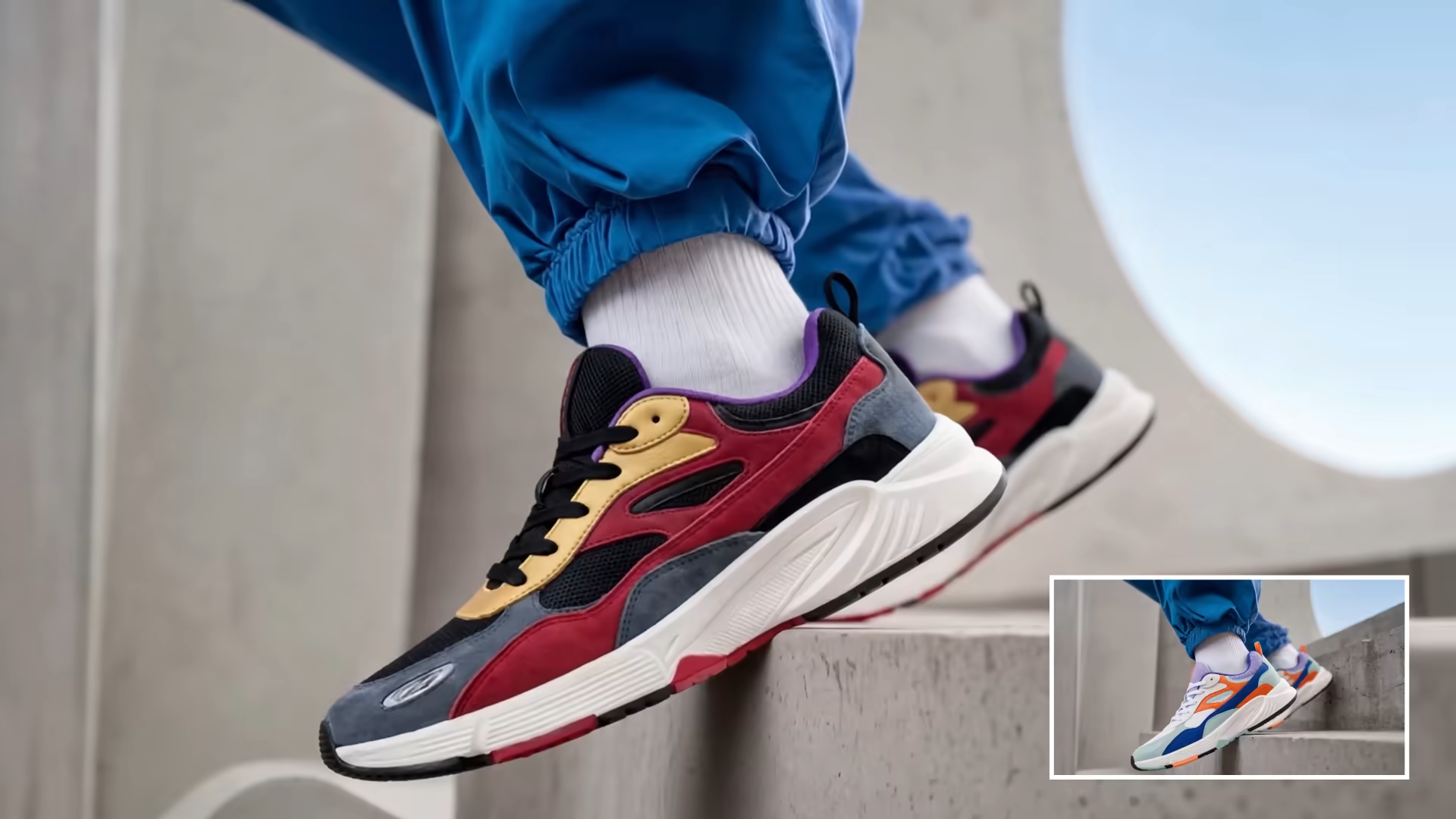
Footage restyling for brand & campaign
You have existing footage but need a different visual treatment, a new color palette, a cinematic look, or an animated aesthetic. Run it through the video-to-video pipeline to reinterpret the style while keeping the original motion and composition intact.
Guided generation from reference video
Start with a rough cut, a storyboard animatic, or a body-motion reference and use IC-LoRA conditioning (depth, pose, edge) to generate a polished video that follows the same spatial layout and movement without building it from scratch.
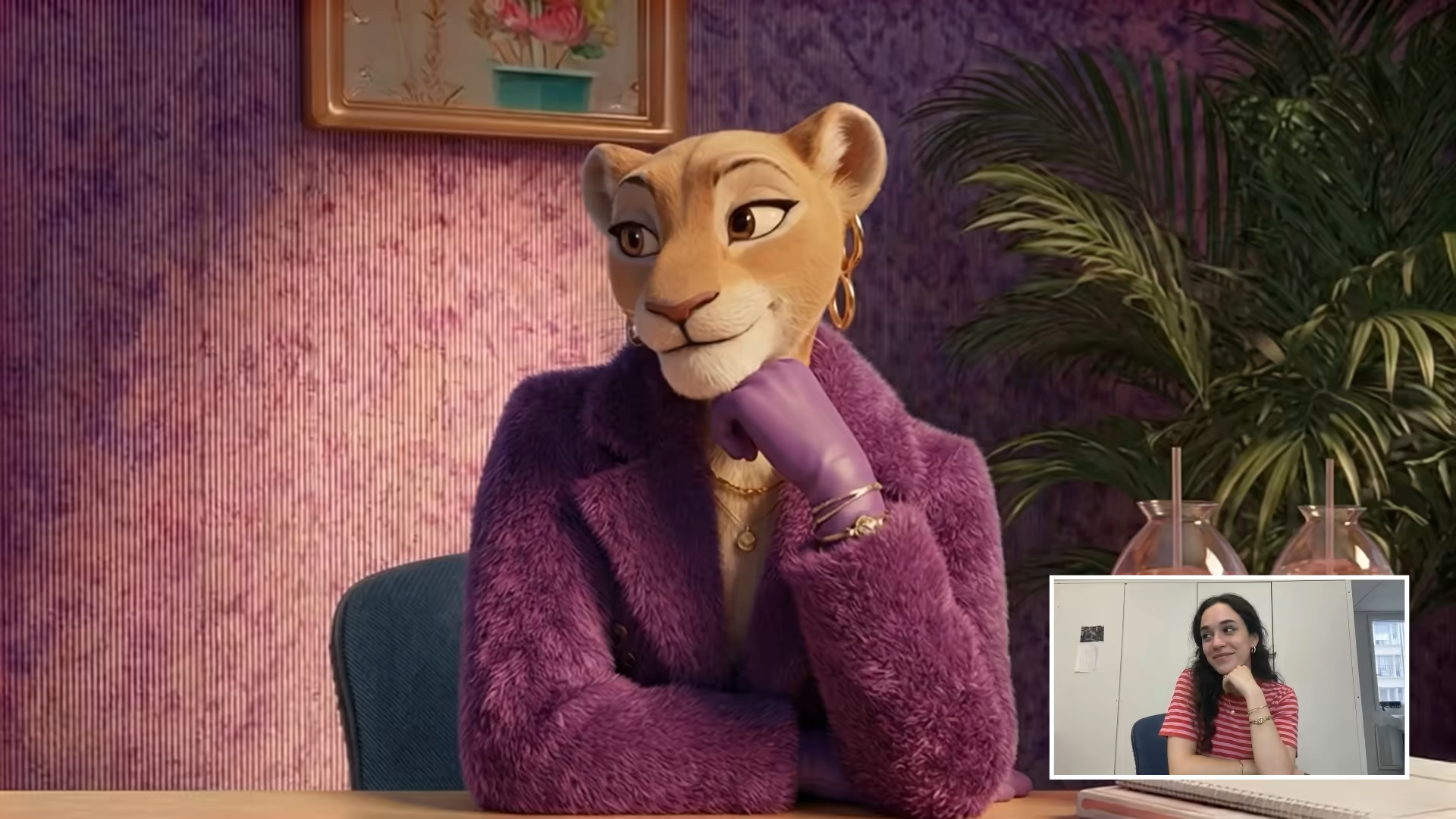
Rapid iteration on AI-generated content
Generate a full video and test variations, different actions, alternate dialogue, adjusted pacing. Combine Retake for segment-level changes with full-clip transformations to iterate fast without regenerating everything from zero.
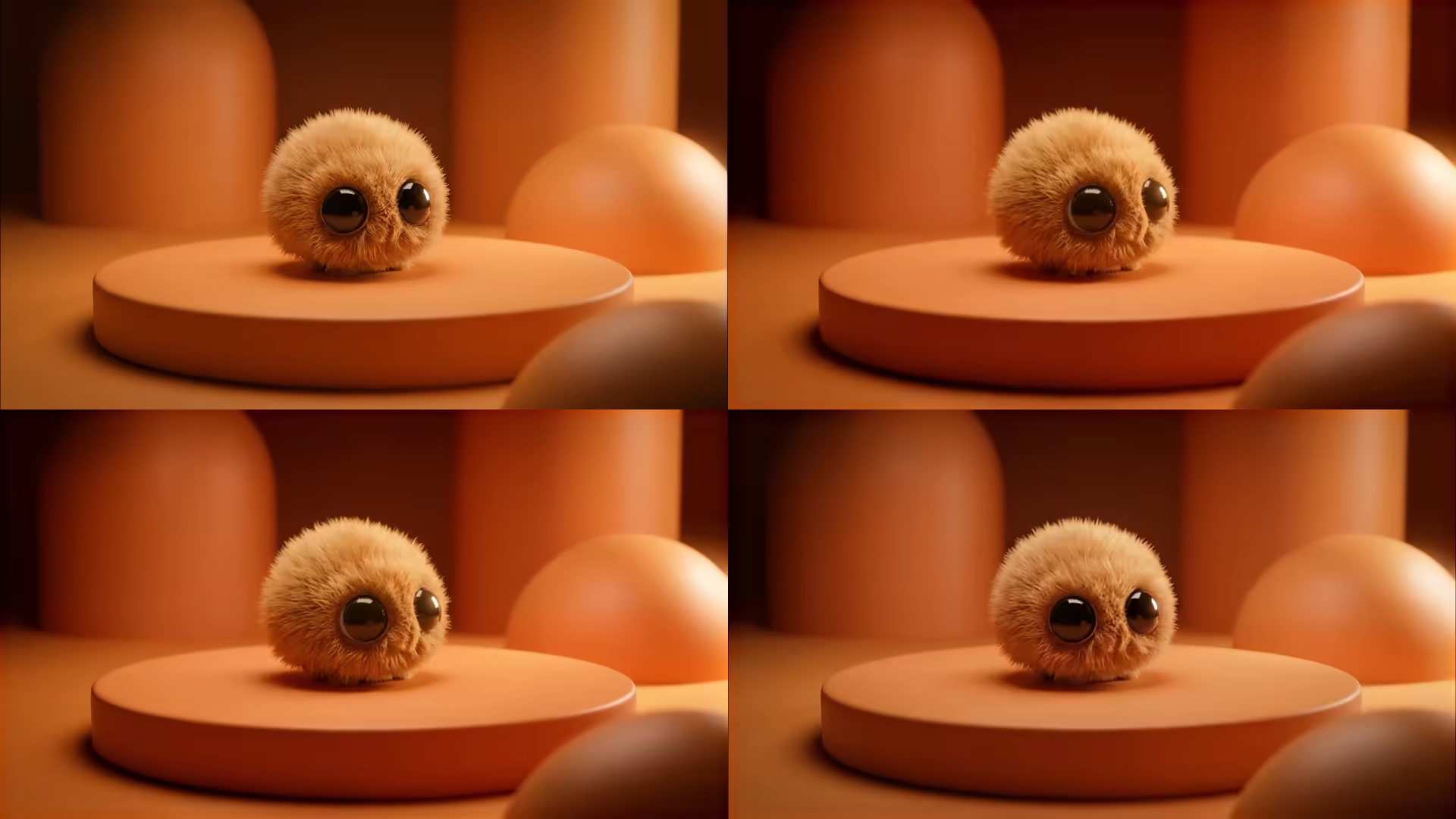
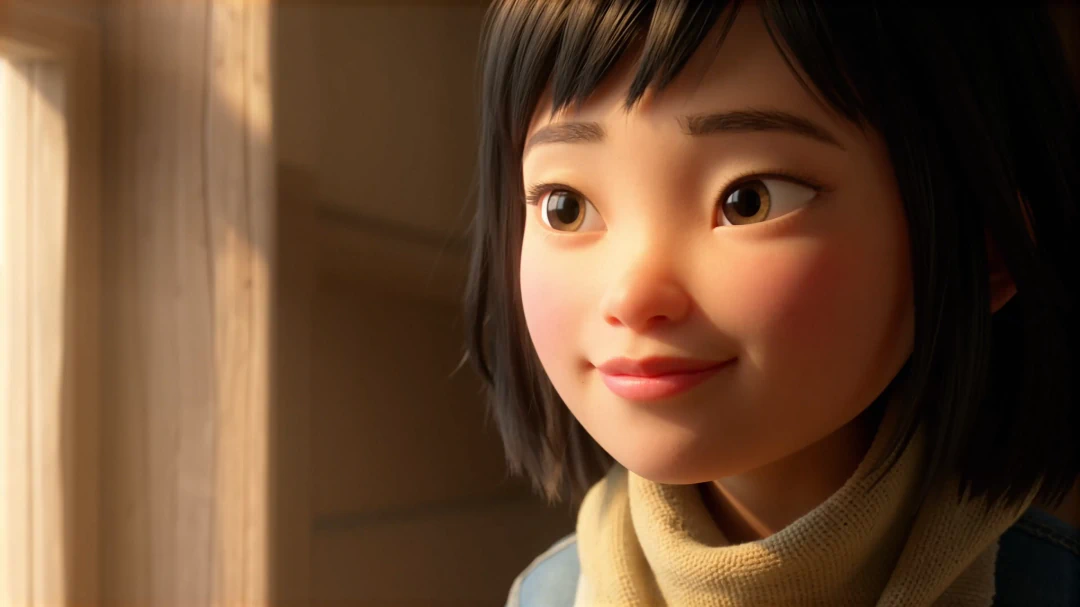
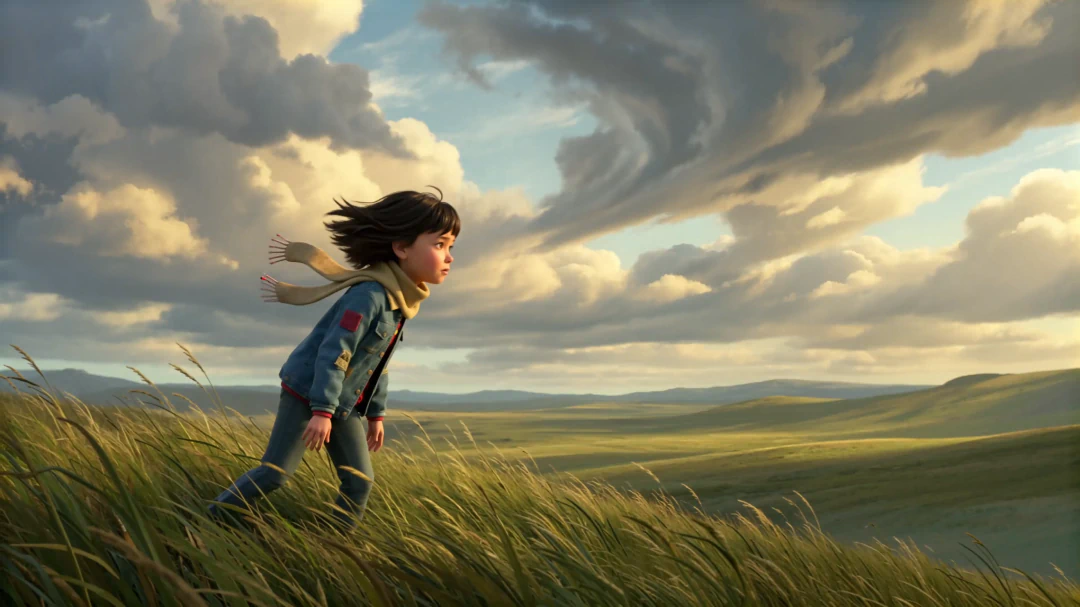
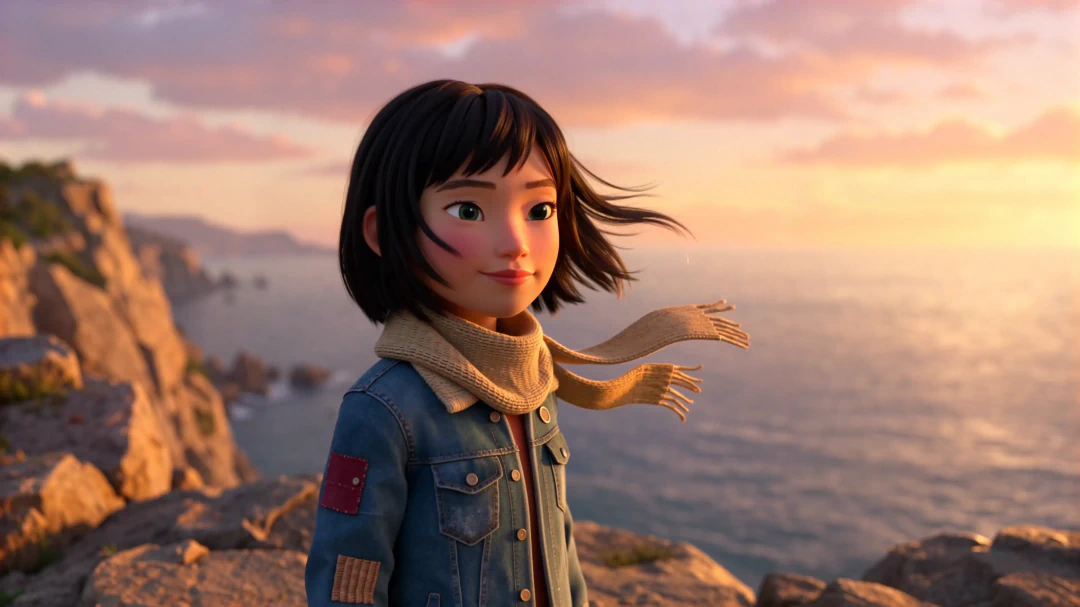

How the Video to Video model works
Input:
- Video (required): MP4, MOV, or MKV
- Supported codecs: H.264, H.265
- Maximum resolution: 3840×2160 (4K)
- Maximum duration: ~21 seconds
Output:
- Edited MP4 video
- Segment-based editing regenerates only the selected range, surrounding frames remain unchanged.
- Full-scene mode reinterprets the entire clip while preserving structural motion dynamics.
How the Video to Video model works
Input
Provide a source video clip and define what to change: a segment, the full scene, or just the audio. A text prompt guides the transformation.
Technical characteristics:
- Video (required): MP4, MOV, or MKV
- Supported codecs: H.264, H.265
- Maximum resolution: 3840×2160 (4K)
- Maximum duration: ~21 seconds
Output
Receive an edited MP4 with only the targeted segment regenerated, or the full clip reinterpreted while preserving structural motion dynamics.
Technical characteristics:
- Edited MP4 video
- Segment-based editing regenerates only the selected range, surrounding frames remain unchanged.
- Full-scene mode reinterprets the entire clip while preserving structural motion dynamics.
Retake - Video Editing
Refine only the parts that need adjustment - no need to regenerate the whole video. Perfect for fixing scenes, adjusting elements, or improving localized areas.
- Currently available in 1080p only.
- Billed per second of input video.
Retake - Video Editing
Refine only the parts that need adjustment - no need to regenerate the whole video. Perfect for fixing scenes, adjusting elements, or improving localized areas.
- Currently available in 1080p only.
- Billed per second of input video.
Personas
Subtext goes here enables true audio-to-video AI generation without relying on text-first pipelines.

Product integrators
Embed video generation into existing platforms with minimal engineering overhead. Reliable API, predictable performance, easy integration.
Visionaries & custom builders
Build and fine-tune video products on a stable foundation. High-fidelity outputs and long-term model stability for vertical AI solutions.
.webp)
Enterprise Content Platforms
Transform voice, music, and sound into high-quality video for campaigns, education, and distribution pipelines.
.jpeg)
Research & Academia
Experiment with audio-driven animation, timing alignment, and audio-visual generation using a controllable video model.

Persona 5
Experiment with audio-driven animation, timing alignment, and audio-visual generation using a controllable video model.
Persona 6
Experiment with audio-driven animation, timing alignment, and audio-visual generation using a controllable video model.

Persona 7
Experiment with audio-driven animation, timing alignment, and audio-visual generation using a controllable video model.
Persona 8
Experiment with audio-driven animation, timing alignment, and audio-visual generation using a controllable video model.
FAQs
What is the Video to Video model in LTX?
The LTX Video to Video model is a production-ready generative AI system that transforms existing footage while preserving motion, structure, and continuity. It enables both segment-based regeneration and full-scene reinterpretation within controlled workflows.
How is the LTX Video to Video model different from basic AI video editing tools?
Unlike basic editing tools that operate frame by frame, the LTX Video to Video model conditions generation on temporal context and surrounding frames. This allows edits and transformations to integrate seamlessly into existing footage without breaking motion dynamics or visual coherence.
What is LTX Retake?
LTX Retake is a directable segment-based regeneration capability. It allows you to define a precise start time and duration, then regenerate only that section while preserving everything outside the selected range.
Can the LTX Video to Video model handle full-scene transformations?
Yes. In addition to segment-based edits, the model can reinterpret entire clips while maintaining structural motion consistency, camera behavior, and timing across frames.
How does LTX preserve continuity when editing video segments?
The model conditions generation on surrounding frames and motion context. This helps maintain consistent lighting, camera movement, timing, and visual flow before and after the edited section.
Is the LTX Video to Video model built for production use?
Yes. The model is designed for real-world deployment through API integration. It supports predictable behavior, scalable workflows, and structured control suitable for studios, platforms, and enterprise systems.
Is the LTX Video to Video model available via API?
Yes. The Video to Video model is accessible through the LTX API, enabling integration into creative tools, AI platforms, and automated production pipelines.
Are LTX video models open source?
Core LTX video models are open source, with code and model weights available on GitHub and Hugging Face. API features and deployment options may vary depending on usage and configuration.
