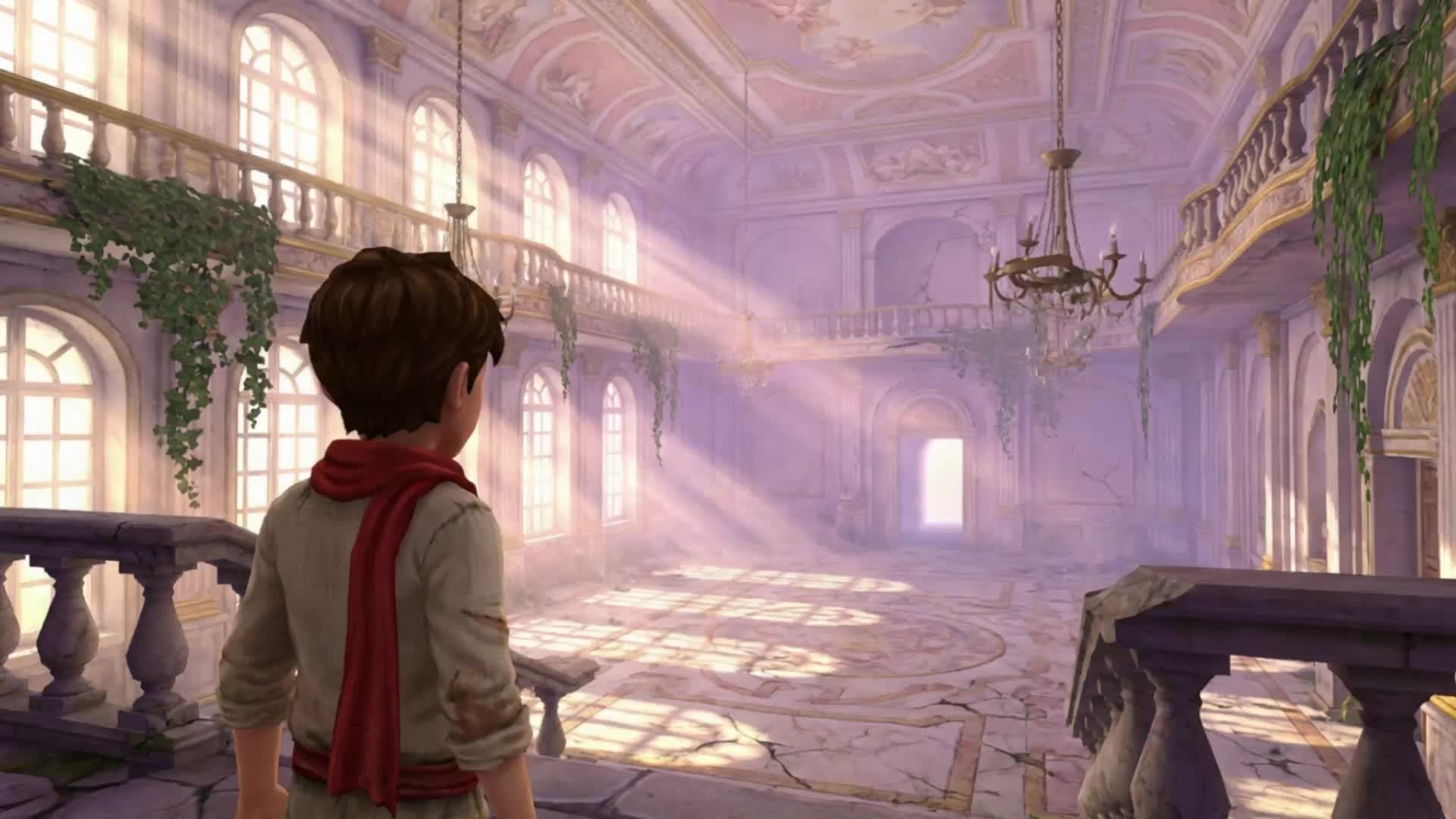
- LTX-2.3's image-to-video workflow anchors generation to a reference image encoded at frame zero — the model generates motion from there, so image quality, framing, and lighting in the reference directly affect output quality across all frames.
- TI2VidTwoStagesPipeline is the recommended pipeline for production image-to-video output, generating a low-res base in Stage 1 and upsampling 2x in Stage 2; TI2VidOneStagePipeline is faster for drafts and lower-VRAM hardware.
- IC-LoRA adapters (Pose Control, Detailer, Union Control) extend image-to-video with structural conditioning from reference video — use the distilled checkpoint for IC-LoRA, run only one IC-LoRA group at a time on consumer GPUs.
Image-to-video generation turns a static image into a moving scene with motion, camera behavior, and temporal coherence. Unlike text-to-video, where the model generates everything from a description, image-to-video uses the input image as a visual anchor — the first frame is defined by what you provide, and the model generates the motion from there.
This guide walks through setting up a complete image-to-video workflow using LTX-2.3, an open source DiT-based model, focusing on the practical steps: hardware setup, pipeline selection, image preparation, and parameter tuning.
How Image-to-Video Generation Works
In text-to-video generation, the model starts from a noise state and denoises toward a video that matches the text prompt. In image-to-video, the model uses a reference image to anchor the first frame. LTX-2.3 uses a technique called replacing the first frame's noise with the encoded representation of the input image. The image is encoded through the Video VAE, compressed into the model's latent space, and used to replace the noisy first-frame latent at the start of the denoising process.
This means the generated video starts from the exact visual content of your reference image and evolves from there. The model generates motion for the remaining frames — camera movement, subject motion, scene evolution.
Setup and Requirements
Hardware Requirements
Hardware: LTX-2.3 targets NVIDIA GPUs with CUDA 13+ support. The full dev model requires 80GB+ VRAM. The distilled model with FP8 quantization runs on 32GB+ GPUs. For lower-VRAM setups, see the consumer GPU guide. Set PYTORCH_CUDA_ALLOC_CONF=expandable_segments:True before running any pipeline.
Installation
Clone the repository and set up the environment:
git clone https://github.com/Lightricks/LTX-2.git
cd LTX-2
uv sync --frozen
source .venv/bin/activate
Download the model checkpoints from HuggingFace: the dev checkpoint (ltx-2.3-22b-dev.safetensors) or distilled checkpoint (ltx-2.3-22b-distilled.safetensors), the spatial upsampler, and the Gemma text encoder.
Choosing the Right Pipeline for Your Workflow
LTX-2.3 provides multiple pipelines, each optimized for different use cases. For image-to-video, the two relevant pipelines are:
TI2VidTwoStagesPipeline (text + image to video, two stages): The recommended pipeline for image-to-video generation. Takes a text prompt and a reference image, generates a low-resolution base video in Stage 1, and upsamples to 2x resolution in Stage 2 using a spatial upsampler with distilled LoRA refinement. Supports both the dev and distilled checkpoints. Uses multimodal guidance (CFG + STG) for higher fidelity.
TI2VidOneStagePipeline (text + image to video, one stage): A single-stage variant for faster generation or lower-VRAM hardware. Produces lower resolution output than the two-stage pipeline. Useful for rapid iteration and prompt testing before committing to the full two-stage workflow.
Start with TI2VidTwoStagesPipeline for production output. Use TI2VidOneStagePipeline for quick drafts.
Advanced Control: IC-LoRA Adapters
IC-LoRA (Image-Conditioned LoRA) adapters extend image-to-video generation with structural control. Instead of just anchoring the first frame, IC-LoRA extracts a control signal from a reference video and uses it to condition the motion in the generated clip.
LTX-2.3 includes three IC-LoRA variants for image-to-video workflows:
• Pose Control: Extracts body pose skeleton from reference video. Use for transferring human motion from one subject to another.
• Detailer: Enhances detail fidelity in the generated output. Use when the default pipeline produces output that needs more fine-grained detail.
• Union Control (Canny, Depth, Pose combined): Provides multiple conditioning signals simultaneously. Higher VRAM requirement. Only run one IC-LoRA group at a time on lower-VRAM hardware.
IC-LoRA uses the distilled model checkpoint. Ensure you have ltx-2.3-22b-distilled.safetensors rather than the dev checkpoint when using these adapters.
Preparing Your Input Image
Image quality directly affects output quality. LTX-2.3 works best with detailed, chronological prompts — the same applies to the reference image. Guidelines for the reference image:
• Resolution: Match the target output resolution or higher. For a 1024×576 output, use a reference image at 1024×576 or larger.
• Content alignment: The image should show the starting state of the scene you want to generate. If your prompt describes a character walking forward, the reference image should show the character's starting position.
• Lighting consistency: The model propagates the image's lighting conditions through generated frames. Inconsistent or unusual lighting in the reference image will appear in the output.
• Subject framing: Frame the subject in the image the way you want it to appear in the first frame of the video. The model doesn't reframe.
Running the Pipeline
Run the TI2VidTwoStagesPipeline with your reference image from the command line. In addition to the checkpoint and model paths, you'll pass your image path, a text prompt, the output path, and standard generation parameters.
Key parameters to tune:
• Seed: Fix for reproducibility; vary to explore motion variations
• Number of inference steps: Controls denoising steps in Stage 1. 40 steps is the default; reduce to 20-30 with gradient estimation for faster inference
• CFG scale: Classifier-free guidance strength. Higher values follow the prompt more strictly; lower values allow more variation
• STG scale: Spatio-temporal guidance. Improves temporal consistency at the cost of some generation diversity
Prompt Writing for Image-to-Video
The text prompt conditions the motion that the model generates from your reference image. Write prompts that describe what happens after the first frame:
Avoid: describing what's in the image (the model can see it)
Include: motion direction, camera behavior, speed, and any changes that should occur over the clip
Example: for a reference image of a person standing in a field, the prompt should describe how they move and how the camera responds, not what they look like.
For detailed prompt guidance, see the LTX-2.3 Prompting Guide.
Extending Your Workflow
Image-to-video is a starting point. Once you have a generated clip, LTX-2.3 provides several extension workflows:
• Retake pipeline: Regenerate specific time segments that have artifacts or need adjustment, without regenerating the entire clip
• IC-LoRA pipeline: Apply structural control to subsequent shots to maintain motion consistency
• LoRA fine-tuning: Train a style or character LoRA using the LTX-2.3 repository, with pose, depth, and canny edge guidance. The LTX-2.3 trainer (included in the repository) lets you train on custom data for domain-specific generation.
Related posts


