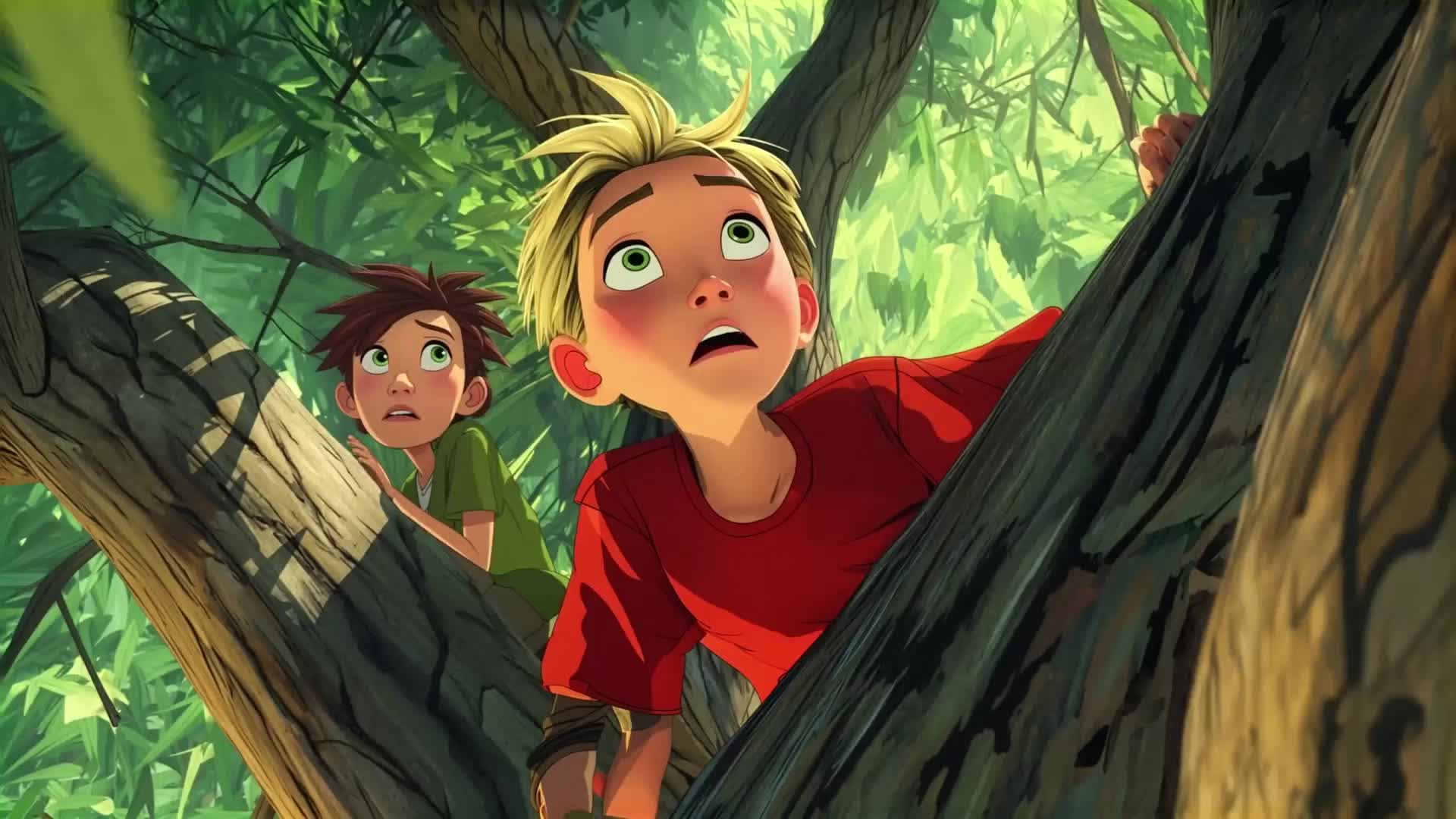
- Text-to-video models replace the draw-review-revise storyboarding cycle with a prompt-generate-iterate loop, adding motion, camera behavior, and timing information that static boards can't communicate — critical for aligning teams on action sequences and VFX-heavy shots.
- The practical workflow is: break down the script into key shots, translate screenplay directions into explicit chronological prompts, generate 1-2 second clips with DistilledPipeline for speed, then switch to TI2VidTwoStagesPipeline for higher-fidelity shots needing stakeholder review.
- Pre-visualization with AI video reduces approval cycle ambiguity — present multiple camera angle or pacing options per shot rather than a single version, and use image conditioning with a fixed reference to maintain character and environment consistency across independently generated clips.
Traditional storyboarding is slow. A single sequence of 20-30 boards can take a storyboard artist days to complete, and every revision cycle resets the clock. For independent filmmakers, advertising teams, and studios working under tight pre-production timelines, this bottleneck delays the entire production pipeline.
Text-to-video models change this. Instead of hand-drawing boards or waiting for an artist, you can generate rough video clips from script descriptions, assemble them into an animatic, and share moving pre-visualization with your team in hours. This guide covers the practical workflow for using text-to-video AI in pre-production: storyboarding, animatic assembly, and reference generation, using LTX-2.3 as the reference model.
Why Text-to-Video Models Belong in Pre-Production
Pre-production is about communication and iteration, not final quality. The goal is to get everyone — director, DP, production designer, VFX supervisor — looking at the same reference before expensive shoot days begin. Text-to-video models produce rough but directionally accurate motion clips from text descriptions, which is exactly what pre-production needs.
The key difference from image-based storyboarding: generated clips show motion, camera behavior, and temporal flow. A storyboard frame shows composition. A generated clip shows how the camera moves through that composition and what the subject does during the shot. For directors who think in motion, this is a qualitative improvement in the communication tool.
Building a Storyboard Generation Workflow
Translating Script to Prompts
Script lines don't map directly to generation prompts. A line like "INT. KITCHEN - MORNING - Maria pours coffee" needs to become a prompt that specifies visual composition, motion, and camera behavior. The LTX-2.3 prompting guide recommends keeping prompts under 200 words and structuring them chronologically: scene description first, then subject action, then camera behavior.
For storyboard generation, add camera direction to every prompt. Don't leave camera behavior implicit. If the shot is a medium close-up with a slow push-in, say so: "Medium close-up on Maria's hands as she pours coffee. Camera pushes in slowly. Morning light from the window falls across the counter."
Shot Types and Camera Language
LTX-2.3 responds to standard cinematographic camera descriptors: dolly in, pan left, tracking shot, static camera, pan right, aerial, low angle, close-up, wide shot. For pre-production boards, include the shot type and camera movement in every prompt. This produces clips that communicate visual intention to a DP or director more clearly than static images.
Useful prompt patterns for storyboarding:
• Establishing shot: "Wide aerial shot of [location]. Camera descends slowly toward [subject]. [Description of environment and time of day]."
• Over-the-shoulder dialogue: "Over-the-shoulder shot from [character A]'s perspective looking at [character B]. [Character B] speaks. Static camera. [Lighting and setting description]."
• Action beat: "[Subject] [performs action]. Camera tracks alongside at [distance/angle]. Motion is [speed]. [Key visual element to emphasize]."
Hardware and Setup for Storyboard Generation
For storyboarding with LTX-2.3, use the TI2VidTwoStagesPipeline for the highest quality output when you have GPU resources, or the distilled pipeline for rapid iteration. The distilled pipeline's 8-step inference is well-suited to storyboard generation, where you're generating many clips quickly and evaluating composition and motion rather than final image quality.
Note: Running LTX-2.3 locally requires a Linux system with CUDA 13+ and an Nvidia GPU with 80GB+ VRAM for the default configuration (32GB with FP8 quantization). For teams without this hardware, the hosted API provides the same generation capability without local infrastructure.
Shot Iteration and Selection
Generate multiple takes per shot by varying the seed parameter. The same prompt with different seeds produces different camera angles, motion timing, and compositional variations. For pre-production, generate 3-5 takes per shot and select the one that best communicates the intended visual idea.
Organize generated clips by scene and shot number. A practical file naming convention: [scene_number]_[shot_number]_[seed]_v[take].mp4. This keeps takes traceable and makes assembling the animatic straightforward.
For shots that need longer duration, use LTX-2.3's Retake pipeline to regenerate a specific time range within a clip. If a 4-second clip has a good first 2 seconds but the motion goes wrong in the second half, Retake can regenerate just that section rather than regenerating the full clip. If a shot needs to be longer, use LTX-2.3's Retake pipeline to regenerate a specific time segment while preserving what works.
Building the Animatic
An animatic is a sequence of storyboard clips cut together with rough timing that approximates the rhythm of the final edit. With generated video clips, you're building a moving animatic rather than a still-frame version, which communicates pacing and transition timing more clearly.
Assembly Workflow
Any video editing tool handles animatic assembly: Premiere Pro, DaVinci Resolve, Final Cut Pro, or even a simple timeline tool. Import your selected takes and cut them together to script timing. At this stage, the goal is rhythm and flow, not color or quality.
LTX-2.3 video frame counts must satisfy (F-1) % 8 == 0, giving valid clip lengths of 9, 17, 25, 33, 41, 49, 57, 65, 73, 81, 89, and 97 frames. At 25 fps, 97 frames is approximately 3.88 seconds. Plan shot durations around these constraints during storyboard generation rather than trimming in the edit, which wastes compute and may cut the motion before it completes.
Adding Reference Audio
Rough dialogue or scratch VO can go in at the animatic stage. LTX-2.3's audio-to-video pipeline can generate clips that respond to a reference audio track, useful when you want the generated motion to reflect the rhythm of dialogue or music. For the animatic, rough timing with scratch audio is sufficient. The goal is communicating intent, not final picture.
Reference Clip Generation for VFX and Production Design
Beyond storyboarding, text-to-video models produce reference clips useful throughout pre-production:
• VFX pre-visualization: Generate rough clips showing intended VFX sequences — camera movements through environments, dynamic weather, vehicle behavior. These aren't final; they communicate scale, motion, and timing to the VFX team. LTX-2.3's image-to-video pipeline (TI2VidTwoStagesPipeline) generates motion from a concept art frame, giving VFX supervisors moving reference that approximates the final output.
• Location scouting reference: Generate clips showing how a described location should look and feel in the edit. These help production designers align on the visual target before physical location scouts begin.
• Camera test reference: Generate clips showing the intended camera movement for a shot. A dolly move, a handheld walk-and-talk, a crane rise — generating these before the shoot day lets the DP and director discuss execution with moving reference rather than verbal description alone.
Cinematic Prompts for Pre-Production Quality
For pre-production reference, match your prompt language to the shot type and visual intent:
• Use film-standard camera descriptors: dolly, pan, tilt, track, push-in, pull-out, crane, aerial, handheld, tic, static, pan right, pan left, tracking shot. LTX-2.3 responds to these cinematographic directions through prompt language and can produce reference clips that approximate the intended camera movement.
• Describe lighting conditions specifically: "golden hour backlight", "overcast flat light", "harsh midday sun", "interior practical light from window". These influence the generated clip's visual quality and communicability.
• Reference a visual style if it's relevant to communicating the intended aesthetic: "shallow depth of field", "high contrast", "desaturated", "film grain".
LTX-2.3's multiple pipelines let you move between text-to-video and image-to-video as needed during pre-production. Generate an initial text-to-video clip to establish the scene, then use image-to-video to generate motion from a selected frame of concept art for shots where a specific visual is already designed. Assemble them into an animatic for review.
Conclusion
Text-to-video generation compresses the pre-production storyboarding cycle from days to hours. The output isn't final-quality — it's communicative quality, which is what pre-production requires. For the animatic, the clips show timing, camera intention, and rough motion. For VFX and production design reference, they show scale and movement. For director-DP communication, they replace verbal description with something both parties can look at.
The workflow is: script to prompts, generate multiple takes per shot, select and assemble into animatic, iterate on timing and motion with the team. LTX-2.3's open-source pipeline and hosted API both support this workflow — the pipeline for teams with GPU access who want full control, the API for teams that prefer not to manage local inference infrastructure.
Related posts


