
- Film planning during pre-production prevents costly delays, budget overruns, and creative compromises by organizing logistics before cameras roll
- Traditional pre-production requires script breakdowns, location scouting, casting, crew hiring, budgeting, and scheduling across weeks or months
- AI-powered planning tools like LTX Studio streamline the pre-production workflow through automated storyboarding, pitch deck generation, and visual previsualization
- Allocate at least one-third of your total production timeline to pre-production for successful project execution
Film production is as exciting as it is complex, demanding a level of planning and organization that leaves little room for error. Preparing to shoot a film is more than just arranging a shooting schedule.
It's about setting yourself up to create within constraints, whether they are budgetary or logistical.
A strong film pre-production process bridges the gap between creative development and project execution. The pre-production phase is the planning phase, where your big, beautiful dreams meet nitty-gritty logistics.
In pre-production, every element of your story needs to be translated into actionable tasks.
Insufficient planning leads to costly production delays, budget overruns, and compromises on your creative vision.
On the other hand, a smart pre-production workflow ensures your team is on the same page, allowing you to focus on storytelling instead of troubleshooting issues later down the line.
This guide breaks down why film planning matters and how modern tools transform the pre-production process.
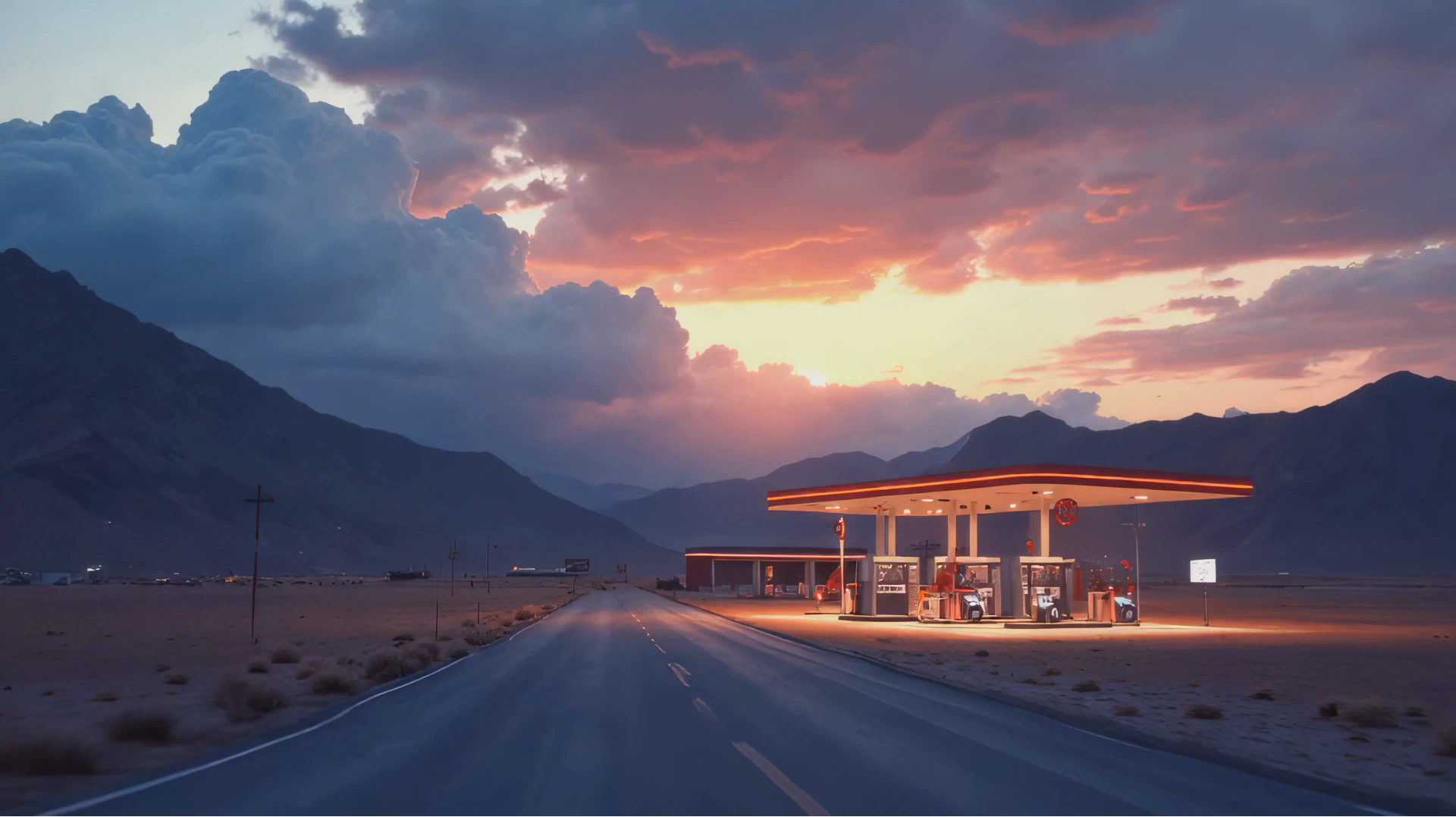
How to Plan a Film Shoot & Create a Detailed Film Production Plan
Before boots-on-the-ground film production, it's crucial to understand the different phases in the filmmaking process. Each part plays a distinctly different role in bringing your vision to life, yet there's a strong interdependence among them.
The Key Phases of Film Production
Understanding how these phases overlap and interact allows you to anticipate challenges and manage resources effectively.
| Phase | Key Activities | Typical Duration |
|---|---|---|
| Creative Development | Script writing, concept refinement, securing rights | Weeks to months |
| Pre Production | Planning, budgeting, casting, location scouting, crew hiring | 4 to 12 weeks minimum |
| Production | Actual filming and executing creative vision on set | Days to months |
| Post Production | Editing, sound design, visual effects, color grading | Weeks to months |
| Delivery and Distribution | Final deliverables, festival submissions, commercial release | Ongoing |
Creative Development is where narrative ideas evolve into scripts and pitches. This phase is the foundation of your film's vision, referring to the script and any other supporting materials you have created.
Pre-Production is the backbone of efficient and successful filmmaking. It happens not only during the shooting itself, but in the planning phase. Pre-production, colloquially called "pre-pro," refers to the steps in the filmmaking process where you organize all the necessary logistics, including finalizing the team and carrying out all the many tasks required to mount a film production.
Production is lights, camera, action. This is where your long hours of pre-production pay off. During production, you focus solely on the execution of your creative vision.
Post-Production covers editing, sound design, VFX. This is where you trade in your long days on location for long hours behind a screen. In this phase of the filmmaking journey, you focus on crafting a polished final product.
Delivery & Distribution is where your film is finally seen by an audience, following either commercial or independent distribution strategies.
A well-organized film shooting plan ensures your team works cohesively, eliminating inefficiencies and aligning everyone toward a shared common goal.
Film Pre-Production Workflow for Efficient Film Planning
Every filmmaker knows that in film, pre-production workflow is critical. A well-thought-out pre-pro process minimizes on-set surprises and ensures that each department is prepared when production begins.
The pre-production steps in filmmaking set the foundation for your film. If something is missed here, you'll feel it when you're on set. This is why having a comprehensive pre-production workflow with clear milestones matters.
Essential Pre-Production Steps
1. Lock Your Script
Finalize your screenplay before moving forward. Script changes will happen during production, but the whole point of the pre-production process is to head many of those missteps off at the pass. Lock the script, then build everything else around it.
A locked script enables script breakdown, accurate budgeting, precise scheduling, and department planning. Without a finalized script, every other pre-production step becomes guesswork.
2. Script Breakdown
Break the script into scenes, recording every element required: locations, props, costumes, actors, vehicles, special effects, sound cues, animals, and stunts. Go through systematically, identifying everything you'll need to bring each scene to life.
Use color coding or digital tags for different categories. Detail location needs beyond general descriptions. Instead of "coffee shop," specify functional kitchen requirements, outdoor seating needs, or specific lighting setups.
3. Budget Development
Estimate and allocate costs across pre-production, production, post-production, and delivery phases. Always start budget planning with the script as your guide. A well-thought-out budget ensures every department has resources needed, preventing costly delays or compromises down the road.
Include contingency funds. Most experienced producers allocate 10-15% of total budget as contingency for unexpected expenses.
4. Casting
Set up auditions, prepare actor sides (scene excerpts for audition readings), and focus on finding talent that matches your story. Casting affects not just performance quality but also budget, as actor fees vary dramatically based on experience and union status.
Consider availability windows. Securing your lead actors early allows you to build the production schedule around their availability.
5. Location Scouting and Securing
Find and book locations that meet the creative, budgetary, and logistical needs of your film. Scout suitable locations, secure necessary permits, and assess logistics like parking, power access, noise levels, and bathroom facilities.
Practical considerations matter as much as aesthetics. Ensure there's enough room for crew and equipment. Confirm access to properly grounded power outlets. Test for background noise at different times of day.
6. Hiring Crew
Assembling the right personnel for your film is crucial. You'll be spending long hours together, so make sure you will work well together as a team.
Start with key positions: Line Producer or UPM (Unit Production Manager), First Assistant Director, Director of Photography, and Production Designer. These department heads help you hire their respective teams.
7. Legal Contracts
Draft and execute agreements for cast, crew, vendors, and location owners. Secure insurance covering equipment loss, accidents, or delays. Prepare NDAs, release forms, and any rights documentation.
While many filmmakers skip insurance, it adds professional security to the project and protects against catastrophic losses.
8. Storyboarding and Shot Planning
Create visual representations of each scene through storyboarding. Map out camera shots and angles, composition, and movement. This planning saves time, reduces miscommunication, and ensures departments remain aligned with the director's vision.
9. Production Scheduling
Develop detailed shooting schedule grouping scenes by location to minimize travel and setup time. Most productions aim to shoot five pages per day (one script page equals roughly one minute of screen time).
Add buffer time for transitions between locations. Account for setup and teardown. Build in contingency days for weather or technical issues.
10. Technical Planning
List all required equipment including cameras, lenses, lighting units, and audio tools. Book rentals well in advance. Test all gear before production to avoid technical errors on set. Create backup plans for essential equipment.
Building a pre-production workflow that includes key milestones and deadlines helps ensure no detail gets overlooked. The efficiency of this workflow sets the tone for the entire production, laying the groundwork for a smooth production process.
How to Budget and Allocate Resources During Film Planning
Effective budget management during pre-production is crucial, as it determines the feasibility of your creative ideas. Misalignment of the budget with the scope of the project can lead to unnecessary compromises down the line.
Pre-production is also the time to align department heads on the overall vision, ensuring that the direction in cinematography, set design, wardrobe, and more meet the narrative needs, all within budget. Filmmaking is a collaborative art form, and effective communication among teams ensures consistency in execution.
Budget Development Strategy
Start with your locked script. Estimate costs based on:
- Above-the-line costs: Writers, directors, producers, principal cast
- Below-the-line costs: Crew, equipment, locations, materials, post-production
- Contingency: 10-15% buffer for unexpected expenses
Each department head works with the line producer to identify what they need to execute the director's vision. These needs get documented, priced, and either approved or revised to fit budget constraints.
This negotiation process is critical. Directors often have bigger ambitions than budgets can sustain. The line producer's job is finding creative solutions that preserve vision while respecting financial reality.
Resource Allocation Across Departments
Different departments require different resource allocation timelines:
- Camera and lighting: Usually rentals booked close to production
- Locations: Secured weeks in advance to ensure availability
- Costumes and props: Can take months if custom-built or sourced
- Visual effects: Planning may take months depending on complexity
- Makeup and prosthetics: Extended prep for special effects makeup
Understanding these timelines helps you sequence pre-production activities efficiently.
Leveraging Tools for Film Planning and Collaboration
Planning a film is no longer a manual affair. Modern platforms offer filmmakers solutions for the challenges of bringing a film to life.
Streamline Pre-Production with LTX Studio
LTX Studio provides tools that transform traditional pre-production workflows:
AI Storyboard Generator
LTX Studio's storyboard generator creates visual scene breakdowns from scripts automatically. Upload your screenplay and generate storyboard frames that map out every scene visually.
This eliminates weeks of manual storyboard illustration while ensuring every shot is visualized before production begins. Directors and cinematographers can refine camera angles, compositions, and shot sequences collaboratively.
Pitch Deck Generation
The pitch deck generator transforms your concept into professional presentation materials for investors, studios, or stakeholders.
Create fully customizable pitch decks that visualize your creative vision, communicate narrative approach and tone, demonstrate production feasibility, and align department heads on visual direction.
This tool is essential for fundraising and securing buy-in before production begins.
Visual Previzualization
Generate actual video sequences from your script during pre-production. See how scenes will look before committing to expensive production. Test different visual approaches, camera angles, and pacing. Share previz with stakeholders for approval.
This capability transforms pre-production from theoretical planning into tangible visualization.
Collaborative Planning Workflows
LTX Studio enables team collaboration through shared project access, allowing multiple stakeholders to review and provide input. Comment directly on specific shots or scenes. Maintain version control as concepts evolve. Export presentations for offline review with investors or clients.
This keeps everyone aligned throughout pre-production without endless email chains or disconnected file sharing.

Storyboarding for Seamless Production
Storyboarding is often thought of as a creative task, but it also serves an important logistical purpose in pre-production. By visually mapping out each scene, you can identify potential blindspots in your film shooting plan and avoid last-minute problems.
Traditional storyboarding requires illustration skills or hiring storyboard artists. This creates barriers for filmmakers without artistic backgrounds or limited budgets.
AI-powered storyboarding removes these barriers. LTX Studio generates storyboard frames automatically from script descriptions. You describe what happens in the scene, the platform visualizes it.
Benefits of Storyboarding in Pre-Production
Storyboards save time by identifying logistical challenges before production, reduce miscommunication by providing visual reference all departments share, ensure alignment with the director's vision across camera, art, and costume departments, and translate creativity into clarity and execution.
When your DP, production designer, and costume designer all reference the same visual storyboard, everyone works toward identical vision. This prevents the common problem where different departments interpret written descriptions differently.
How LTX Studio Transforms Storyboarding
Generate complete visual storyboards from uploaded scripts. Adjust shot angles, framing, and composition for each frame. Test different visual styles before committing to production approach.
Share storyboards with investors for funding approval. Export storyboards as pitch decks for presentations.
This workflow means your pre-production visualization happens in hours instead of weeks, at a fraction of traditional storyboard artist costs.
Modern Pre-Production: Planning Without Traditional Constraints
Traditional pre-production assumes you'll execute through physical filming. Every decision accounts for practical limitations: location availability, talent scheduling, equipment rental costs, weather dependencies, and crew coordination.
AI-powered production tools change these assumptions. When you can generate video content from scripts without filming, pre-production planning shifts focus from logistical coordination to creative vision and strategic execution.
How AI Changes Pre-Production Priorities
Traditional pre-production asks: Can we afford this location? Is this actor available? Do we have equipment for this shot? Can we schedule around weather?
AI-powered pre-production asks: Does this visual approach serve our story? Is this the right tone? How do these scenes flow together? What variations should we test?
The questions become strategic and creative rather than purely logistical.
Maintaining Pre-Production Discipline
AI tools remove many traditional constraints, but planning discipline remains essential. You still need:
- Clear creative vision and narrative goals
- Defined target audience and distribution strategy
- Budget allocation (even if producing content costs less)
- Timeline with milestones and deadlines
- Team alignment on objectives and approach
The difference is that you spend pre-production time on strategic decisions that improve your film rather than solving logistical problems that physical production creates.
Conclusion
Film planning is the secret to successful filmmaking. Insufficient pre-production creates chaos during production and compromise during post. Thorough planning ensures smooth execution and protects creative vision.
Traditional pre-production involves weeks or months of script breakdowns, location scouting, casting, crew hiring, legal coordination, and scheduling. Every detail requires attention. Every decision carries budget and timeline implications.
Modern tools like LTX Studio maintain pre-production discipline while removing traditional barriers. You still need clear vision, strategic planning, and team alignment. The platform simply eliminates the logistical complexity that consumed most pre-production time.
Whether you're planning traditional filmed production or AI-generated content, the principle remains: time invested in pre-production pays dividends throughout your project. Plan thoroughly. Visualize completely. Align your team. Then execute with confidence.
Ready to streamline your film planning process? Start creating with LTX Studio's storyboard generator and pitch deck tools to transform pre-production from administrative burden into strategic creative advantage.
Related posts

Film Planning FAQs
What are the key phases of film production?
The key phases are Creative Development (narrative ideas evolving into scripts and pitches), Pre-Production (organizing logistics, finalizing team, and planning), Production (executing the creative vision on set), Post-Production (editing, sound design, and VFX), and Delivery & Distribution (getting the film to audiences through commercial or independent strategies).
What should be included in a film pre-production checklist?
Essential pre-production steps include script breakdown identifying all required elements, budget development allocating costs across all phases, casting through auditions, location scouting and booking, hiring crew members, legal contracts for cast and crew, and establishing key milestones and deadlines to ensure no detail gets overlooked.
Why is storyboarding important for film planning?
Storyboarding serves both creative and logistical purposes by visually mapping out each scene to identify potential blindspots in your film shooting plan. It saves time, reduces miscommunication, ensures departments remain aligned with the director's vision, and translates creativity into clarity and execution before production begins.