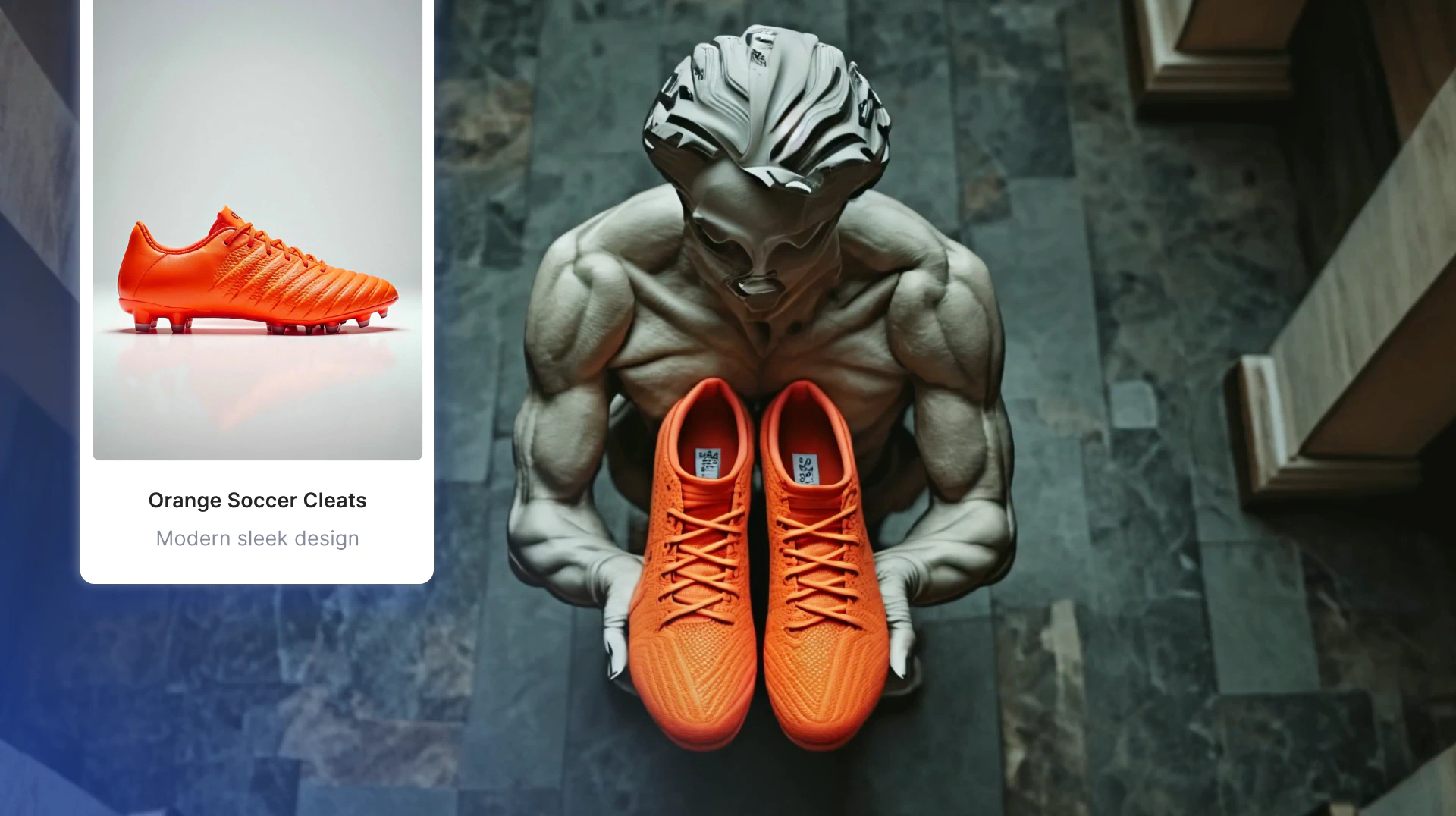
The advertising space often demands lightning fast iteration. Clients are looking for solutions yesterday, and advertising professionals are often bogged down by time-consuming processes. Time and effort are invaluable in this field, and striking the right balance can feel impossible. Enter AI—a game-changing innovation transforming how campaigns are created and executed. From faster concept iteration to major cost savings, AI in advertising helps teams unlock creativity and efficiency with intuitive, in-house tools.
Why Use AI in Advertising
To understand the value of artificial intelligence in advertising, here are three key benefits to consider:
Efficiency and Cost Savings
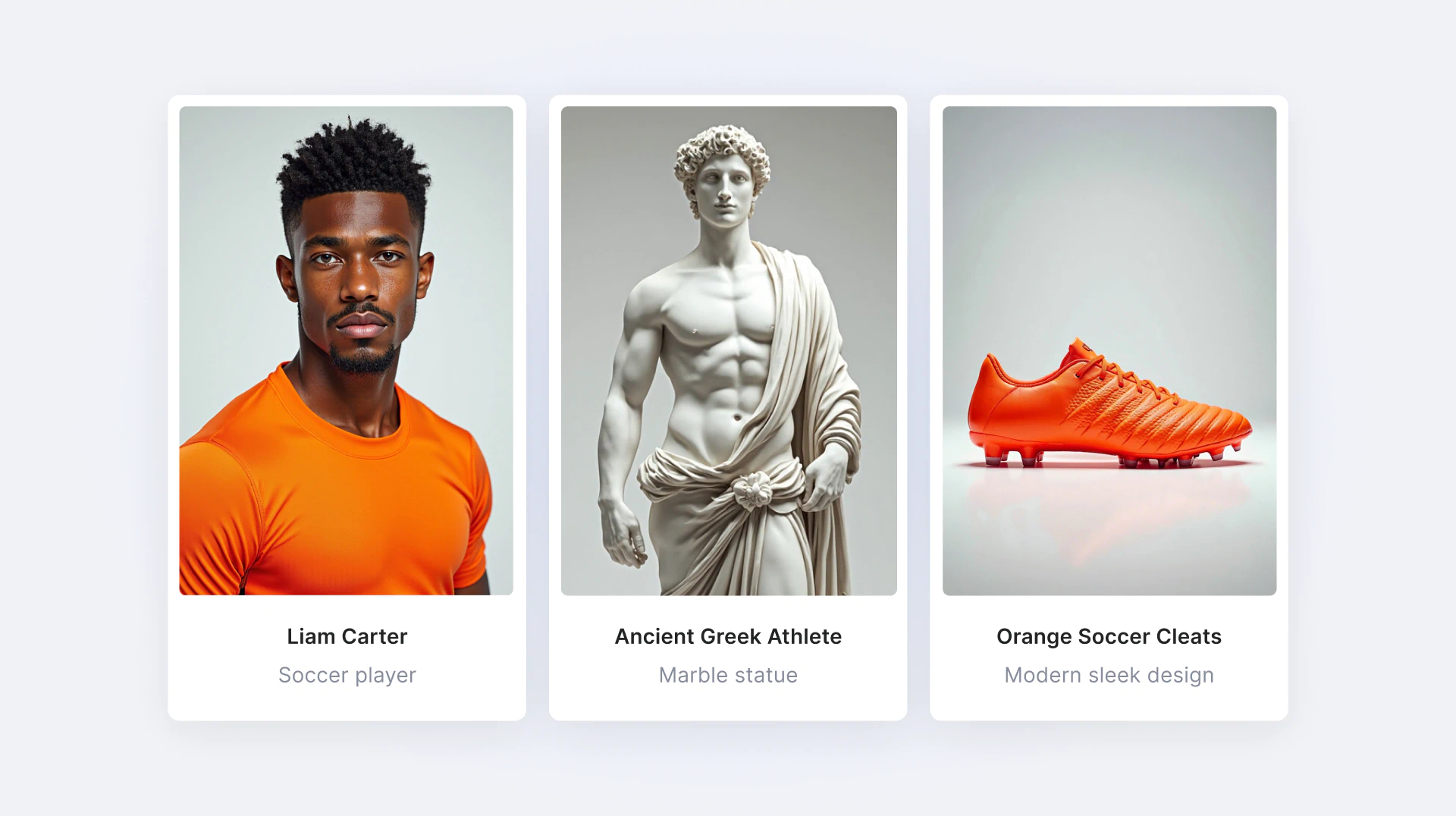
The manual process of developing multiple versions of ads as proofs of concept is a time-consuming task in traditional advertising. AI-powered advertising platforms like LTX Studio eliminate bottlenecks, empowering teams to work faster and smarter. With LTX Studio's AI capabilities, users can generate variations in a matter of minutes, giving teams back the time they need to focus on innovation.
Enhanced Targeting Precision
With less time spent on repetitive tasks, marketing and advertising professionals can also focus on refining content to better resonate with their specific audiences. Whether you're launching a new product or building a multi-platform campaign, AI transforms how to approach idea iteration. While AI takes care of the heavy lifting, you can reclaim your creative process and focus on what truly matters—turning your next big idea into reality!
Generating Ads Quickly
Tight deadlines often challenge even the best teams. AI generated ads give agencies the ability to produce high-quality concepts in a fraction of the time. LTX Studio empowers teams to brainstorm, refine, and finalize AI-generated video ads more efficiently—all within a single platform. Designed with collaboration in mind, LTX Studio allows multiple users to work on the same project simultaneously, streamlining workflows, increasing internal alignment, and accelerating your team’s process.
Thus, this technology doesn’t replace creativity; it amplifies it, reducing stress so you can achieve stakeholder alignment faster.
How to Use AI in Advertising with LTX Studio
Want to integrate AI into your creative process? LTX Studio makes it simple. Follow these quick steps to get started:
- Concept - Add your idea in the “Input your idea” field to start. If you need some guidance, use the example prompts provided on the right hand side of your screen.
- Storyline - Review the AI-generated storyline and refine it. Edit what you want to keep, or choose alternative ideas offered by the platform.
- Setting & Cast - This stage is all about the details. Customizable settings, visuals, aspect ratios, and characters give you an opportunity to become granular. Not feeling it? Regenerate options to explore other possibilities.
- Breakdown - Finalize your breakdown by adjusting scenes, locations, and lighting to ensure that the final creative matches your vision.
- Fine-Tune - Preview your ad using the “preview” option. You can also fine-tune elements like camera motion, shot styles, and more for a polished, professional look.
AI Advertising Success Stories and Examples
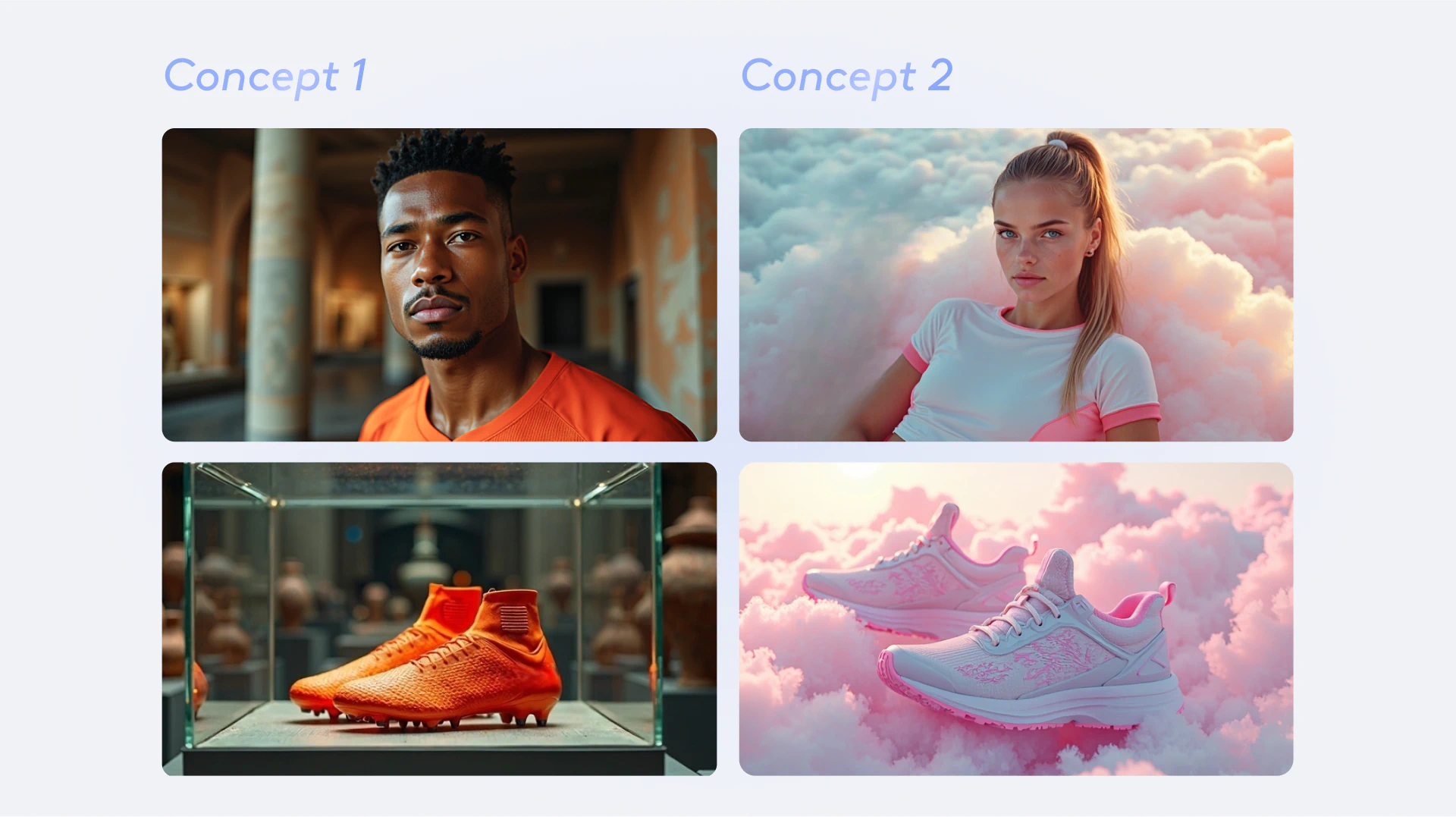
AI powered advertising can sound pretty elusive, which is why concrete examples tend to prove the point more tangibly. The following partnerships with eToro and L’Oreal illustrate the effectiveness of AI in advertising through proven case studies.
Paris Olympic Games - eToro and LTX Studio Partnership
For the 2024 Paris Olympic Games, LTX Studio collaborated with eToro to develop one of the first AI-powered commercials. The project avoided the hefty costs and logistical challenges of traditional shoots, saving both teams substantial time and effort. The team "shot" footage in multiple global locations—Paris, New York, Dubai, and more—all thanks to AI-generated environments. The results demonstrated how agile and efficient AI can be, delivering results on a tight schedule all while maintaining quality control.
L’Oreal - McCann Paris and LTX Studio
Pierre-Jean Bernard, the Head of Digital & AI at McCann Paris, shared insights about partnering with LTX Studio for a L’Oreal hair care product launch in November 2024. Bernard emphasized the value of using an end-to-end platform for visually iterating on the creative brief – specifically, drawing inspiration from the distinctive hairstyles of 80s TV shows. Perhaps Bernard said it best: “What we like about LTX is the consistency, so you can create your universe.” He also highlighted the critical role of creative iteration in the development process: “You might not be satisfied by the first example, [so] you move onto the second one, to the third one, and then at some point you achieve a style that you want to have for your character, and you’re quite satisfied.”
Robert Bresson famously remarked in the early 1900s, “A film is born three times. First in the writing of the script, once again in the shooting, and finally in the editing.” With the advent of AI generated video ads, creative ideas are born countless times.

The Future of AI in Advertising
AI isn't just a tool—it's becoming a necessity in the advertising world. Platforms like LTX Studio redefine what's possible, giving agencies the ability to streamline workflows, manage costs, and improve stakeholder alignment. Why keep wasting time on inefficient processes when you could focus on the fun part—seeing your ideas come to life? Sign up for LTX Studio and discover how AI powered advertising can change the game for you and your team!
Related posts

AI In Advertising FAQs
Why should advertising teams use AI?
AI in advertising provides three key benefits: efficiency and cost savings by eliminating bottlenecks and generating ad variations in minutes, enhanced targeting precision allowing teams to focus on refining content for specific audiences, and the ability to generate ads quickly under tight deadlines while maintaining high-quality concepts and faster stakeholder alignment.
How do you use AI in advertising with LTX Studio?
Start by adding your concept idea using example prompts, review and refine the AI-generated storyline with alternative ideas, customize settings including visuals, aspect ratios, and characters in the Setting & Cast stage, finalize your breakdown by adjusting scenes, locations, and lighting, and fine-tune elements like camera motion and shot styles for a polished professional look.
What are examples of successful AI advertising campaigns?
eToro partnered with LTX Studio for the 2024 Paris Olympics to create one of the first AI-powered commercials, shooting footage in multiple global locations through AI-generated environments while avoiding hefty costs. McCann Paris used LTX Studio for a L'Oreal hair care product launch, emphasizing the value of consistency and creative iteration to achieve the desired style.