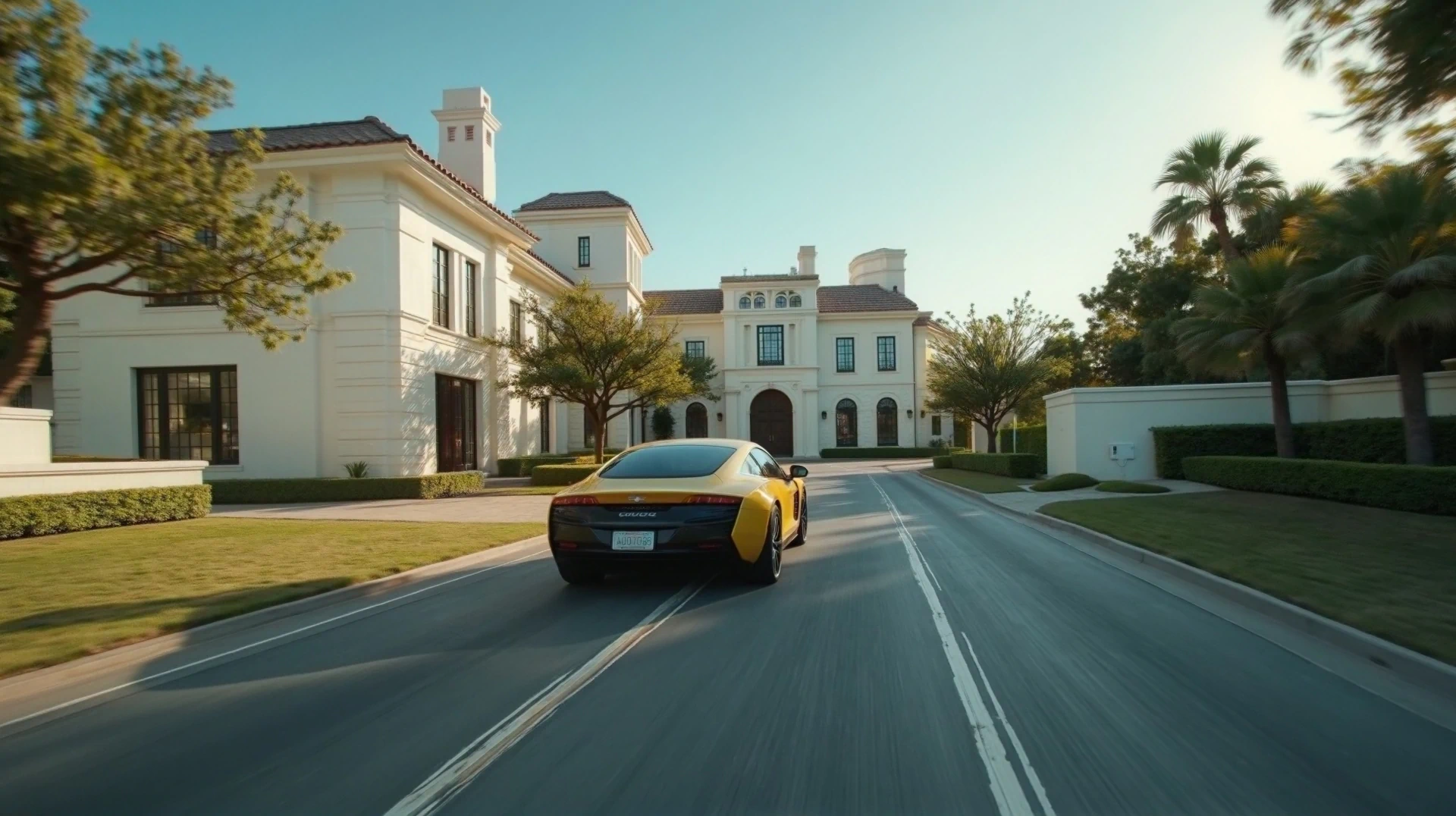
Crafting a compelling video isn’t just about filming the main event or dialogue; it’s about creating a seamless, engaging flow that captivates viewers. Enter: B-roll footage.
Often unnoticed but always impactful, B-roll enhances storytelling, smooths transitions, and keeps audiences visually stimulated. From early Hollywood filmmaking to Instagram reels, B-roll has evolved through time as a key ingredient in film and video production across industries.
Whether you’re a filmmaker, marketer, or boutique advertising team, understanding and utilizing B-roll footage can have a huge impact on your work. This piece will review what B-roll is, why it’s crucial, and how LTX Studio can improve your approach to producing high-quality videos.
What is B-Roll Footage?
B-roll refers to the supplemental footage used to enhance your primary footage. B-roll film was originally developed as a secondary source of footage, but choosing the right B-roll has a huge impact on the artistic integrity of your piece. Small adjustments in B-roll placement – or even determining the in and out points of your B-roll footage – affects the way the viewer perceives your finished product.
The Definition of B-Roll in Film & Video Production
As we reviewed above, B-roll footage refers to footage that enhances the primary content. While these clips aren’t the starring role, they are indispensable in shaping your visual story. For example:
A news segment may cut away from an interview (A-roll) to footage of the event being discussed (B-roll).
- A cooking video might showcase close-ups of sizzling onions while the chef speaks about the recipe.
- A documentary might feature slow-motion drone shots of a seemingly normal location to preface the scene of a crime.
B-roll is much more than a space filler – it’s a storytelling device that provides context, fills in details, and establishes tone.
B-Roll vs. A-Roll – What’s the Difference?
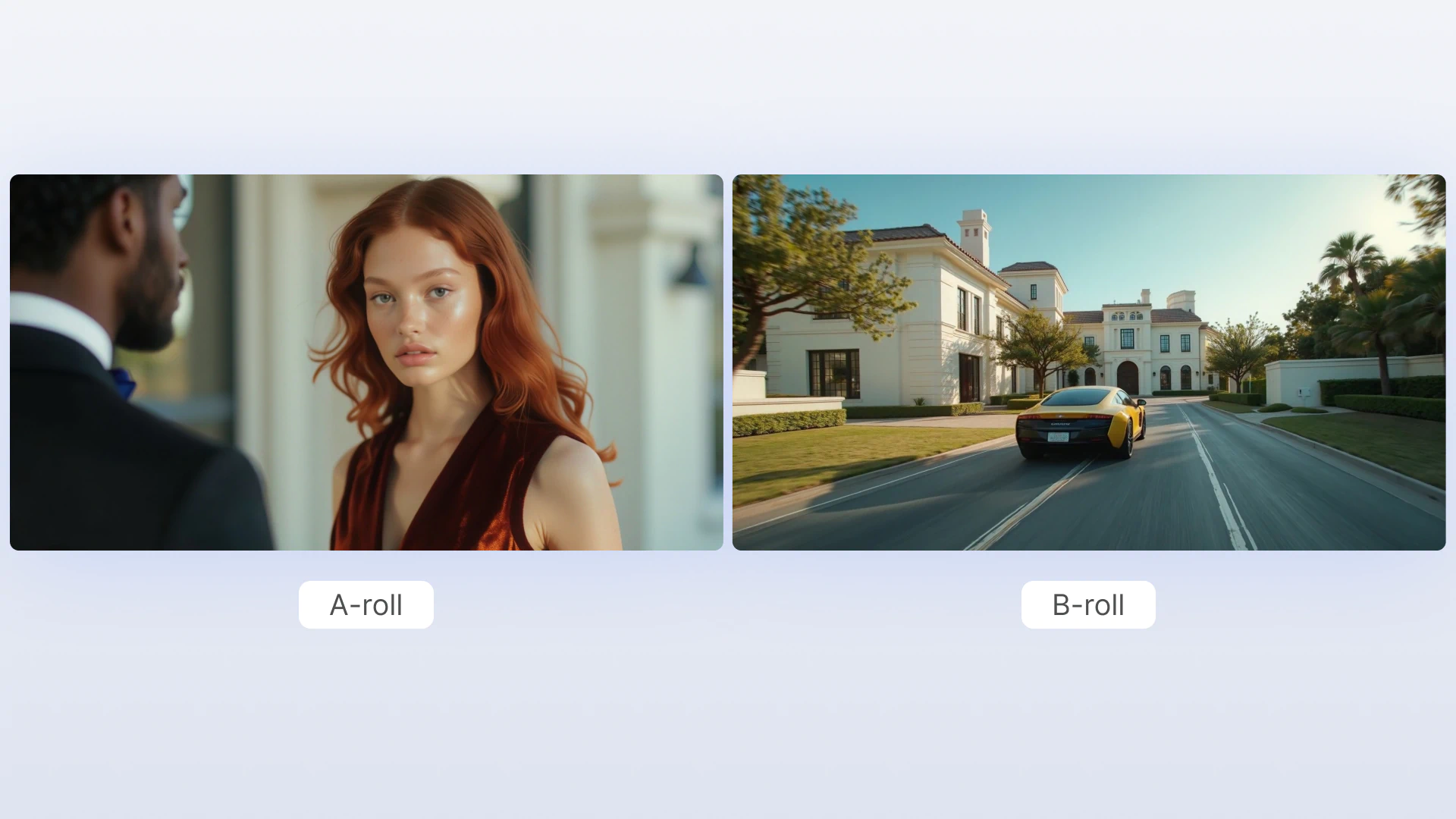
While the term “A-Roll” has become less common in today’s modern usage, “B-Roll” remains a widely used and essential term across film and video production. To better understand B-roll, it’s helpful to contrast it with A-roll:
A-Roll is the primary footage focused on the main narrative of the piece. Examples include actors in scene work, product demonstrations, or interview content.
B-Roll supports and enriches the A-roll. It might show scenic landscapes, abstract visuals, behind-the-scenes moments, or other activities.
Together, A-roll and B-roll create the dynamic exchange of information that keeps viewers engaged.
Why is B-Roll Important?
B-roll footage isn’t just nice to have – it’s a must for creating videos that stand out. Here’s why it’s such a critical element in post-production:
1. Creates More Engaging Content
Static shots or talking-head interviews can become monotonous. B-roll brings life to your video by adding variety and visual stimulation, keeping your audience hooked.
2. Enables Smooth Transitions & Visual Flow
Awkward cuts and sudden scene changes can disrupt your video’s flow. B-roll acts as a buffer, covering jump cuts to make transitions feel seamless.
3. Adds Storytelling Depth
B-roll conveys emotions, settings, and context or backstories that the primary footage alone often can’t. A shot of the sun setting can evoke sadness or denote an ending much more effectively than dialogue alone.
B-Roll Examples
Some ways B-roll is used include:
Documentary B-roll: Real-life footage relevant to the subject, such as archival materials, setting and location shots, or contextual clips to deepen interviews.
- Commercial Advertising B-roll: Product clips, lifestyle shots, or abstract imagery to highlight brand messaging or cover a necessary cut.
- Marketing Videos: Lifestyle shots, product close-ups, or behind-the-scenes moments to build brand connection.
- News Package B-roll: Contextual visuals, such as those establishing the location during live reports or pre-recorded segments.
- Reality TV B-roll: Can include cutaways of character interactions, characters in “private moments,” and often help with scene transitions to keep the narrative cohesive and add stylistic flare.
While these examples are by no means all-inclusive, these are just a few common examples of film and video content that often feature B-roll. Whether you’re making a polished ad or producing Netflix’s next binge-worth true-crime doc, mastering B-roll is the secret sauce to creating layered, memorable video content.
How to Get B-Roll Footage in LTX Studio
Creating high-quality, customized B-roll used to be time-consuming and expensive, often requiring additional production crews or the purchasing of expensive stock footage. Thanks to tools like LTX Studio, this process is becoming more accessible and efficient than ever before.
Using LTX Studio to Generate B-Roll Footage
Here’s how you can use LTX Studio as your go-to platform for B-roll creation:
- Open LTX Studio: Open your project and select the scene where B-roll is needed. If you plan to export your B-roll for off-platform editing, simply start a “new project” or navigate directly to LTX Studio’s Motion Workspace.
- Use the AI Scene Generator to quickly create additional footage that matches your primary shots.
- Customize your B-roll with the Composition Tool to adjust angles, lighting, and framing.
- Add Motion Effects to create cinematic B-roll panning, zooms, and tracking shots.
- Export and integrate your B-roll footage directly into your timeline.
Using LTX Studio not only saves you valuable time, but also allows you complete creative control, ensuring your B-roll video clips align with your vision without breaking the budget on external resources.
Using LTX Studio to Create Unique B-roll for Your Project
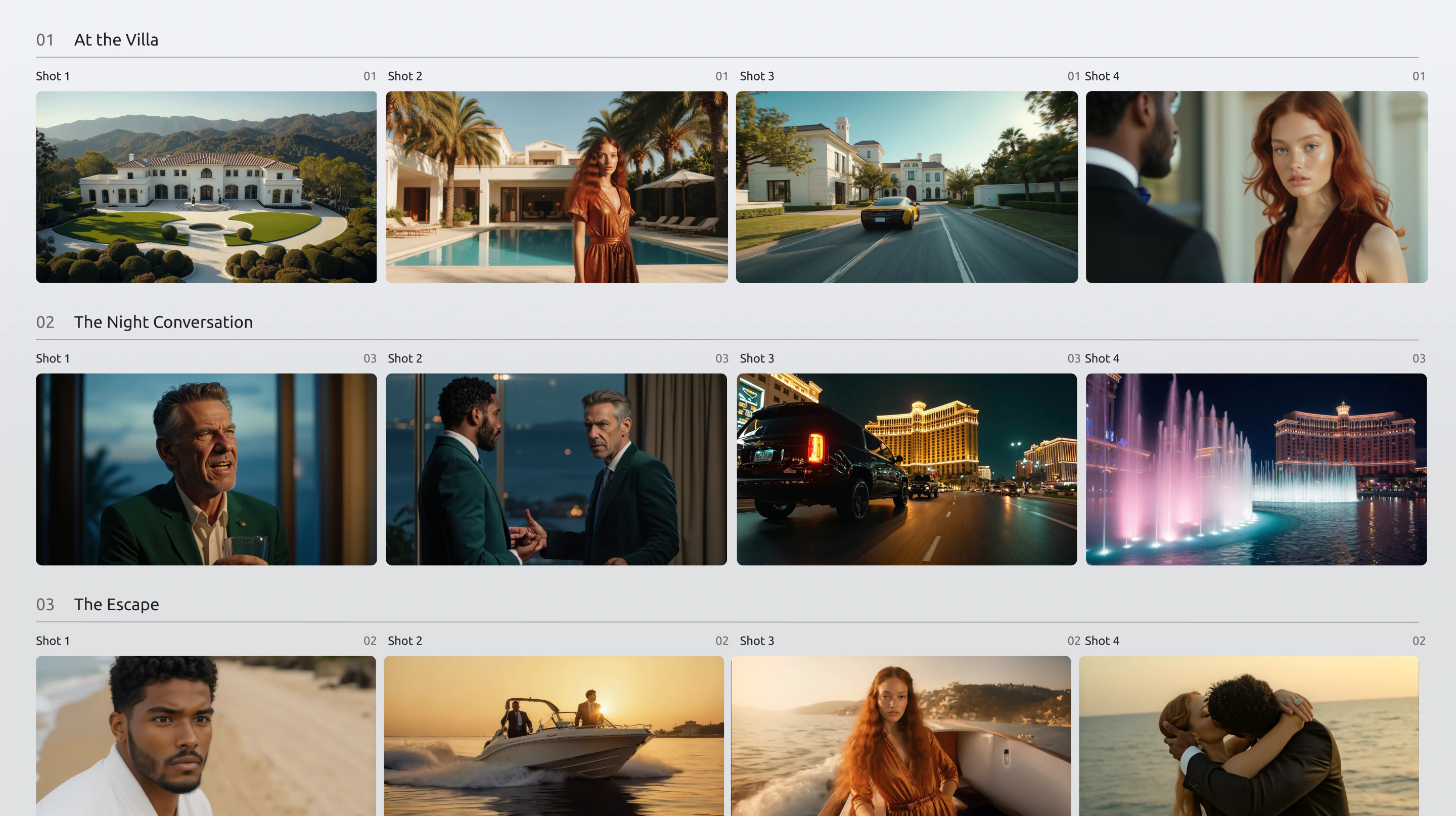
Part of what makes B-roll difficult to perfect in video projects is the sheer abundance of B-roll resources needed for a project, but the lack of unique and specific B-roll options. By using LTX Studio’s Composition tool, you have the power to create and perfect your B-roll, saving time by streamlining intensive production workflows, reducing reliance on external resources, all from a unified platform. This creative capability gives you more control over your finished product by empowering you to create B-roll for your project without the added costs of second unit production crews whose whole job is to capture B-roll shots.
Try LTX Studio’s Composition Tool and start creating B-roll for your next video project!
Related posts