.webp)
Every great story begins with an idea. For filmmakers, part of the creative process is transferring that idea to the page, thus bringing it to life. This crucial stage—creative development—requires a clear, professional storyboard: a visual blueprint that informs everything from coverage to performance.
Whether you’re leading a big-budget shoot or assembling an in-house campaign with a lean crew, understanding the right storyboarding techniques for your specific project can make or break the outcome.
Oftentimes, a well-structured storyboard is the difference between a cohesive final product and one that misses the mark.
Today’s production workflows demand speed, clarity, and collaboration.
That’s why tools like LTX Studio are reshaping the creative process, empowering teams to iterate quickly, visualize with precision, and align on decisions faster.
In this guide, we’ll cover 10 essential storyboard techniques designed to optimize your pre-production process, sharpen communication, and support team collaboration.
Whether you’re producing commercial advertisements, episodic content, or small passion projects, these techniques—including AI-driven workflows—will help you storyboard smarter and faster.
Storyboarding Techniques to Strengthen Your Visual Storytelling
1. Thumbnail Sketching
Thumbnail sketching is a foundational step in how to storyboard a video. When creating a thumbnail sketch, you are building a smaller, stripped down version of the frame (hence, “thumbnail”).
The focus is not on detail here—instead, you are attuned to shape, flow, and the visual logic of the sequence.
- Tip: Quickly sketch rough frames to establish story flow and highlight key moments.
- Benefit: Gives a birds-eye view of your sequence, making it easier to visualize structure and flow.
2. Shot Variety Planning (Wide, Medium, Close-Up)
Using a mix of shot sizes makes your storyboard more visually dynamic. Choosing shot sizes early in the creative development phase can shape the entire production workflow.
For instance, if your sequence opens with a wide establishing shot but then shifts to medium shot coverage, your planning, gear, and setup will differ dramatically from a scene that begins with tighter shots or a stylized montage.
- Tip: Map out a mix of wide, medium, and close-up shots to control rhythm and scene pacing.
- Benefit: Helps directors, DPs, editors, and production crew align around visual intent and narrative flow.
.webp)
3. Movement Arrows and Camera Direction
Communicating movement—whether from talent or the camera—is one of the most important storyboard techniques. For instance, a cut from a wide shot to a close-up works differently than a push-in or a dolly move, and that distinction affects how the production team prepares. (If you’re unfamiliar with these shot types, read our blog on different types of camera shots and angles here).
Visualizing movement and camera direction ensures alignment across departments, reducing on-set guesswork and improving collaboration..
- Tip: Use arrows and directional labels to indicate character motion and camera movement.
- Benefit: Guides the viewer’s eye during important sequences with action, transitions, or choreography.
4. Framing and Composition Grids
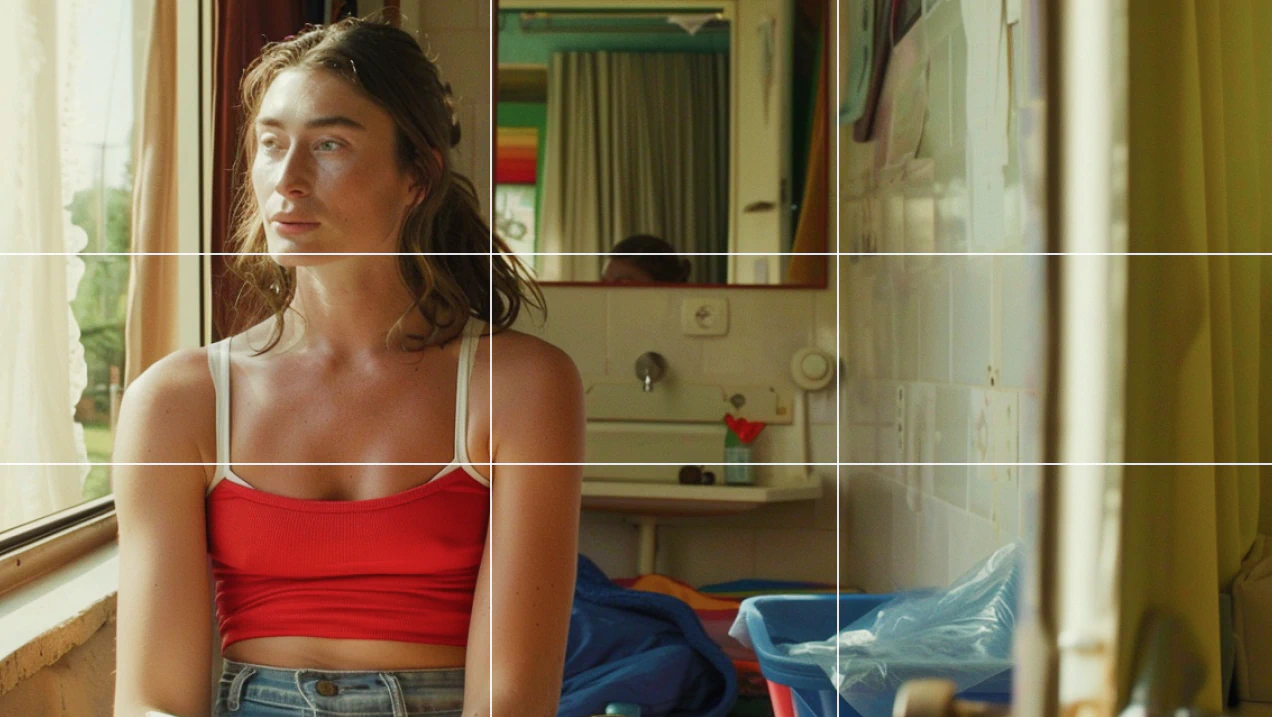
Integrating compositional grids into your storyboards builds a strong creative foundation that influences lighting, blocking, and even post-production decisions.
By considering the framing of each image, you’re creating your specific artistic style while also establishing a shared foundation for your team to better understand your vision.
- Tip: Apply framing guides—like the rule of thirds or symmetry grids—to plan out balance, focus, and shot composition.
- Benefit: Ensures key stakeholders align on camera setups and artistic intent, streamlining shot-planning conversations.
5. Scene Timing and Beat Boards
Beat boards help map the most important action-oriented moments—or “beats”--- in your story, long before you create a full storyboard.
They act as an early visual tool to define narrative arcs, clarify tone, and guide the creative development process. A well structured beat board keeps teams aligned on narrative shifts, emotion pacing, and overall narrative flow.
- Tip: Break scenes into key story beats to highlight turning points, narrative shifts, or advance the plot.
- Benefit: Leverage for pitch decks or during early-stage development to communicate your visual language clearly.
6. Character Blocking
Clear character blocking simplifies coverage decisions and helps eliminate continuity errors before production begins.
- Tip: Use character markers to show actor placement, movement, and interaction within the frame.
- Benefit: Clarifies choreography and spatial relationships for cast, camera, and crew before anyone steps on set.
7. Continuity Between Shots
Maintaining continuity between shots strengthens audience immersion and streamlines the transition from pre-production to production.
A lack of continuity— whether in storyboard or production—leads to confusion, slow downs, and miscommunication across key departments, not to mention noticeable disruptions for the viewers themselves.
- Tip: Track the consistency of props, wardrobe, and visual style across scenes to preserve on-screen logic.
- Benefit: Prevents jarring edits or visual gaps that can disrupt viewer experience or extend production and post timelines.
8. Dialogue and Action Notes
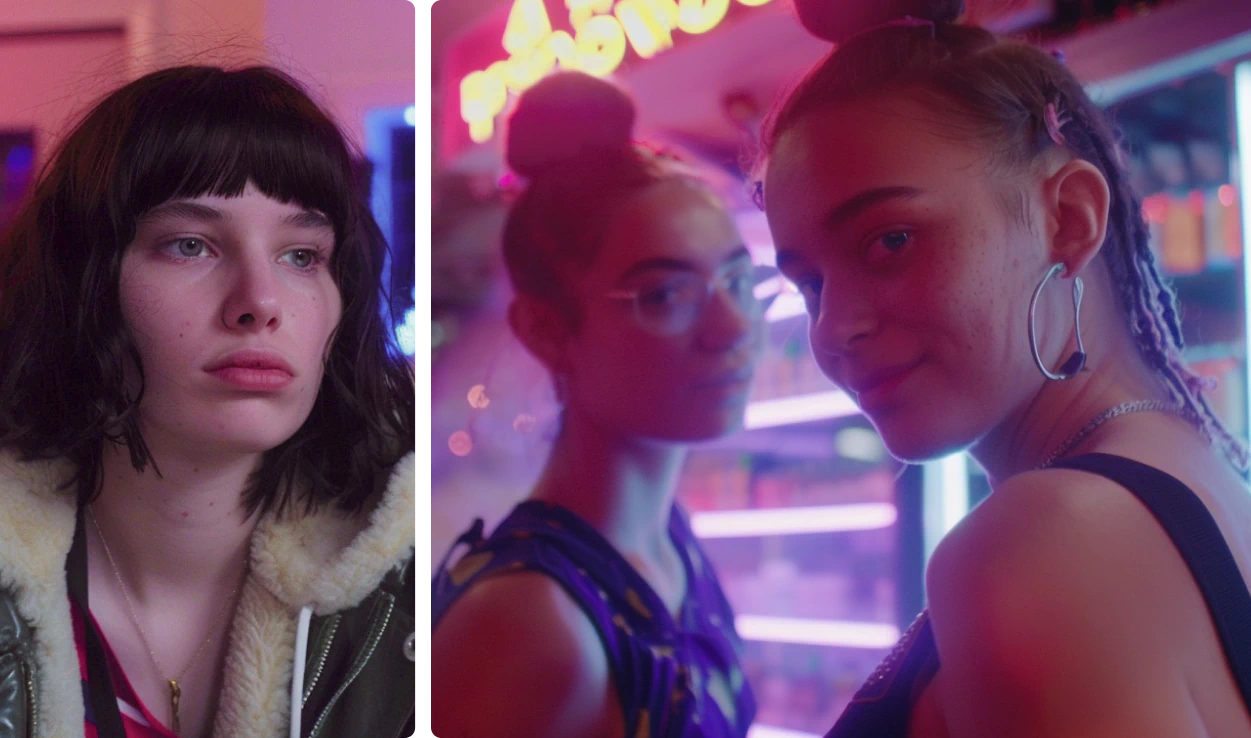
Action notes denote what’s going on in the frame, and can be included along with dialogue notes and scene headers.
While you don’t need to copy the entire script, including key pieces can support team alignment. Use text sections to communicate what a character should be doing or how the subject of the scene should be moving. Annotations like this reduce ambiguity for animators, editors, and anyone joining the process.
- Tip: Annotate boards with script lines or precise action notes that clarify on-screen intent.
- Benefit: Bridges the gap between creative and technical teams, enabling smooth collaboration between departments.
9. Visual Style References (Color, Mood)
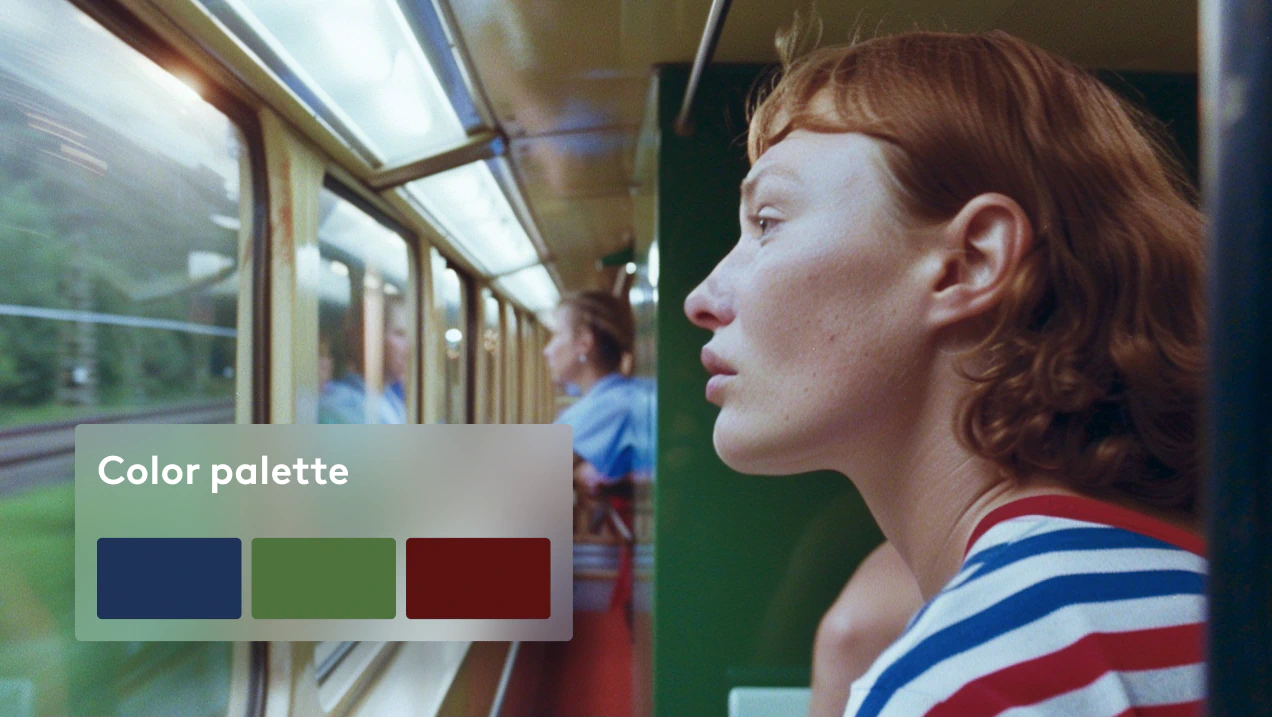
Establishing visual tone early in the process accelerates decisions around design, lighting, and color grading.
- Tip: Insert image references, color swatches, or style frames to define the overarching tone and feel.
- Benefit: Aligns art direction and post teams early, reducing the risk of reworks or misalignment later.
10. AI-Assisted Storyboarding with LTX Studio
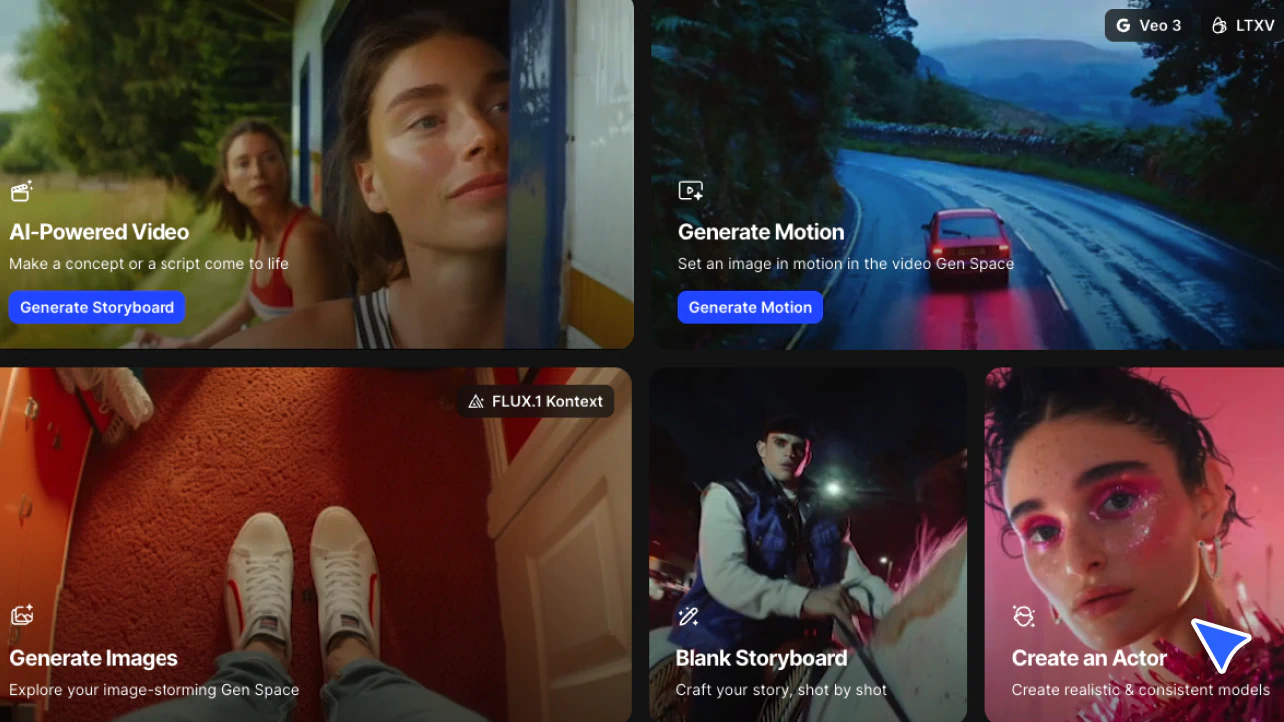
Today's filmmakers and creative teams are shifting to smarter, more connected pipelines. LTX Studio’s tools are designed to smooth transitions between planning and executing, merging classic storyboard techniques with cutting-edge AI technology.
When you use LTX Studio’s Storyboard generator, you can turn text prompts into production-ready visuals, use reference images to guide your storyboard, and design AI-generated characters quickly.
AI-powered storyboarding shortens iteration cycles, allows polished previews, and opens space for creative exploration—without starting over each time.
- Tip: Use LTX Studio’s Storyboard generator to move from text prompts or scripts to production-ready visuals.
- Benefit: Combines text, reference images, and AI-generated actors to rapidly build and iterate your boards, enabling faster feedback, pitching, and planning.
Bring Your Storyboard to Life with LTX Studio
It’s often difficult to bring high-quality, visually consistent AI-generated references to DPs, editors, or production personnel—but LTX Studio changes that.
Its tools support users who want to test ideas quickly by building out scenes with consistent characters, motion, and camera angles.
For people working in visual mediums, being able to communicate ideas visually is a game changer—it empowers creators to lead with clarity while lowering the barrier to entry.
Now, more people can shape a scene, share a vision, and confidently drive a creative process—even without prior experience.
LTX Studio isn’t designed to take over the creative process—it’s built to act as your creative co-pilot. And when you use LTX Studio’s AI-powered tools, you can tell your story exactly as you imagined it.
Script to Storyboard, Storyboard to Video
With LTX Studio, creative teams can transform initial thumbnail sketches to reference material for AI-generated storyboards. From there, storyboards can evolve into multi-shot videos—complete with camera movement, genre, visual style, and scene flow.
These tools let you visually map your narrative, place the right beats in sequence, and ensure alignment across stakeholders.
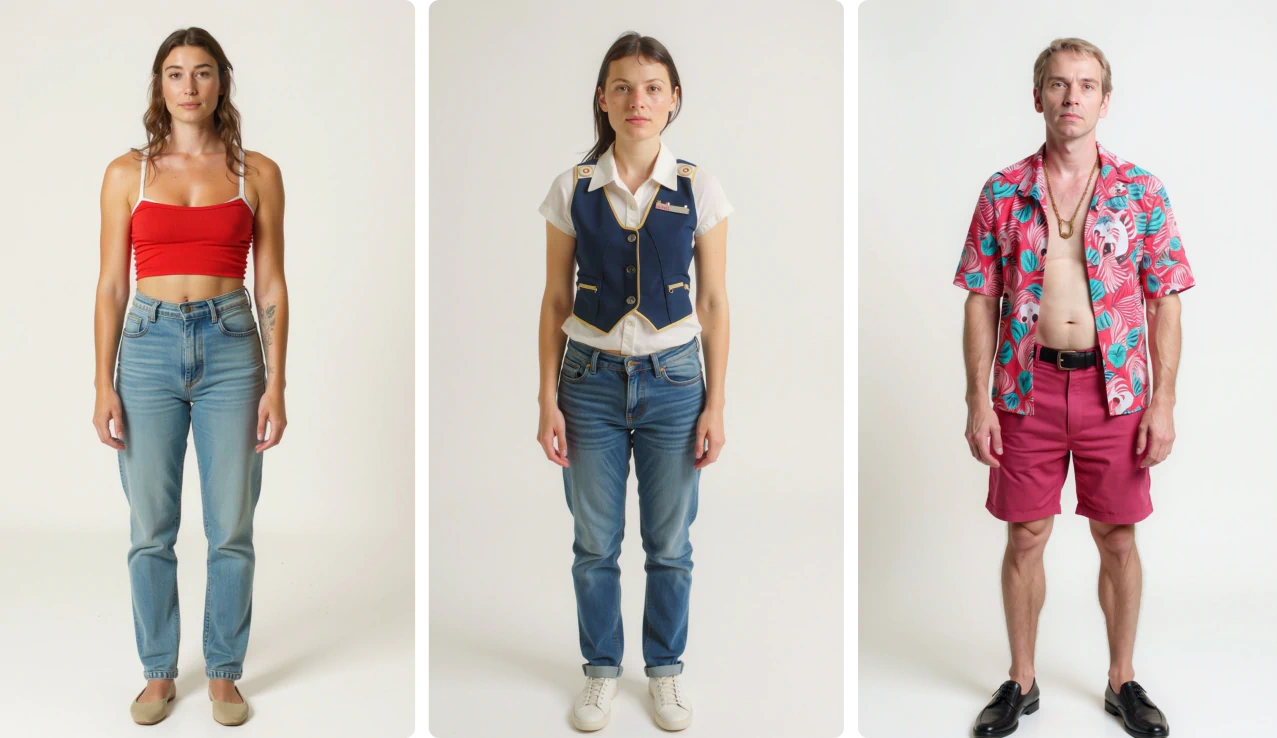
Import Your Actors with Ease
LTX Studio’s AI Actors tool ensures all of your characters stay visually consistent across shots, scenes, and even your projects. That means no more time wasted manually adjusting appearances you’ve already created—now, you can focus on telling a cohesive, character-driven story.
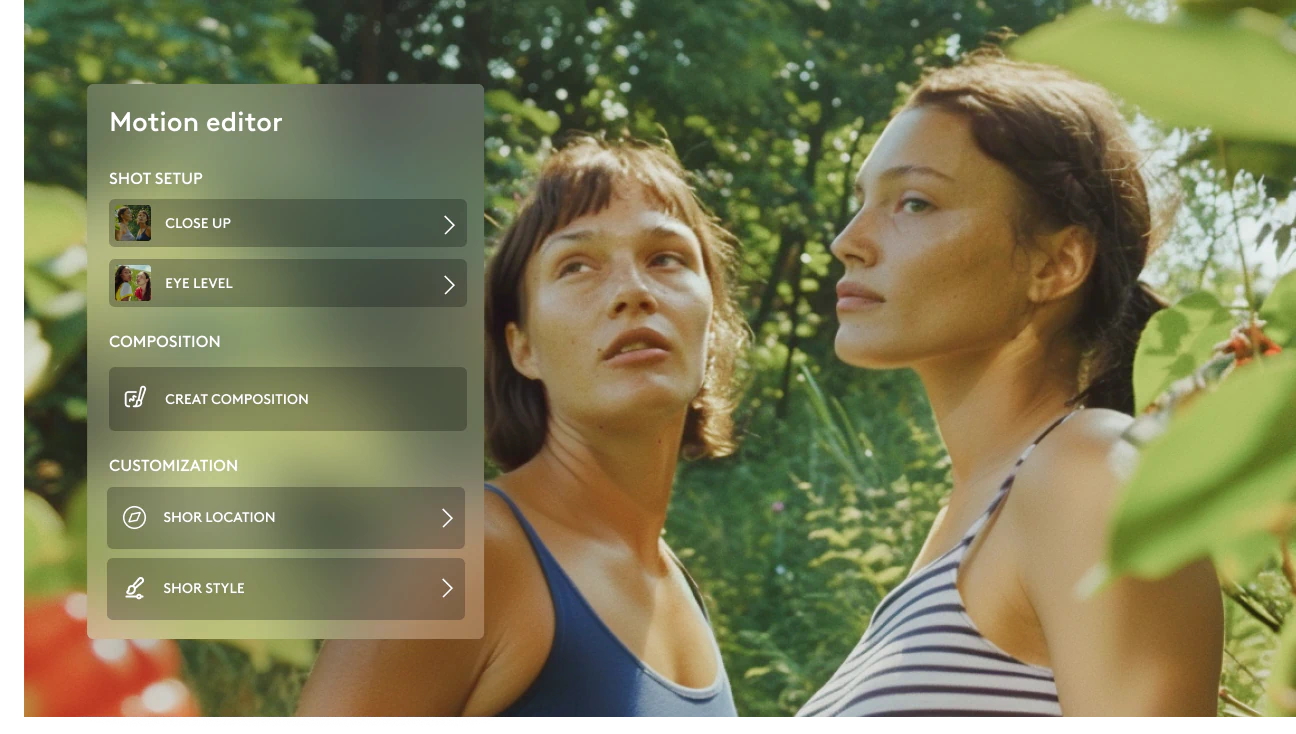
Create Cinematic Shots with the Motion Generator
LTX Studio’s Motion Generator workspace makes it possible to experiment with shot composition, angle, and camera motion at an unprecedented pace. This workspace gives users the power to refine each shot with cinematic precision.
Use AI to Pre-Visualize Your Final Cut
Pre-visualization allows teams to view entire scenes in sequence before production begins. LTX Studio’s AI-powered tools are a complete game changer for the creative process, giving users creative clarity, allowing them to align internal stakeholders, creative partners, and external clients quickly and collaboratively.
With tools like these, you can test, refine, and lock your vision early—saving time, minimizing risk, and gaining full creative confidence.
Curious about step-by-step workflows for how to storyboard a video? Don’t miss our How to Make a Storyboard guide!
Great Storyboards Build Great Stories
Effective storyboarding means building a foundation for your production that supports creativity, teamwork, and clear communication at every level.
By combining classic techniques and AI-driven innovation, filmmakers can unlock smoother workflows, faster iteration, and consistently professional results.
Whether you’re planning a commercial, pitch deck, feature film, or short, these storyboard techniques are your toolkit for success.
When you use AI-powered solutions like LTX Studio, you can experiment, iterate, and refine before aligning with collaborators or presenting your final creative direction. This kind of creative control empowers individuals—and becomes an even greater asset in collaborative environments.
Related posts

Storyboard Techniques FAQs
What are essential storyboard techniques for filmmakers?
Essential techniques include thumbnail sketching for story flow, shot variety planning (wide, medium, close-up) for rhythm control, movement arrows for camera direction, framing and composition grids for balance, scene timing and beat boards for narrative mapping, character blocking for spatial relationships, and continuity tracking between shots.
How does AI-assisted storyboarding improve the filmmaking process?
AI-assisted storyboarding with LTX Studio shortens iteration cycles by turning text prompts into production-ready visuals, uses reference images to guide storyboards, designs AI-generated characters quickly, and allows polished previews without starting over. This enables faster feedback, pitching, and planning while opening space for creative exploration.
What is the difference between beat boards and full storyboards?
Beat boards map the most important action-oriented moments or "beats" in your story before creating a full storyboard, acting as an early visual tool to define narrative arcs, clarify tone, and guide creative development. They keep teams aligned on narrative shifts and emotion pacing, while full storyboards include detailed shot-by-shot sequences.