.webp)
AI video generators have been evolving steadily, but in the past few years, they’ve rapidly become indispensable tools for modern creators. Today’s AI video tools offer more flexibility, more visual control, and ultimately, more creative agency—letting filmmakers, marketers, and creative teams shape their stories faster and smarter than ever before.
With so many tools now available, the possibilities span from quick social promos to full-scale video productions. In 2026, the best AI video makers allow you to do both.
This guide is designed to help you find the right platform for your creative goals—whether you're producing social media ads, youtube videos, or narrative sequences for your next short film. While there are plenty of strong options, LTX Studio stands out as a storytelling-first platform that combines cinematic control with unique features for planning, generating, and iterating on creative ideas.
What Is an AI Video Generator?
An AI video generator is a software that simplifies—or even fully automates—the video creation process using artificial intelligence. The AI video generators of today use advanced algorithms and intuitive creative inputs to enable faster production while yielding professional results. To put it simply, they allow video creators to work faster and with fewer resources.
Common Features of AI Video Generators
- Text-to-Video Capabilities: Convert a script or concept into visual sequences with minimal manual effort.
- AI Avatar Creation: Generate characters for narrative videos, presentations, or branded content.
- Image-to-Video Options: Bring static visuals to life with smooth, stylized motion.
- Templates & Motion Tools: Pre-designed options to improve ease of use.
- Voiceovers & Subtitles: Add audio narration and subtitles within a platform.
Use Cases for AI Videos
Modern AI video tools serve a wide range of creators and industries:
- YouTube Content Creation: Produce videos faster with AI-driven tools for editing and animation.
- Marketing Campaigns: Create high-quality branded content to enhance customer engagement.
- Education & Training: Develop clear, illustrative tutorials or e-learning videos.
- Storyboarding for Filmmakers: Visualize concepts, iterate on shots, and pitch ideas with production-ready references.
Spotlight on LTX Studio
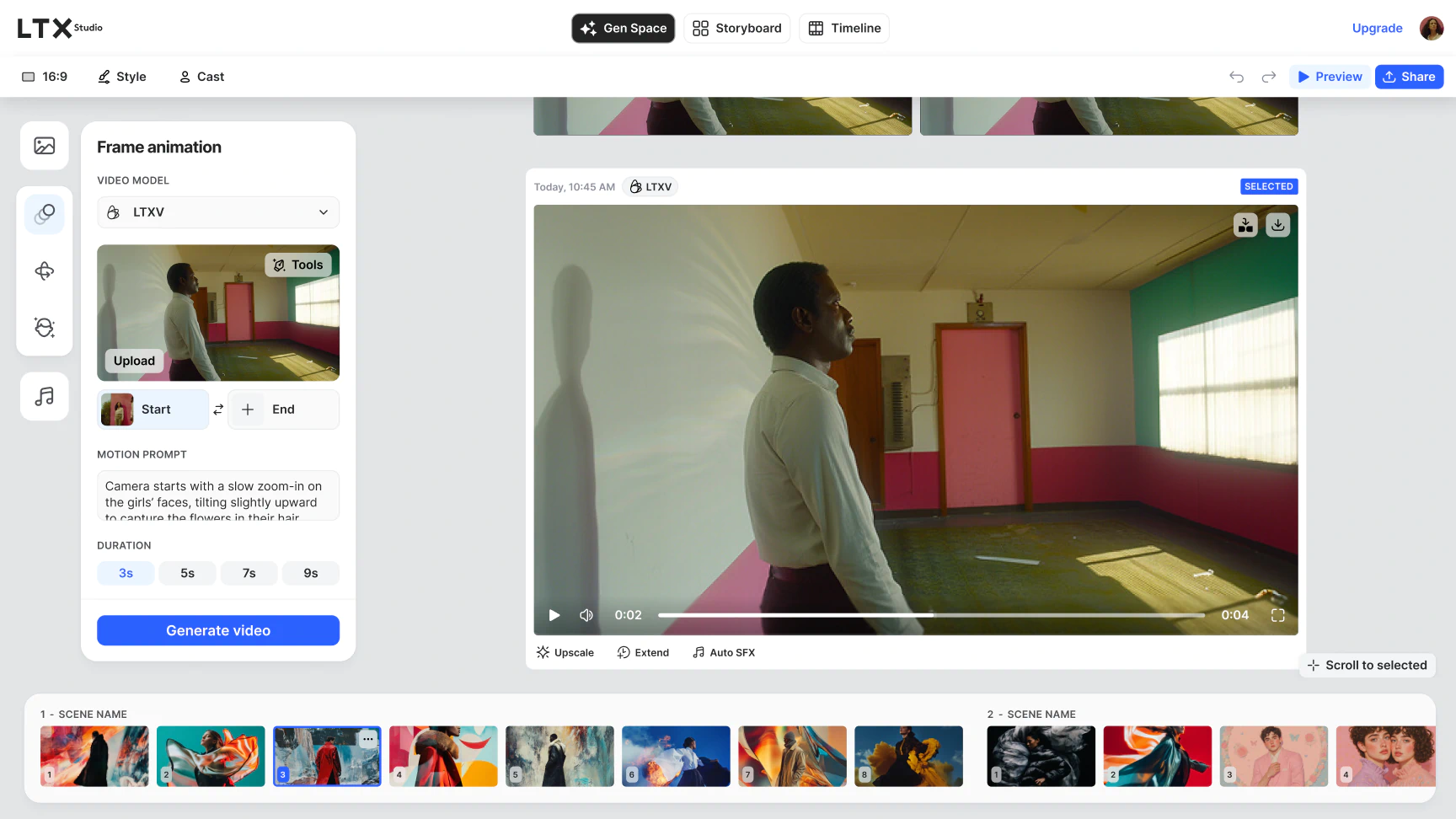
Where many tools excel at quick and simple outputs, LTX Studio specializes in iterative video creation. Designed to support production workflows, it offers professional-grade AI video generation tools like collaborative storyboarding tools, cinematic camera controls, and text-to-image workflows. Whether you're a solo creative or a full production team, LTX Studio helps you generate visuals that match your vision.
How to Choose the Right AI Video Generator
With so many tools on the market, choosing the best AI video generator comes down to your creative goals. Whether you're producing branded content or full narrative campaigns, these five criteria can help you decide which AI video maker fits your workflow.
1. Out Quality
Not every platform offers the same visual fidelity or cinematic consistency. When evaluating output:
- Look for platforms that support cinematic, high-resolution visuals
- Prioritize tools that maintain character consistency and smooth animation
- Choose generators that produce cohesive, story-ready scenes, not just isolated clips
2. Creative Control
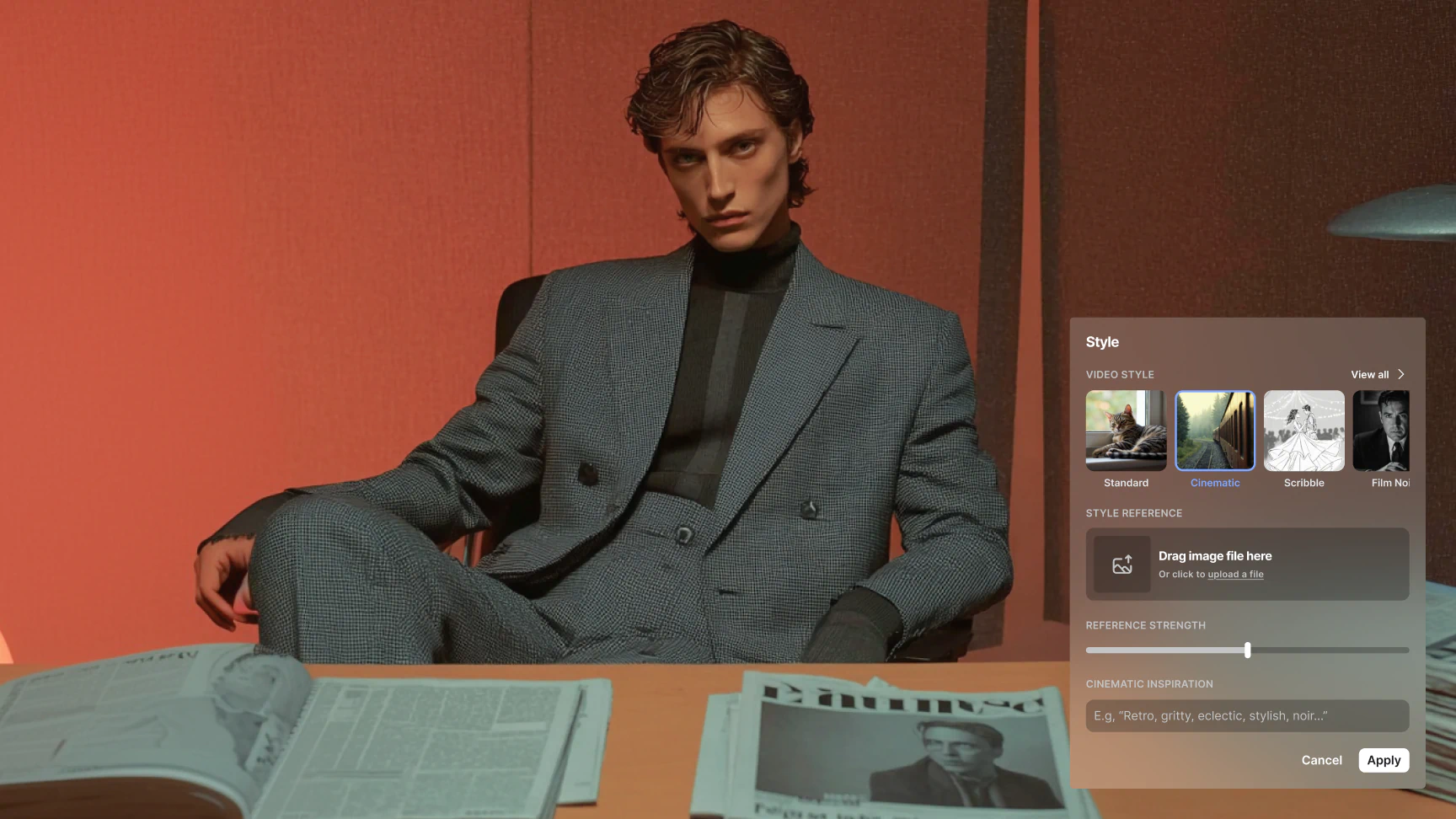
Customization matters, especially for storytellers. The best AI video tools offer:
- Style, camera, and pacing control across your project
- The ability to edit individual scenes or adjust a narrative structure
- Iterative prompting to refine your vision
3. Ease of Use
Match the platform to your skill level—look for platforms that balance simplicity with creative depth:
- Beginners may benefit from template-based tools
- Intermediate and advanced users may prefer modular, customizable platforms
4. Pricing & Accessibility
Many AI video generation platforms offer free tiers, but they often come with limitations:
- Expect watermarks, limited render quality, or shorter video durations
- Paid tiers typically unlock pro features, higher resolution, and commercial rights
- LTX Studio’s paid plans include full cinematic access, upscaling, and collaboration tools
5. Key Features to Look For
Depending on your project, you may also need tools that support:
- Voiceover and dubbing features with multi-language or multi-character support
- Subtitle generation for accessibility, global audiences, or compliance
- AI avatar creation for character-driven narratives or branded content

The Best 5 AI Video Generators in 2026
The following platforms represent some of the most widely used and innovative tools in the AI video generation space in 2026. Each serves a distinct audience, offering unique strengths, workflows, and creative capabilities. Whether you're building social content or crafting narrative-driven AI videos, these tools showcase the range of what’s possible in today’s AI-powered video landscape.
#1 LTX Studio
Best for: Filmmakers, advertisers, creative teams, production studios, AI enthusiasts
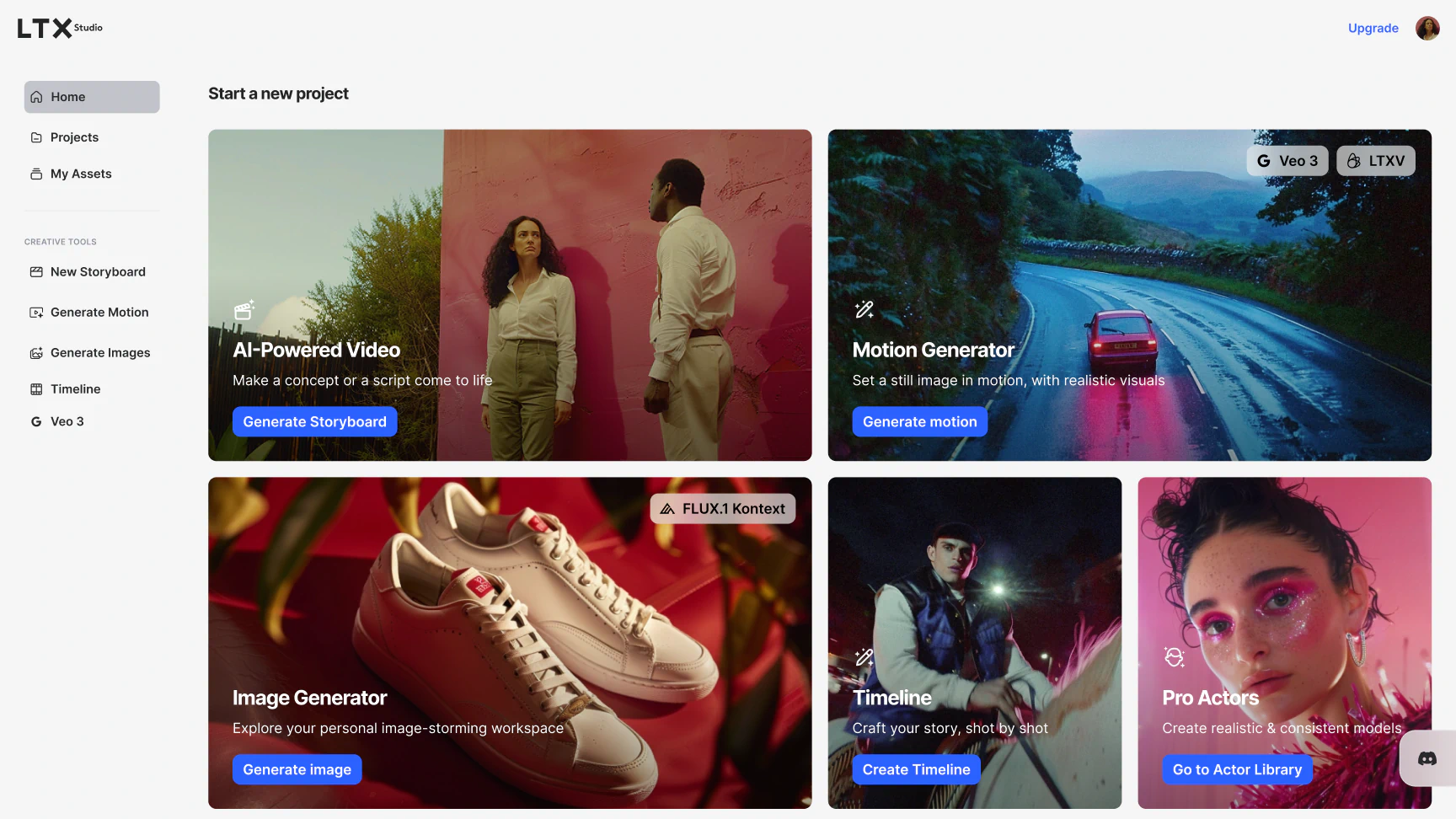
LTX Studio is a purpose-built platform for filmmakers, production teams, and creative professionals who need creative control over the video production process. More than just an AI video tool, it functions as a full creative pipeline—helping you develop, visualize, and generate videos from script to final scene.
Designed to spark imagination and streamline production, LTX Studio combines intuitive design with powerful features. Start with the Storyboard Generator to structure your piece frame by frame, or use Text-to-Video and Image-to-Video tools to bring visuals to life. Easily become more granular by casting AI actors to support character-driven narratives all in a single platform.
Proving LTX Studio’s commitment to implementing groundbreaking technology, use LTXV’s 13B-parameter AI model—revolutionizing video creation 30x faster than comparable models, powered by advanced multiscale rendering technology.
Pros:
- Complete script-to-video production pipeline and scene-by-scene configuration with AI avatars
- Professional-grade storyboard tools
- Built-in team collaboration and tools to support creative iteration
Cons:
- Steeper learning curve than template-based tools
- Best suited for users with some creative or technical experience
#2 Runway
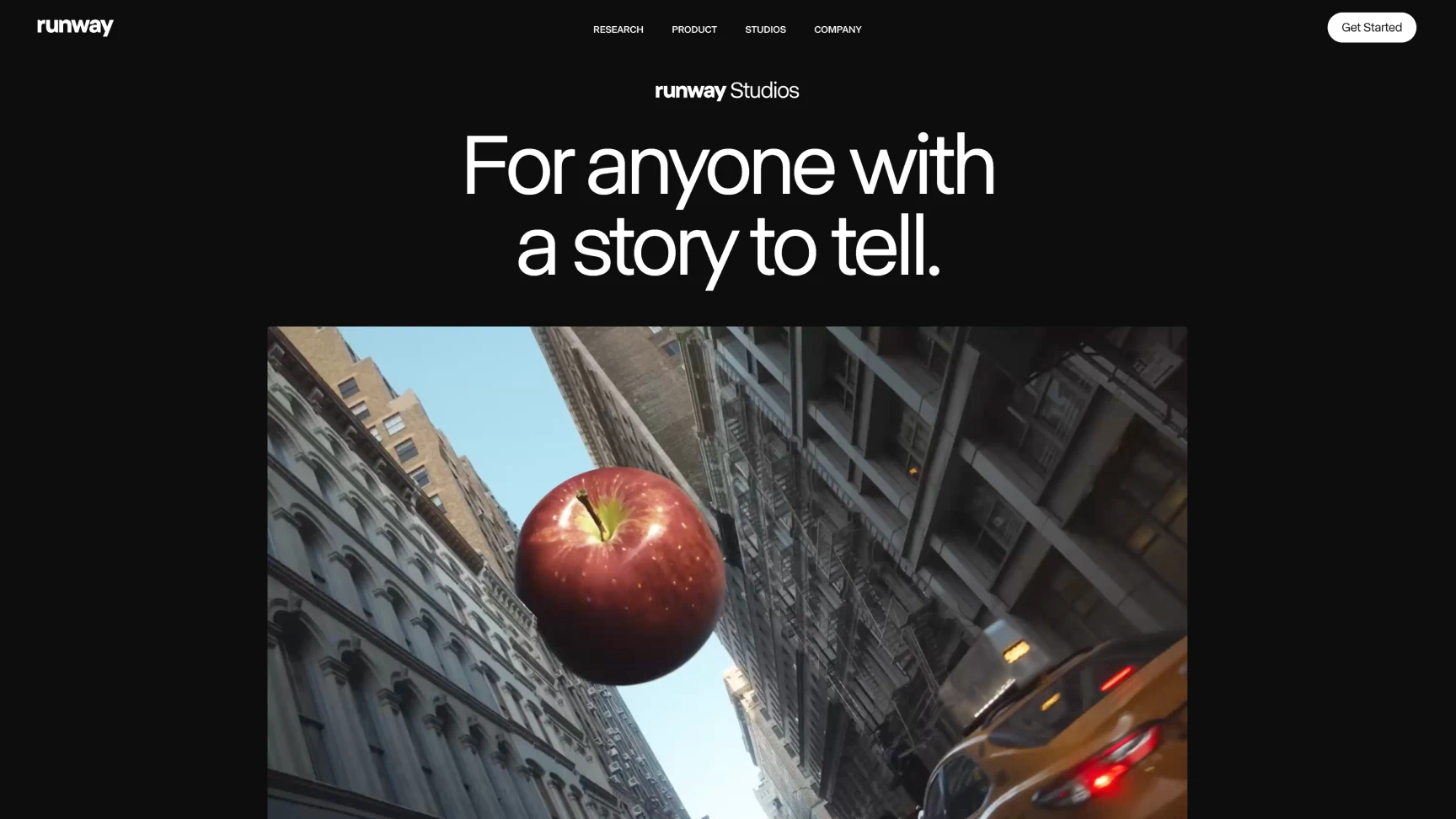
Best for: Quick branded content and marketing videosRunway is an AI video tool packed with Gen‑4 capabilities, offering stock templates, video‑to‑video editing, and collaborative features that streamline creative workflows. Runway is a tool built primarily from a template‑driven interface, making it well suited for beginners who don’t need complex setups.
Pros:
- Intuitive UI with stock templates and editing tools
- Strong multimodal features for video editing and camera controls
Cons:
- Advanced features are more difficult to learn
- Heavier reliance on cloud credits and subscription tiers
#3 OpenAI’s Sora
Best for: Experimental visuals and hyperreal aesthetics
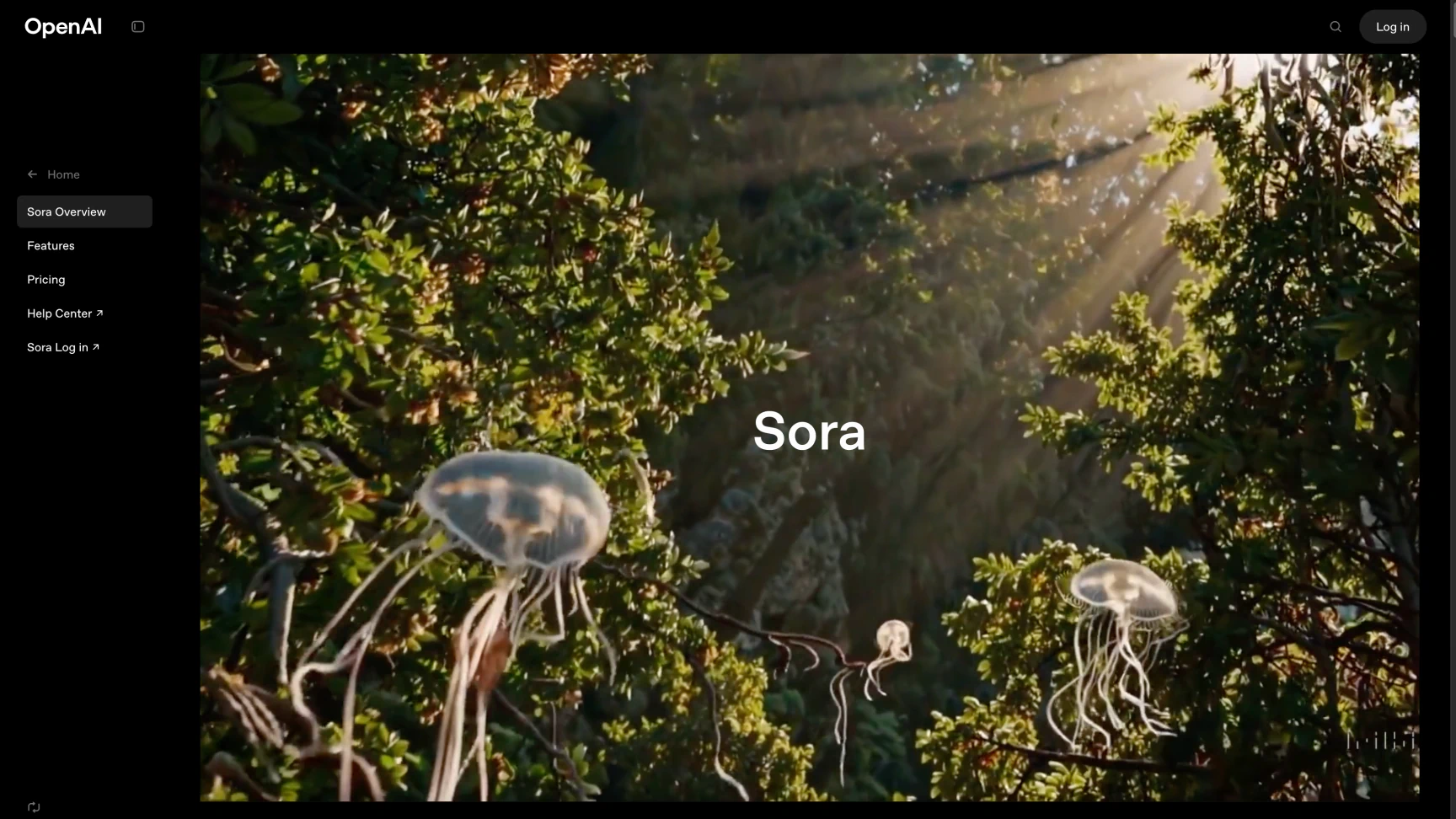
OpenAI’s Sora offers AI video generation from text, images, or video, and includes features like storyboard sequencing and remix functionality. It produces AI videos with visual realism and motion consistency in short clips up to 60 seconds long.
Pros:
- High-quality realism and motion fidelity
- Creativity-focused tools like storyboard editing and remix feature
Cons:
- Limitations based on your subscription plan
- No shot-by-shot control for detailed scene composition
#4 Google’s Veo 3
Best for: Advanced creators with Google Cloud access
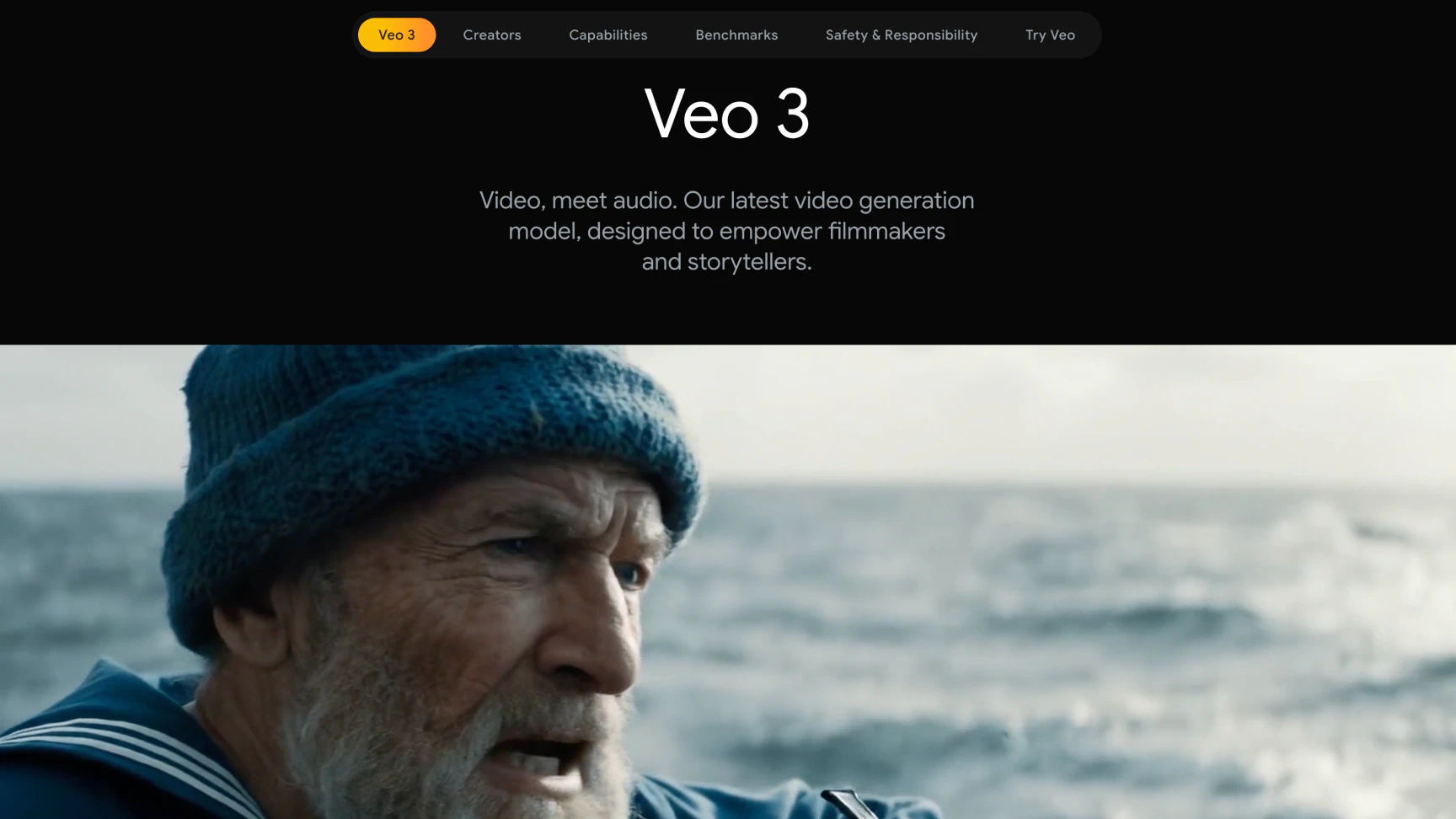
Google’s Veo 3 delivers cinematic-grade AI video generation with synchronized audio and smooth character consistency in clips up to 8 seconds long.
Pros:
- High realism, native audio generation, and cinematic coherence
- Advanced prompt accuracy and control over camera movement
Cons:
- Expensive and no free plan (need to pay for Google AI Pro or Google AI Ultra)
- Clip length restrictions
#5 LumaLabs’ Dream Machine
Best for: Visual experimentation and rapid ideation
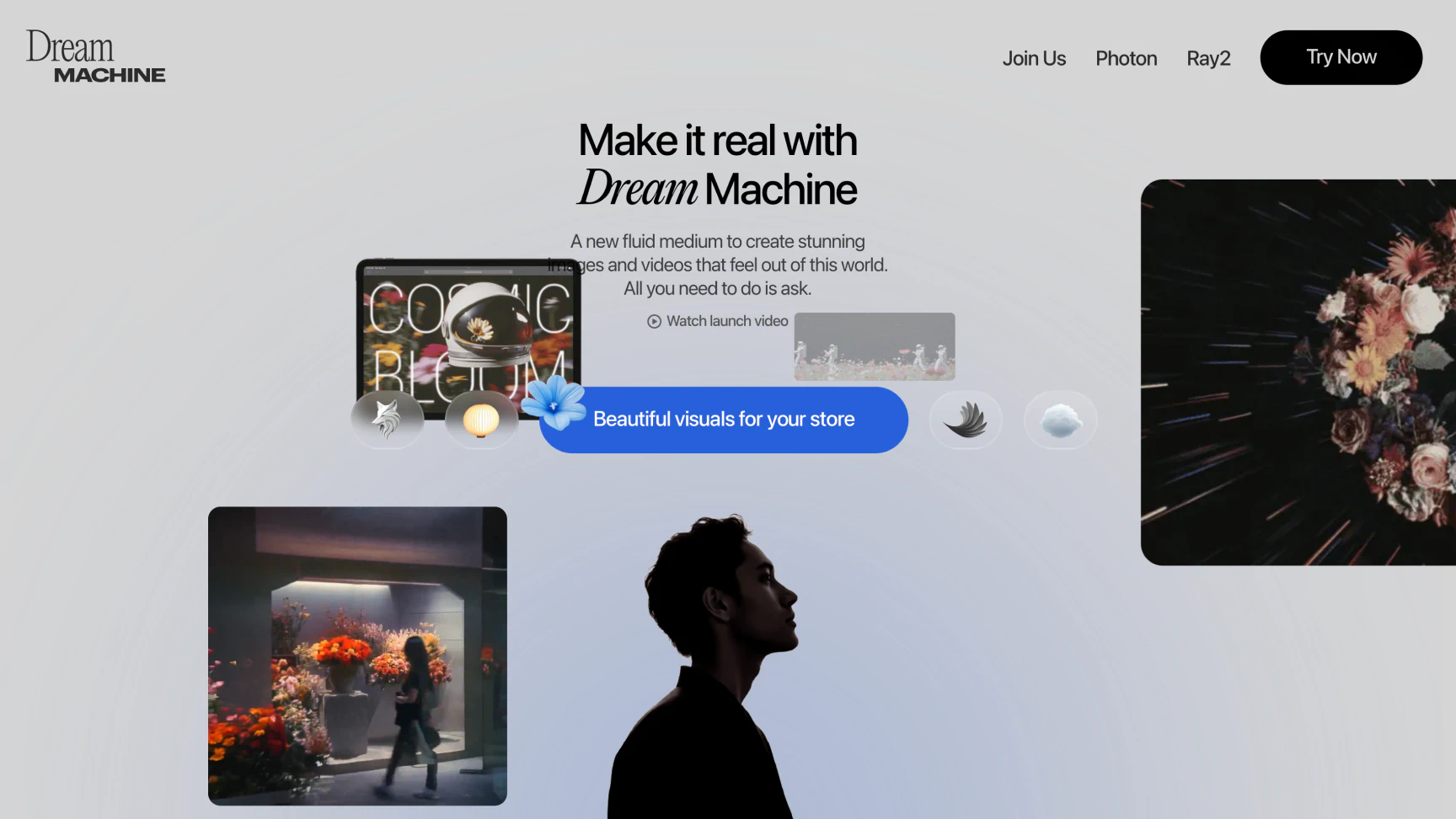
LumaLabs’ Dream Machine is an AI video tool focused on speed and realism, delivering realistic 10‑second videos from text and image prompts via its Ray2 model. Accessible through iOS and web, it democratizes AI video creation with simple, affordable access.
Pros:
- Fast generation with physics-aware motion realism
- User-friendly and affordable with free and paid tiers
Cons:
- Limited to short clips under 10 seconds long
- Not suited for multi-scene or long-form storytelling
#6 Kling
Best for: Social media–ready motion graphics
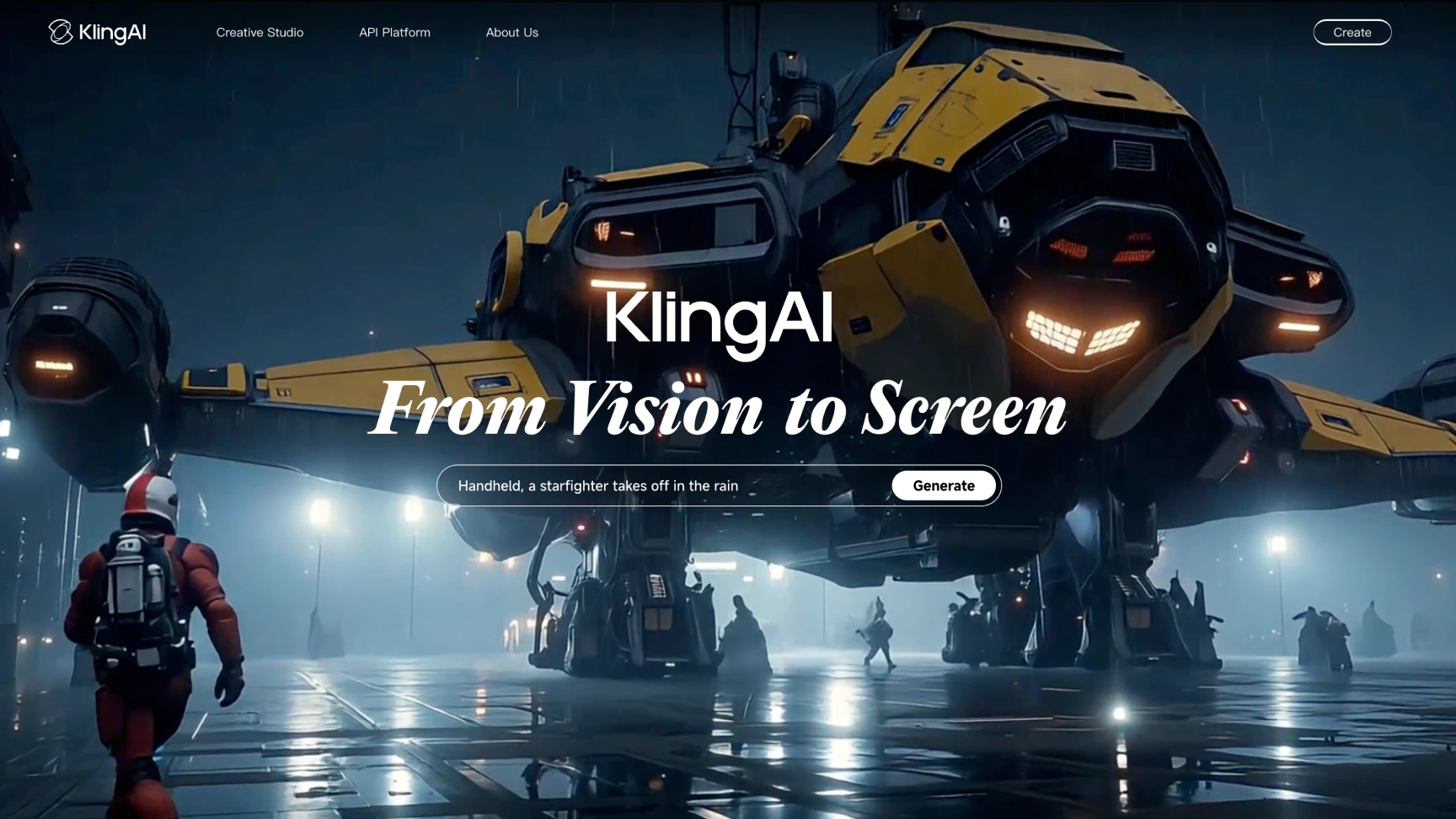
Kling 2.0 is positioned as an easy-to-use AI video maker ideal for bite-sized branded content, combining text/video inputs, and smooth animations. As a fast, affordable, and accessible option, Kling 2.0 offers HD exports and visual presets.
Pros:
- Fast rendering and smooth motion for social reels
- Customization with multi-element support and preset templates
Cons:
- Less narrative depth and fewer filmmaking controls
- Inconsistent results reported by some users
#7 Leonardo.ai
Best for: Artists exploring 2D animation and concept visuals
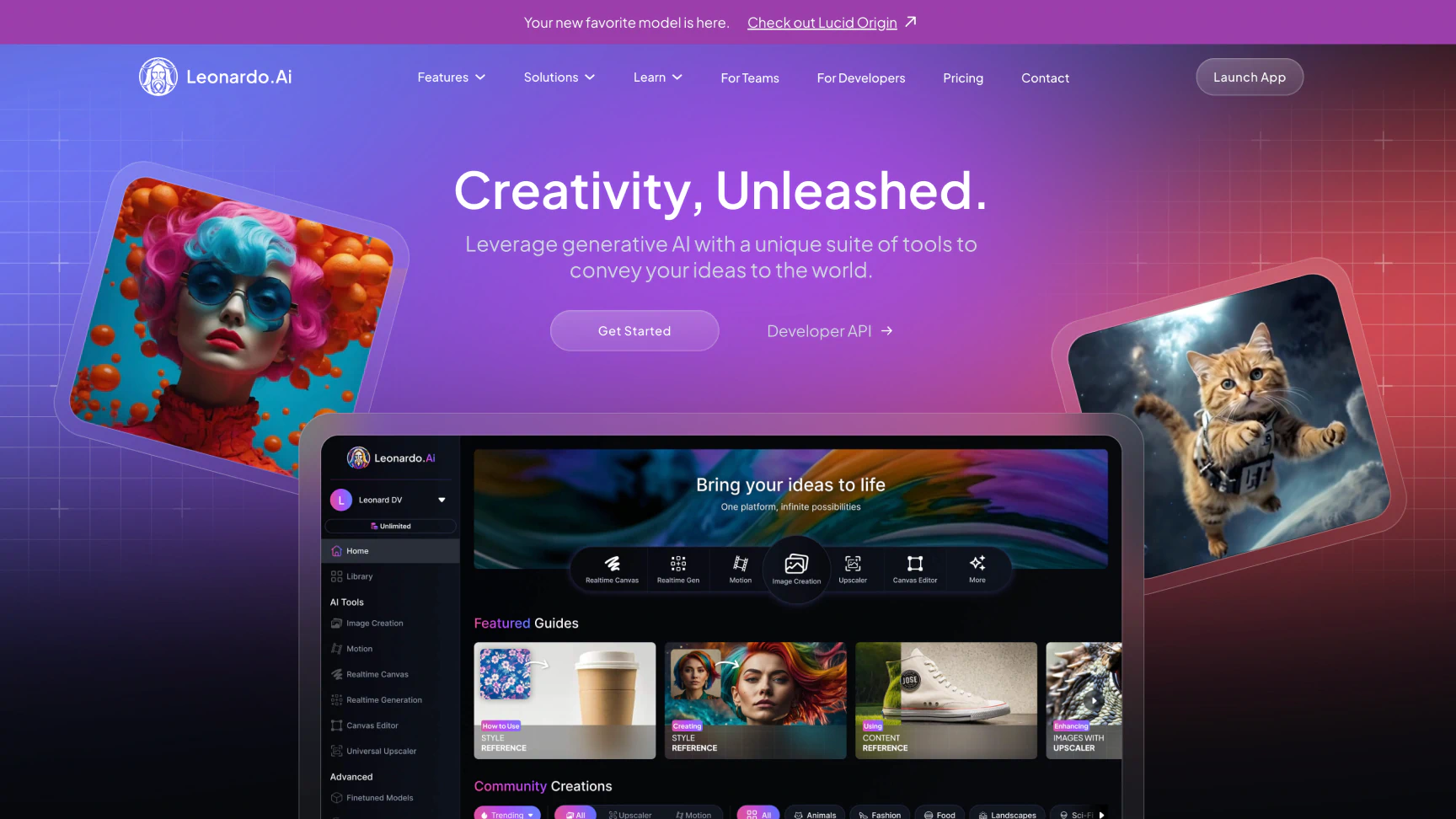
Leonardo.ai brings AI video generation into the visual art space, letting artists animate stills with expressive style control and quick image-to-motion clips. It's ideal for concept art and exploratory visuals, though video options remain limited in scope.
Pros:
- Precise style control with strong image-to-motion capabilities
- Quick generation speed and intuitive UI
Cons:
- Limited to short animations with single-style outputs
- Lacks scene-level narrative tools and variety in motion
Free AI Video Generators: What Can You Actually Get?
Free AI video generators can be a great way to experiment with new tools—but they often come with trade-offs. Here’s what to expect when using the free tiers of popular AI video tools:
- Watermarks: Almost all free plans add branding to exports.
- Feature Limits: Tools like avatars, subtitle control, and high-resolution output are usually gated behind paid tiers.
- Render Speeds: Free users may experience longer processing times due to lower compute priority.
Best Free Plans:
- LTX Studio offers up to 800 free computing seconds—enough to explore AI video generation, build storyboards, and test visual scenes at no cost!
These free tiers are great for early experimentation, but scaling your projects often requires access to professional features.
Conclusion: Take Your Stories to the Next Level
By evaluating tools based on output quality, creative control, ease of use, and features like voiceover and AI avatar creation, you’ll find the platform that best aligns with your creative goals. In a space evolving this fast, the best way forward is to experiment—try each platform’s free tier and see which feels most natural to your process.
What works for a short-form promo might feel limiting on your next narrative concept. Keep testing, keep learning, and keep exploring.
If you’re looking for a platform that supports storyboarding, scene-level edits, and end-to-end production, LTX Studio offers everything you need to turn your concept into a complete video.
Related posts

Best AI Video Generators FAQs
What is the best AI video generator for filmmakers and creative teams?
LTX Studio is the best AI video generator for filmmakers and creative teams, offering a complete script-to-video production pipeline with professional storyboard tools, AI avatars, and scene-by-scene configuration. It features LTX-2, a complete AI creative engine with three performance modes (Fast, Pro, and Ultra) that deliver synchronized audio and video generation up to 4K resolution.
Are there free AI video generators worth using?
Yes, several AI video generators offer free tiers including LTX Studio with 800 free computing seconds for exploring storyboards and visual scenes. Most free plans include watermarks, limited features, and slower render speeds, but they're great for experimentation before upgrading to paid tiers for professional features.
What features should I look for in an AI video generator?
Look for output quality with high-resolution visuals and character consistency, creative control over style and pacing, ease of use matching your skill level, affordable pricing with accessible tiers, and key features like voiceover generation, subtitle tools, and AI avatar creation depending on your project needs.