.webp)
Text to video AI has changed the way creators make video content. In 2026, the best text to video tools turn written scripts, blog posts and prompts into videos in minutes – with visuals, animations, voiceovers and music.
Whether you’re making explainer videos, social media content or storyboards, today’s AI text to video generators remove production barriers and deliver professional results.
This guide covers the top text to video AI platforms, from full production tools to quick generators for social content.
We’ll compare visual quality, creative control, workflow integration and pricing to help you find the right text to video maker.
What is Text to Video AI?
Text to video AI converts written content into video using artificial intelligence. These tools analyze your text – scripts, blog posts or concepts – and generate visuals, motion, transitions and audio to produce complete videos ready to share.
The best AI text to video generators have dynamic scene generation, character creation with consistent appearances, professional camera movements, voiceover with lip-sync and customizable visual styles.
These tools are for marketers, educators, content creators and filmmakers across all video production needs.
How to Choose the Best Text to Video AI
Output Quality: Visual fidelity, motion smoothness and text interpretation.
Creative Control: Style, camera movements, character design and scene composition.
Script Complexity: Long-form script support vs short social clips.
Workflow Integration: Standalone generation or integration with editing and collaboration tools.
Audio Capabilities: Voiceover, music, sound effects and lip-sync.
Export Options: Flexible formats (MP4, XML) and resolution choices.
The Best Text to Video AI Tools in 2026
#1 LTX

Best for: Filmmakers, creative agencies, marketers, advertisers
LTX text to video AI turns scripts into cinematic videos with professional grade control. The script to video generator organizes text into scenes, shots and transitions – handles scripts up to 12,000 words.
Upload plain text files or write concepts directly and the AI generates dynamic scenes with characters, environments and action.
The platform has professional motion controls with keyframe adjustments, camera positioning and shot duration. Generate consistent characters across all scenes, customise styles using cinematic presets or reference images and layer voiceovers.
LTX includes automatic pitch deck generation from storyboards, team collaboration and flexible exports (MP4, XML) for distribution or further editing. The free tier provides compute time for testing, paid plans for extended production.
Pros:
- Full script-to-video pipeline handles large word scripts with scene organization
- Professional motion controls with keyframes, camera movements and composition tools
- Character creation with consistency
- Style customization via presets, references and aesthetic controls
- Audio tools with voiceovers, sound effects and synchronized dialogue
- Automatic pitch deck generation and team collaboration
- Flexible exports (MP4, XML)
#2 Synthesia

Best for: Corporate training videos, business presentations, talking-head content
Synthesia creates professional talking-head videos using AI avatars. Choose from photorealistic presenters, input your script and generate videos with synchronised speech and gestures. Good for corporate training and business communications.
Pros:
- Large library of photorealistic AI avatars
- Excellent lip-sync in 120+ languages
- Professional templates for corporate content
- Easy to use
Cons:
- Limited to talking-head format
- Less creative control over cinematic elements
- Higher pricing (starting at $30/month)
- Not suitable for creative storytelling or varied visuals
#3 Pictory

Best for: Social media marketers, blog-to-video conversion, quick content repurposing
Pictory converts articles and blog posts into short social media videos. The platform identifies key points, finds stock footage, adds captions and generates videos optimised for Instagram, TikTok and YouTube.
Pros:
- Fast blog-to-video conversion
- Automatic caption generation
- Large stock footage library
- Affordable for high volume production
Cons:
- Relies on stock footage rather than AI generated visuals
- Limited creative control over storytelling
- Template driven outputs
- Not suitable for narrative or cinematic content
#4 Fliki

Best for: Quick video creation, voiceover generation, multi-language content
Fliki offers text to video conversion focused on voiceover quality and language support. Select AI voices from hundreds of options across 75+ languages and generate videos with matched visuals from stock libraries.
Pros:
- Simple to use
- Supports blogs, tweets, and scripts
- Free tier
- Huge voice library in many languages
Cons:
- Limited to stock footage and images
- Minimal storytelling control
- Template based customization
- Not for narrative projects
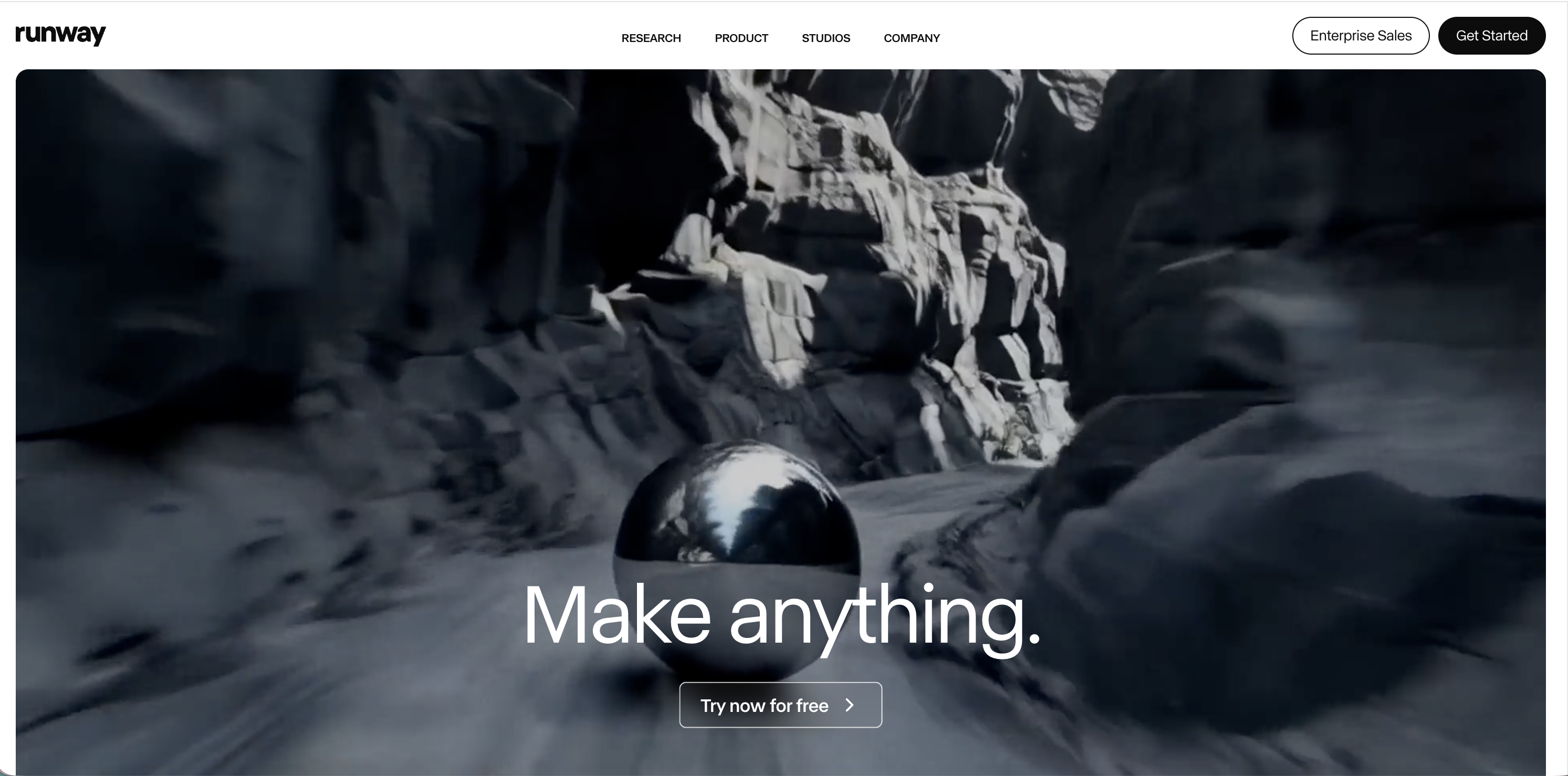
#5 Runway Gen-4
Best for: Creative experimentation, artistic video generation, multimodal workflows
Runway Gen-4 generates video clips from text prompts with various styles and aesthetics. It’s experimental rather than production-focused, good for creators exploring AI video possibilities.
Pros:
- Great aesthetic quality with artistic interpretation
- Multimodal
- Flexible
- Active community
Cons:
- Generates short clips (under 10 seconds)
- Less reliable for consistent narrative storytelling
- Credit based pricing can be expensive
- Requires prompt engineering skill
#6 InVideo AI

Best for: Marketing videos, YouTube content, template based production
InVideo AI combines text-to-video with template libraries for ads, social posts, YouTube videos and presentations. Choose templates and generate videos with visuals, transitions and music.
Pros:
- Large template library
- Built-in music and text-to-speech
- Drag-and-drop editor
- Affordable pricing tiers
Cons:
- Template driven approach creates similar looking videos
- Limited creative control
- Relies on stock assets
- Not for narrative storytelling
Top Free Text to Video AI Tools
LTX Free Tier - Compute time for script-to-video with full access to character creation and motion controls.
Fliki Free Plan - Limited minutes with voiceover generation and stock footage.
Pictory Free Trial - Short term access to blog-to-video conversion.
InVideo Free Tier - Watermarked videos for testing template based generation.
The Future of Text to Video AI
Text to video technology is getting better with better visuals, prompt interpretation and creative control. The trend towards comprehensive production platforms—combining text-to-video with editing, collaboration and distribution—is the future of video creation.
For creators, marketers and filmmakers, text to video AI removes production barriers and accelerates content creation, so you can focus on messaging rather than manual video work.
Conclusion: Find Your Text to Video AI Tool
Choose your text to video AI. For script-to-video with cinematic controls and character consistency, LTX.
For corporate presentations, Synthesia. For social media, Pictory. For experimentation, Runway. Try them out, test different scripts and styles and find the one that turns your words into video.
Related posts

Text To Video AI FAQs
What is the best free text-to-video AI generator in 2026?
LTX's free tier offers the most advanced free text-to-video capabilities, providing compute time for full script-to-video conversion with character creation and motion controls.
Which text-to-video AI tool is best for long-form scripts and cinematic content?
LTX is the best choice for long-form scripts, handling up to 12,000 words with professional motion controls, consistent character generation, and cinematic styling. Unlike template-driven tools, it's designed specifically for filmmakers and agencies who need narrative storytelling control.
How does text-to-video AI work and what can it create?
Text-to-video AI analyzes written content like scripts or blog posts and automatically generates complete videos with visuals, motion, transitions, and audio. These tools can create everything from social media clips and explainer videos to professional presentations and cinematic storyboards in minutes.