Experts in AI-driven video creation and storytelling, sharing the latest insights, filmmaking tips, and creative tools. Your go-to source for all things video production with LTX Studio.
Use LoRA adapters with the LTX-2.3 open-source pipeline for custom AI video generation. Covers standard, audio-video, and IC-LoRA types with setup instructions.
Connect LTX-2.3 AI video output to After Effects, Blender, and Nuke. Format settings, import workflows, and compositing tips for professional pipelines.
Turn scripts into AI-generated storyboards and animatics using text-to-video models. A full pre-production workflow for filmmakers and studios using LTX-2.3.
Learn how to keep characters consistent across AI video scenes using LTX-2.3 image conditioning, IC-LoRA, and LoRA training for multi-shot productions.
Set up a complete image-to-video workflow with LTX-2.3, the open source AI video generation model. Covers pipeline selection, image prep, and IC-LoRA adapters.
Fix the seven most common AI video prompt mistakes that cause slow motion, warble, and inconsistent results. Concrete before-and-after examples included.
Learn how to build a Flow in LTX Studio — connect prompt, image, video, audio and upscaling nodes into a repeatable pipeline with smart caching and brand kit integration.
Learn how to write video scripts with AI, from brief to finished draft. Includes script templates, AI prompting tips, and a full script-to-video workflow.
Learn how to plan, produce, and distribute corporate training videos. Covers onboarding, compliance, and skills training with AI-powered production workflows.
Learn how to make explainer videos with AI in 2026. A complete step-by-step production guide covering scripting, storyboarding, tools, and cost breakdowns.
Looking for Krea AI alternatives? Compare the best AI image and video generation platforms in 2026, from free tools to full creative production suites.
Master AI video styles to create stunning visual content. Learn photorealistic, cinematic, stylized, and animated styles with practical prompting tips.
LTX-2.3 is the best enterprise AI video model deployable on-premise, self-hosted, fine-tunable on your brand assets, with zero data leaving your infrastructure.
The best AI design tools in 2026 for image generation, graphic design, video production, logos, and presentations. Top picks for creatives and teams alike.
Use IC-LoRA and the KeyframeInterpolationPipeline in LTX-2 to upscale AI-generated video from 30fps to 60fps. Covers pipeline setup and parameter tuning.
Learn how FP8, MXFP8, and NVFP4 quantization formats reduce VRAM usage and speed up local AI video inference. Includes LTX-2 setup steps and CLI flags.
Generate 2D animation with AI video models. Learn prompt techniques for flat art, cartoon, anime, and illustrated styles using LTX-2 image conditioning.
Learn how to fix bad segments in AI-generated video without re-rendering the full clip using LTX-2's RetakePipeline for targeted selective regeneration.
Learn to generate synchronized video from any audio file using LTX-2's A2VidPipelineTwoStage pipeline. Includes CLI commands and Python API configuration.
LTX HDR generates 16-bit EXR files from AI video, giving colorists and compositors the dynamic range needed for professional post-production pipelines.
Looking for Recraft alternatives? Compare the best AI image and video generation tools for creative teams, from LTX Studio to Midjourney, DALL-E, and more.
Learn how creative teams use AI video to produce content for brand activations, trade shows, and experiential marketing campaigns faster and at lower cost.
Learn what AI image generators are, how diffusion models work, the different types available, and how creative professionals use them in marketing, video production, and design workflows.
Compare AI image generation costs across free, subscription, and enterprise tiers. Learn pricing models, cost-per-image, and how to budget for your team.
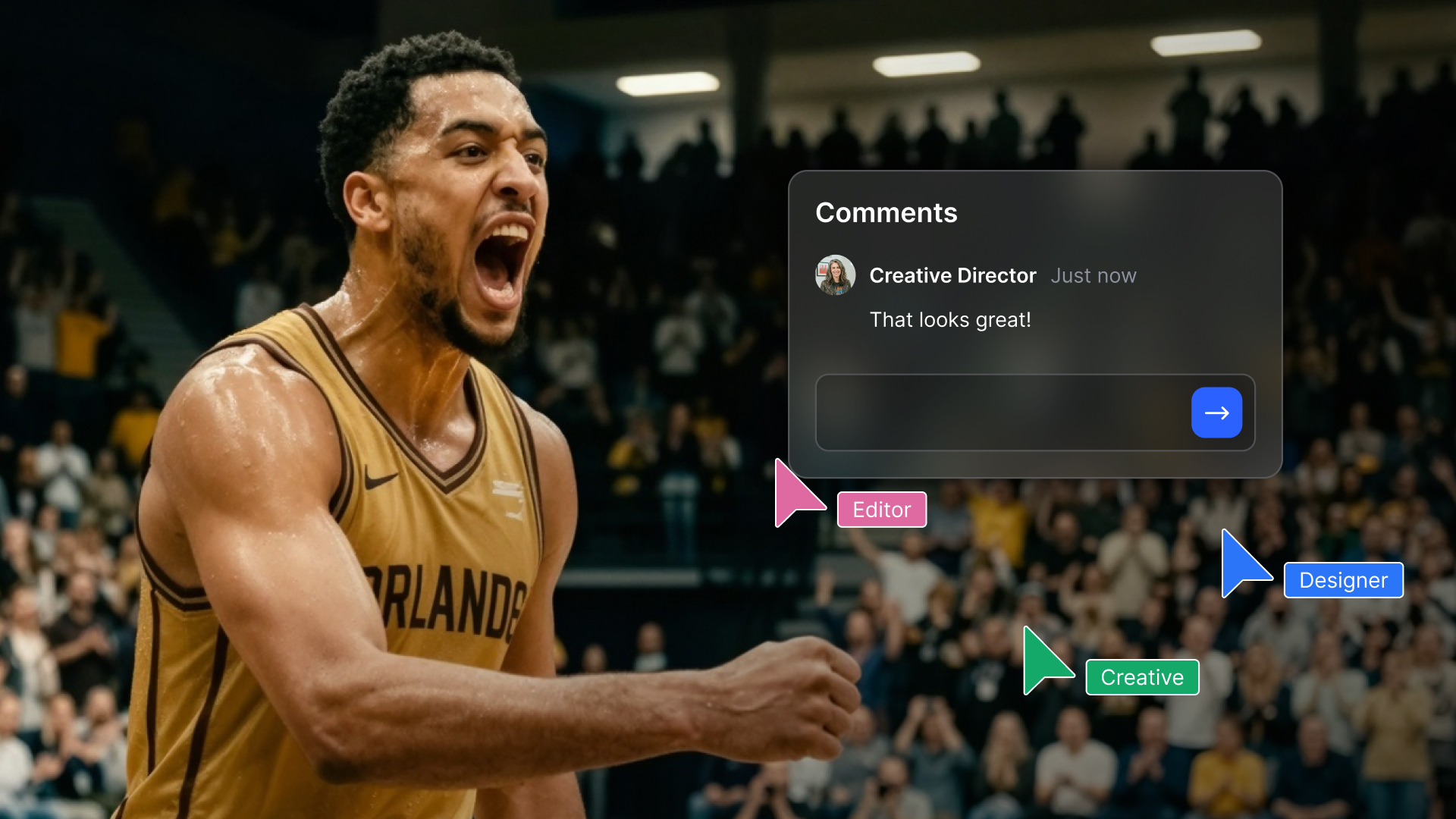
Canvas is LTX Studio's new collaborative workspace. Generate, arrange, and iterate on ideas with your team in real time, then move directly into production.
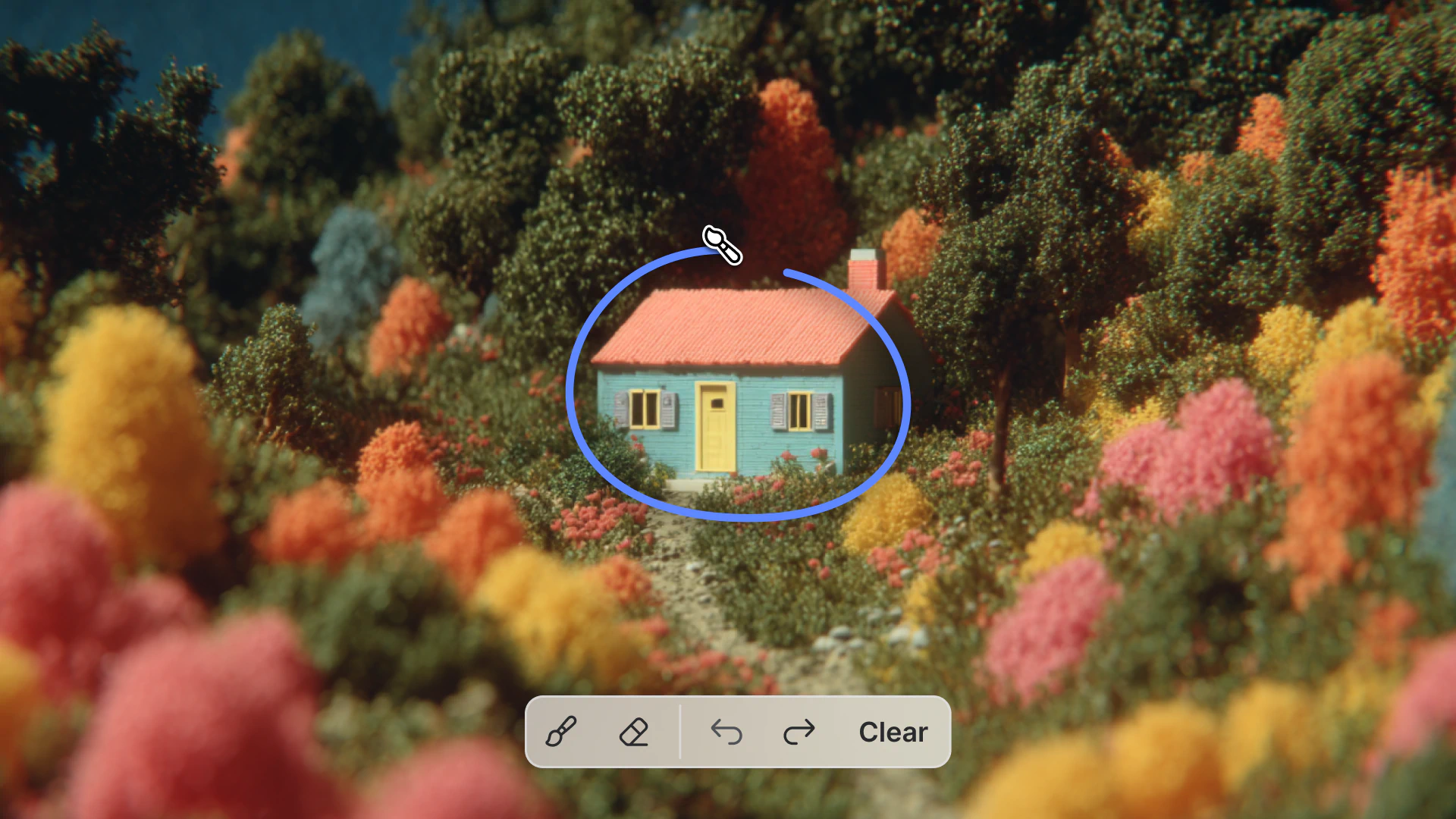
Editing Space brings all LTX Studio image editing tools into one unified workspace. Brush, upscale, adjust camera angles, and fine-tune visuals in one seamless flow.
Enterprise infrastructure guide for scaling AI video generation—deployment patterns, cost modeling, and architectural decisions to reduce costs and accelerate video production pipelines.
Master Z-Image prompting in LTX Studio. Learn prompt structure, style keywords, real examples, and techniques for generating photorealistic, high-quality images.
Stop doubting your AI output. Learn how professional tools and intentional workflows build the confidence and control that separate experimental projects from production-ready content.
Discover the 8 most powerful AI tools agencies are using to win pitches faster, reduce production time, and scale creative output without burning out your team.
Generate professional website backgrounds and hero images in minutes using AI. Discover how LTX Studio's image generation tools create unique, branded visuals without design expertise.
Master AI video creation for Instagram, TikTok, and YouTube Shorts. Learn workflow strategies, optimization tips, and how LTX Studio powers fast content production.
Learn how modern AI video production tools help businesses create professional videos faster and cheaper, without sacrificing quality or brand consistency.
Learn how to add AI voiceovers and character dialogue to your videos in LTX Studio. This step-by-step guide covers narration, multi-speaker scenes, lip sync, and audio-to-video workflows.
Master JSON prompting for AI video and image generation. Learn structured prompt techniques to control camera movement, character behavior, and creative output in LTX Studio.
Master audio-to-video generation with LTX Studio. Learn how to sync sound, control lip sync, add dialogue and music, and build complete audio-visual workflows in one platform.
The best Sora alternatives in 2026, compared on output quality, local inference, open-source access, pricing, and creative control for professional creators.
87% of marketers use AI tools. Here's how to choose the right platform for video creation, content generation, and campaign automation without sacrificing quality.
Learn how to accelerate pre-production by building a complete pre-visualization pipeline in LTX Studio—from script breakdown through AI video generation, team review, and production handoff.
How leading agencies use AI video generation to compress pitch timelines, iterate during client meetings, and turn creative production into a competitive advantage.
Discover Z-Image, Alibaba's fast text-to-image AI model. Learn how to use Z-Image in LTX Studio for photorealistic generation with bilingual text support.
Master LTX-2.3's native portrait video generation. Create 1080x1920 vertical content for TikTok, Reels, and Shorts with AI trained specifically on vertical composition.
Motion Control by Kling brings reference-based performance transfer into Gen Space. No more guessing motion from prompts. Full control over how your characters move.
Discover the best Freepik alternatives in 2026. From AI-powered video to creative suites, explore tools built for professional teams and enterprise use.
Enterprise teams don't struggle with making one video. They struggle with turning it into dozens of market-ready versions. LTX Studio now handles both — from first frame to global rollout.
Nano Banana 2 is now live in LTX Studio. Google's fastest image model delivers Pro-level quality at Flash speed, 4K resolution, and subject consistency across 5 characters.
Learn how to build a consistent brand voice for AI content production — and how enterprise teams embed it directly into their creative workflows at scale.
From AI pre-viz to audio-driven video, discover the 7 trends reshaping creative production in 2026. See how studios and agencies are already moving faster.
Brand Kit is a new Enterprise-only feature in LTX Studio designed to support organizations working with multiple brands, teams, and large volumes of visual content.
Reduce warble, flicker, and synthetic-looking patterns in LTX-2 videos. Learn how to anchor motion with IC-LoRA, align inputs correctly, and configure workflows to minimize AI artifacts.
Run LTX-2 efficiently on consumer GPUs with practical settings, VRAM tips, and troubleshooting insights to unlock local high-quality AI video generation
Understand the difference between LTX-2 Dev and Distilled models. We compare performance, memory requirements, and use cases to help you choose the right workflow for your hardware and goals.